Scales efficient language processing with open-source accessibility.
357M visits/mo+1%#2 Coding & Development

Create AI models easily with drag-and-drop interface, leverage pre-built models, and optimize them for best results.
No-code AI Model Builder from AIAvatar.HOW is a platform designed to democratize AI development by allowing users to create, train, and deploy machine learning models without writing any code. The tool features an intuitive drag-and-drop interface that simplifies the process of building complex AI models, making it accessible to users regardless of their technical background. Its AI-driven model optimizer automates the tuning of hyperparameters and model selection, reducing the need for manual experimentation and deep expertise in machine learning. The platform offers a library of pre-built templates and models, enabling users to start projects quickly or customize existing solutions to fit their specific needs. Comprehensive support resources, including tutorials and documentation, guide users through the entire process, from initial model design to deployment. AIAvatar.HOW emphasizes accessibility, ensuring that even beginners can achieve professional-grade results with minimal learning curve. The platform is particularly suited for entrepreneurs, small businesses, and non-technical teams looking to integrate AI into their products or services without investing in specialized development resources. Typical use cases include automating workflows, enhancing customer experiences, and building predictive applications tailored to specific business needs.
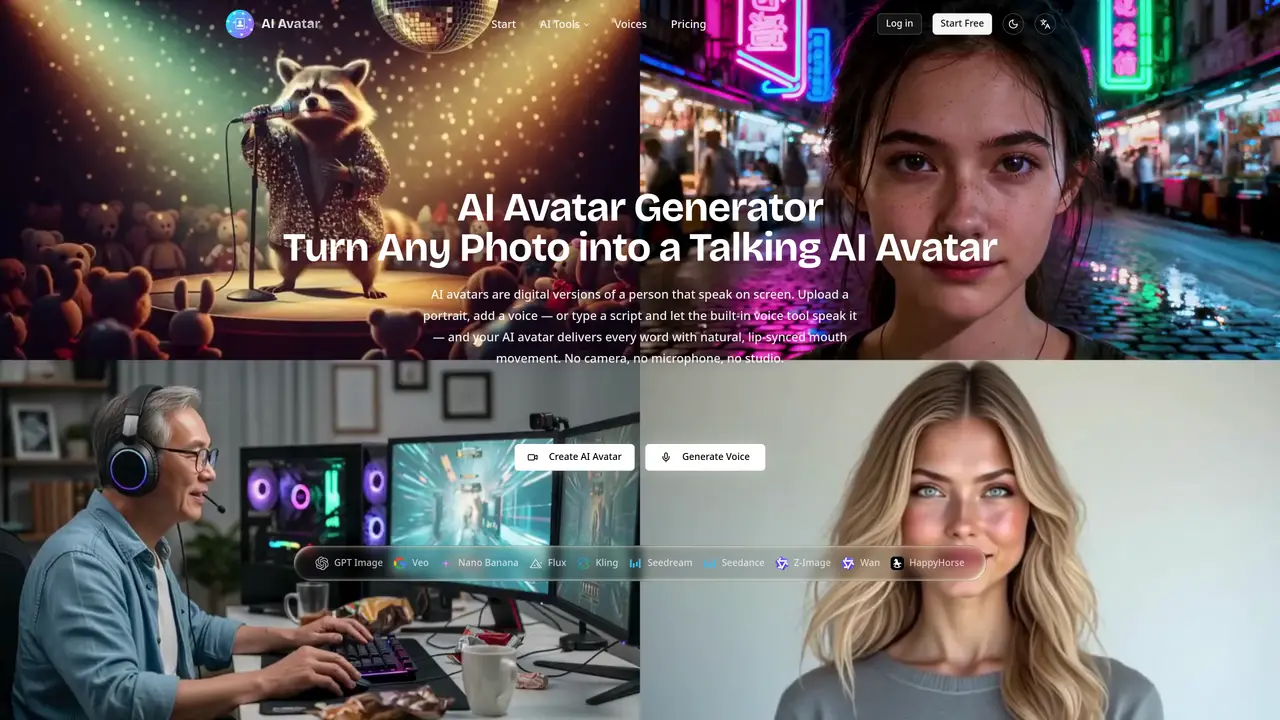
An AI avatar is a talking version of a person generated from a single still photo. The tool maps speech sounds in an audio track to matching mouth shapes on the face, creating a lip-synced video where the person appears to speak the provided words.
The platform is designed for creators, teams, and individuals who need to produce talking avatar videos without requiring a camera, microphone, or studio setup. It suits users who want to generate faceless videos or multilingual versions of the same presenter.
Yes, you can upload your own portrait photo or use one of the ready-made character faces. For audio, you can upload an audio file or generate a voice using the built-in Text to Speech tool.
Audio files can be uploaded in MP3, WAV, AAC, M4A, or OGG format, with a maximum duration of 5 minutes. Video output is available in 720p or 1080p resolution.
No special equipment or software is required. Everything runs in the browser, with no need for a GPU, installation, or setup.
Start by uploading a portrait photo or selecting a ready-made character face. Add audio by uploading a file or generating a voice with the Text to Speech tool, then download your lip-synced AI avatar video.
We use essential cookies to run aitoolnavio™, and optional cookies to analyze traffic and measure our marketing. You choose what we use — optional cookies stay off unless you turn them on. See our Privacy Policy.
One short email a week: fresh tools worth trying, honest takes and the updates that actually matter. No spam, unsubscribe any time.
Scales efficient language processing with open-source accessibility.
Collaboration and version control platform for software development and AI model hosting.
Tesla’s AI stack powers Full Self-Driving, Optimus humanoid robots, and real-world autonomy with neural networks, custom hardware, and Dojo-scale training.
Integrates AI into Airtable to analyze data, summarize insights, draft content, and automate workflows without prior AI experience.
AI-powered website builder that generates a professional site in under a minute and includes tools for content, SEO, and analytics.
Unified platform to access and switch between hundreds of AI models like ChatGPT, Claude, and Gemini via a single API.
xAI builds Grok frontier AI models for reasoning, coding, voice, images, video, enterprise workflows, and developer APIs.
Meta AI enhances machine learning, NLP, and computer vision capabilities.
Crowdsourced platform for blind, side-by-side AI model comparisons with a public leaderboard.
Customize, deploy, and control AI models securely.
Independent benchmarks comparing AI models on quality, speed, and cost across multiple capabilities.
Chat, build, and explore with open AI models.
Matched on what this tool does — grouped by the job you would be replacing.
matches Create AI models quickly and easily with drag-and-drop interface · Leverage pre-built models from library to accelerate development · Optimize models with AI-driven model optimizer for best results
Transform ideas into fully functional applications with Lovable, a groundbreaking AI tool.
Create AI models, generate coherent text for various tasks, and customize settings for optimal performance.
Create ML models without coding, leverage pre-built models & algorithms, analyze large datasets.
Accelerate application development with drag-and-drop interface, AI capabilities, and a supportive expert community.
matches Create AI models quickly and easily with drag-and-drop interface · Leverage pre-built models from library to accelerate development
Build powerful applications in minutes with drag-and-drop, auto code generation, and seamless system integration.
Build custom business apps without coding and access them from any device via a cloud-based no-code platform.
A no-code platform for quickly building apps and websites without coding skills.