Scales efficient language processing with open-source accessibility.
357M visits/mo+1%#2 Coding & Development

Build, train, and deploy models seamlessly with tools for data exploration, model training, and ML solutions.
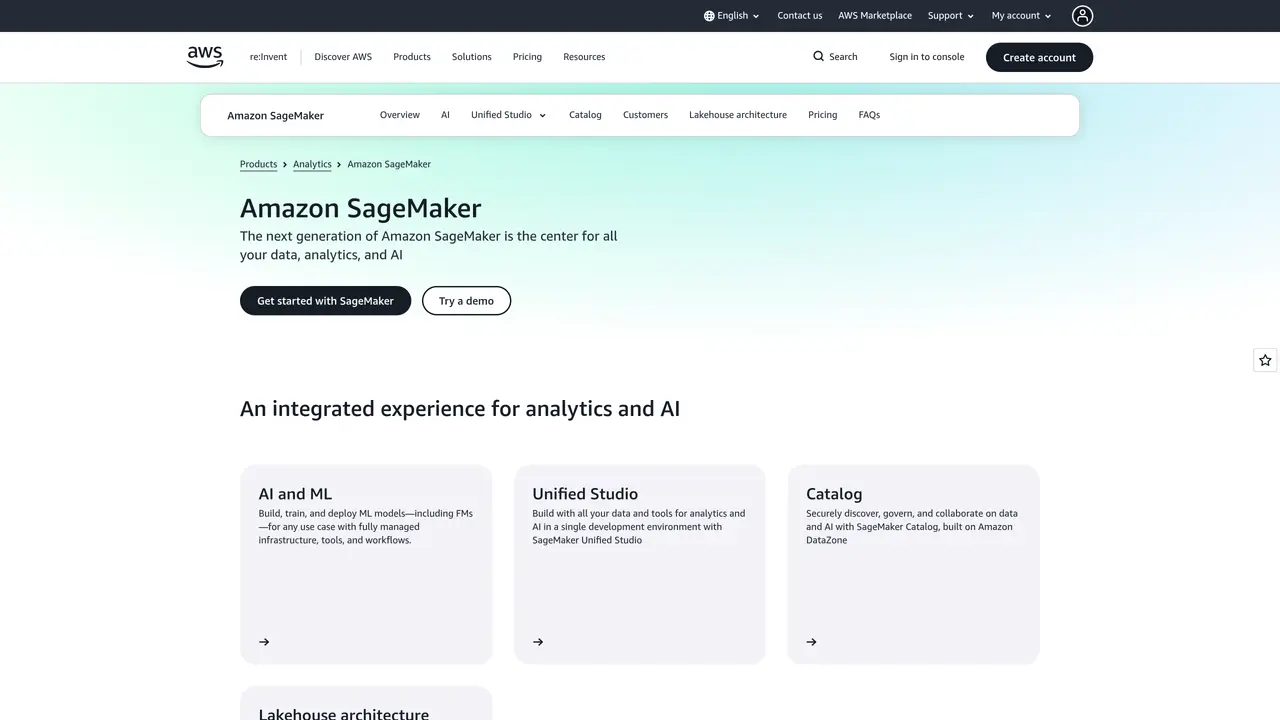
Sagemaker Studio is an AI-powered machine learning platform from Amazon Web Services (AWS). It helps data scientists and machine learning developers quickly build, train, and deploy models with powerful yet easy-to-use tools and resources. Sagemaker Studio helps them streamline the entire machine learning workflow, from data exploration to model training and deployment. With Amazon’s high-performance computing infrastructure, it also allows developers to scale their ML solutions and get results faster. The platform provides access to a wide range of algorithms, model frameworks, and libraries. Additionally, Sagemaker Studio offers an intuitive drag-and-drop interface, allowing users to quickly build, debug, and monitor machine learning applications. With its comprehensive set of features, Sagemaker Studio gives users the power to easily develop and deploy machine learning models.
Amazon
Seattle, United States · Founded 1994
Amazon SageMaker Studio is a fully integrated development environment (IDE) for machine learning that provides a single, web-based interface to build, train, deploy, and monitor machine learning models at scale.
It is designed for data scientists, machine learning engineers, and developers who need to streamline the end-to-end machine learning workflow, from data preparation to model deployment.
The platform offers tools for data exploration, model training, hyperparameter tuning, and deployment, all within a unified interface that leverages AWS’s scalable infrastructure.
It integrates with AWS services like Amazon S3 for data storage, AWS Lambda for serverless computing, and AWS Bedrock for generative AI applications, among others.
Key features include a Jupyter notebook interface, built-in algorithms, automated model training, real-time inference endpoints, and monitoring tools for model performance.
Users can begin by signing into the AWS Management Console, navigating to Amazon SageMaker, and launching SageMaker Studio to access the integrated development environment.
We use essential cookies to run aitoolnavio™, and optional cookies to analyze traffic and measure our marketing. You choose what we use — optional cookies stay off unless you turn them on. See our Privacy Policy.
One short email a week: fresh tools worth trying, honest takes and the updates that actually matter. No spam, unsubscribe any time.
Scales efficient language processing with open-source accessibility.
Collaboration and version control platform for software development and AI model hosting.
Tesla’s AI stack powers Full Self-Driving, Optimus humanoid robots, and real-world autonomy with neural networks, custom hardware, and Dojo-scale training.
Integrates AI into Airtable to analyze data, summarize insights, draft content, and automate workflows without prior AI experience.
AI-powered website builder that generates a professional site in under a minute and includes tools for content, SEO, and analytics.
Unified platform to access and switch between hundreds of AI models like ChatGPT, Claude, and Gemini via a single API.
xAI builds Grok frontier AI models for reasoning, coding, voice, images, video, enterprise workflows, and developer APIs.
Meta AI enhances machine learning, NLP, and computer vision capabilities.
Crowdsourced platform for blind, side-by-side AI model comparisons with a public leaderboard.
Customize, deploy, and control AI models securely.
Independent benchmarks comparing AI models on quality, speed, and cost across multiple capabilities.
Chat, build, and explore with open AI models.
Matched on what this tool does — grouped by the job you would be replacing.
matches Quickly build, train, and deploy models with easy-to-use tools · Streamline ML workflow from data exploration to model training & deployment · Access to algorithms, model frameworks, and libraries to scale ML solutions
Build, train, and deploy models effortlessly, access data seamlessly, scale up operations, and improve predictions.
Build, train, and deploy AI models effortlessly, with powerful ML algorithms and secure infrastructure.
Train, deploy ML & DL models easily with scalable architecture to meet business demands.
Automate feature engineering, analyze data with powerful visualizations, develop/train/deploy models with an intuitive interface.
matches Access to algorithms, model frameworks, and libraries to scale ML solutions
Accelerate dataset labeling, customize process, label complex datasets quickly and accurately.
Build high-quality ML datasets with automated labeling, pre-built workflows, and accurate labeling jobs.