
Scales efficient language processing with open-source accessibility.
357M visits/mo+1%#2 Coding & Development
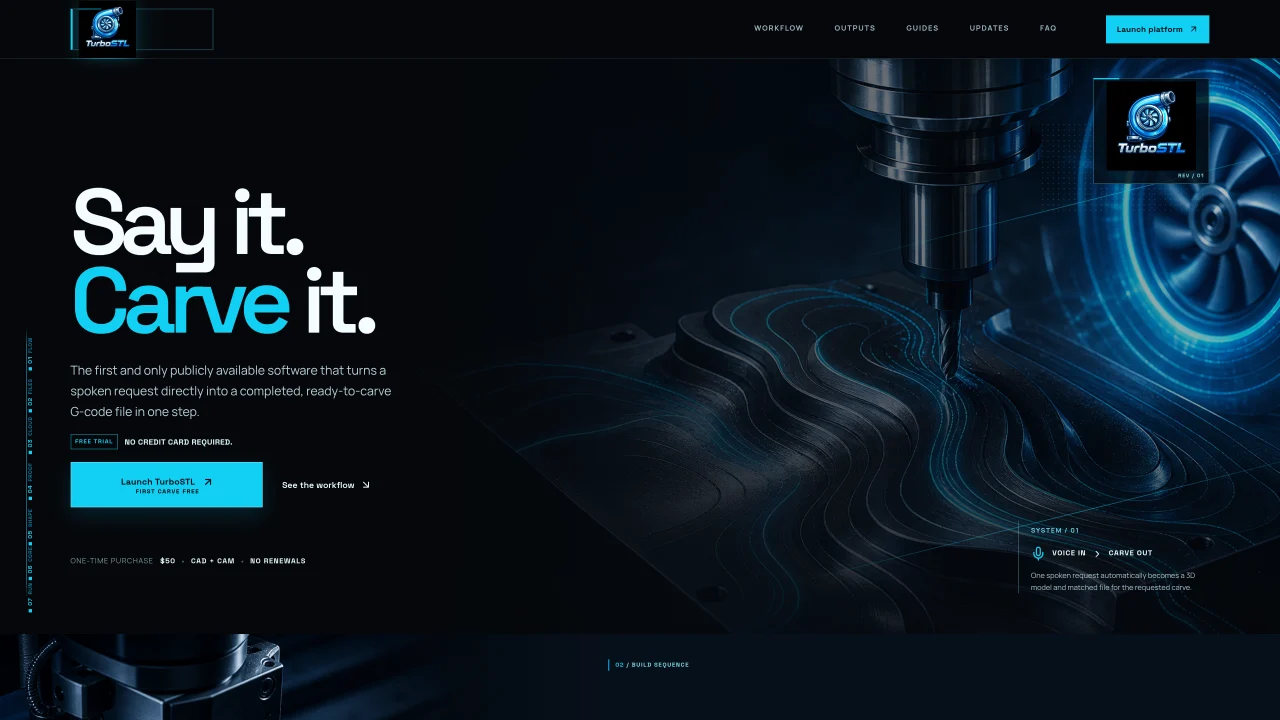
TurboSTL is a cloud-based software that converts a spoken or typed request into a 3D carving model and matching G-code file in one step. Users describe the subject, shape, size, depth, form, and carving style, and the AI design engine interprets these details to automatically generate a 3D model and the corresponding machine code. The workflow is designed to be beginner-friendly, requiring no separate CAD or CAM tools. Files are generated in the cloud and remain accessible without software installation. The system supports various physical boundaries, including circular, square, landscape, portrait, and silhouette cutouts, as well as rotary wraps. Outputs include an STL model and a ready-to-carve G-code file that handles both roughing and finishing passes with the same bit, eliminating mid-job tool changes. The software is intended for makers who want a streamlined route from idea to finished carve without manual design or programming steps.
TurboSTL converts spoken or typed requests into a 3D carving model and matching G-code file in one step. Users describe details like subject, shape, size, depth, form, and carving style, and the AI design engine generates the necessary files for CNC carving.
TurboSTL is intended for makers, hobbyists, and creators who want a streamlined route from idea to finished carve without needing separate CAD or CAM tools or manual design steps.
No, TurboSTL is a cloud-based tool, so users generate files in the cloud and access them without installing any software.
TurboSTL supports various physical boundaries, including circular, square, landscape, portrait, and silhouette cutouts, as well as rotary wraps for CNC carving projects.
TurboSTL generates an STL model and a ready-to-carve G-code file that includes both roughing and finishing passes with the same bit, eliminating the need for mid-job tool changes.
Users begin by entering a prompt describing their desired carving, including details like subject, shape, and size. The AI design engine then interprets the prompt to automatically create the 3D model and G-code file.
We use essential cookies to run aitoolnavio™, and optional cookies to analyze traffic and measure our marketing. You choose what we use — optional cookies stay off unless you turn them on. See our Privacy Policy.
One short email a week: fresh tools worth trying, honest takes and the updates that actually matter. No spam, unsubscribe any time.
Scales efficient language processing with open-source accessibility.
Collaboration and version control platform for software development and AI model hosting.
Tesla’s AI stack powers Full Self-Driving, Optimus humanoid robots, and real-world autonomy with neural networks, custom hardware, and Dojo-scale training.
Integrates AI into Airtable to analyze data, summarize insights, draft content, and automate workflows without prior AI experience.
AI-powered website builder that generates a professional site in under a minute and includes tools for content, SEO, and analytics.
Unified platform to access and switch between hundreds of AI models like ChatGPT, Claude, and Gemini via a single API.
xAI builds Grok frontier AI models for reasoning, coding, voice, images, video, enterprise workflows, and developer APIs.
Meta AI enhances machine learning, NLP, and computer vision capabilities.
Crowdsourced platform for blind, side-by-side AI model comparisons with a public leaderboard.
Customize, deploy, and control AI models securely.
Independent benchmarks comparing AI models on quality, speed, and cost across multiple capabilities.
Chat, build, and explore with open AI models.
Matched on what this tool does — grouped by the job you would be replacing.
matches Automatic 3D model generation from descriptions · STL and G-code file outputs · Support for circular, square, and silhouette shapes
Create detailed 3D models instantly from text.
AI-powered 3D editor that lets users create, edit, and animate 3D models using simple text prompts.
Convert text or images into production-ready 3D models using multiple AI engines with export options for Unity, Unreal, Blender, or 3D printing.
matches Voice or text input for carving requests · Cloud-based file storage and access
Offline voice assistant and dictation tool for desktop
Turns spoken or typed stories into original AI custom songs with lyrics, vocals and artwork