

AI-powered website builder that generates a professional site in under a minute and includes tools for content, SEO, and analytics.
52M visits/mo+0.7%#4 Coding & Development
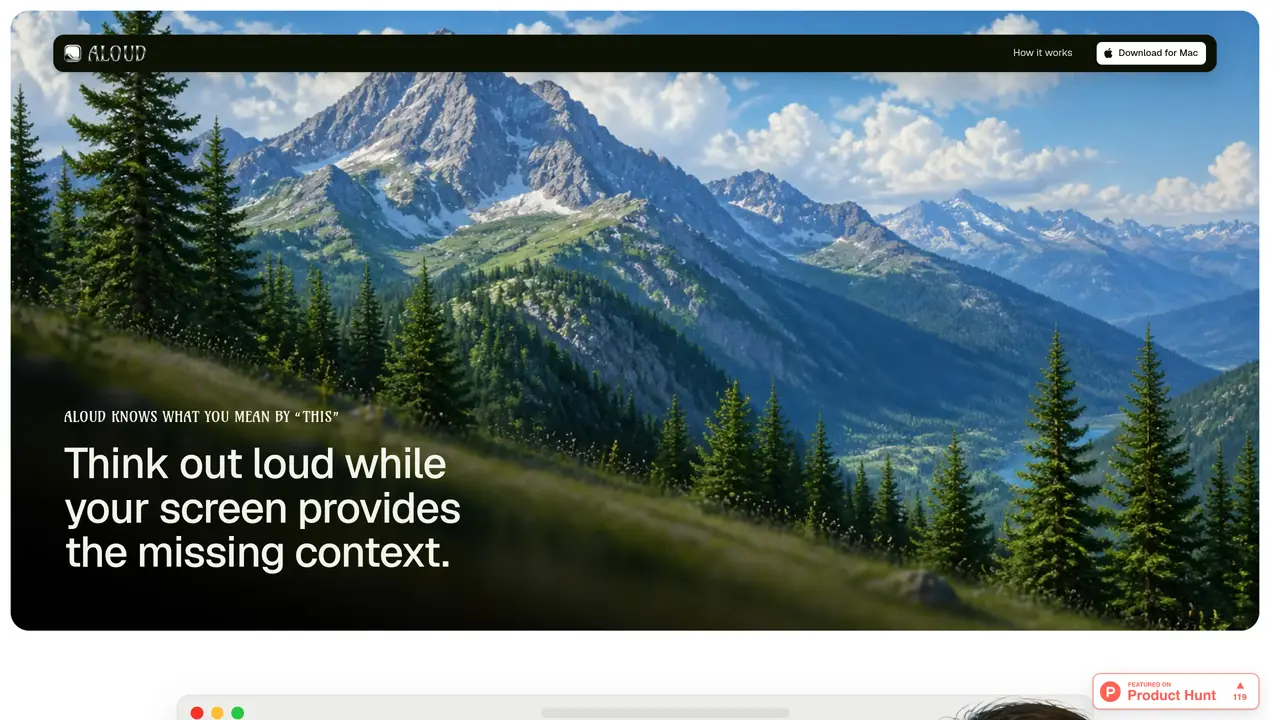
Aloud records voice and screen simultaneously to capture real-time feedback during development. The tool captures a live transcript, voice, and screen activity in a single recording, allowing users to explain changes verbally while pointing at the interface. It then analyzes the transcript, removes filler words, and rewrites the feedback to clarify intent before exporting a structured prompt. The output includes screenshots for references like “this” or “here,” ensuring agents receive unambiguous instructions. Users can edit the transcript, merge or split segments, and adjust wording before sending the final prompt to coding agents such as Claude Code or Cursor. The tool is designed to reduce miscommunication and streamline the feedback loop between developers and AI coding assistants.
Aloud records voice and screen simultaneously to capture real-time feedback during development. It creates a live transcript, voice, and screen recording in one file, then analyzes and rewrites the transcript to remove ambiguity before exporting a structured prompt with screenshots for coding agents.
Aloud is designed for developers who want to provide clear, precise feedback to AI coding assistants like Claude Code or Cursor. It helps streamline communication by capturing intent while pointing at the interface.
Aloud rewrites the transcript to reflect what you actually meant, even if you change your mind mid-sentence or reverse a call later. It adjusts the transcript to ensure the final prompt accurately represents your intent.
Yes, Aloud allows you to edit the transcript, merge or split segments, and adjust wording before exporting the final prompt. You can also insert screenshots to clarify references like 'this' or 'here'.
Aloud exports a self-contained file that can be directly imported into coding agents such as Claude Code, Cursor, or Codex. The file includes the cleaned transcript, screenshots, and structured instructions.
The scraped content mentions an 'on-device' live transcript whisper, suggesting that core functionality like recording and initial analysis may work offline. However, exporting or sharing prompts may require an internet connection.
We use essential cookies to run aitoolnavio™, and optional cookies to analyze traffic and measure our marketing. You choose what we use — optional cookies stay off unless you turn them on. See our Privacy Policy.
One short email a week: fresh tools worth trying, honest takes and the updates that actually matter. No spam, unsubscribe any time.
AI-powered website builder that generates a professional site in under a minute and includes tools for content, SEO, and analytics.
AI-powered coding platform that uses agents to plan, write, and test software with real-time feedback and verifiable artifacts.
Automate code, research, and documents using agents.
AI-powered code assistant that generates, reviews, optimizes, and debugs code with natural language prompts and editor integrations.
AI assistant for safe, reliable productivity with code, collaboration, and integrations.
AI-powered IDE for autonomous coding tasks and agentic development workflows
Privacy-focused AI chatbot that generates uncensored text, code, images, and translations without storing conversations or requiring an account.
A free web-based AI chatbot and agent for writing, coding, research, and content creation with multilingual support.
Write & run code in 50+ languages, auto-complete with AI, and code faster with an intuitive interface.
An IDE that automates legacy-to-modern code migration using autonomous coding agents.
AI models that return typed decisions with calibrated confidence for software automation
Practice coding challenges, improve technical skills, get detailed explanations, compare performance with peers.
Matched on what this tool does — grouped by the job you would be replacing.
matches Live transcript generation · On-device recording · Transcript rewriting and cleaning
Voice coding agent that listens and responds aloud on-device
Turns screen recordings into agent-ready prompts for AI coding tools
matches Live transcript generation · On-device recording · Transcript rewriting and cleaning
Converts client call transcripts into structured product specifications