

AI-powered website builder that generates a professional site in under a minute and includes tools for content, SEO, and analytics.
52M visits/mo+0.7%#4 Coding & Development
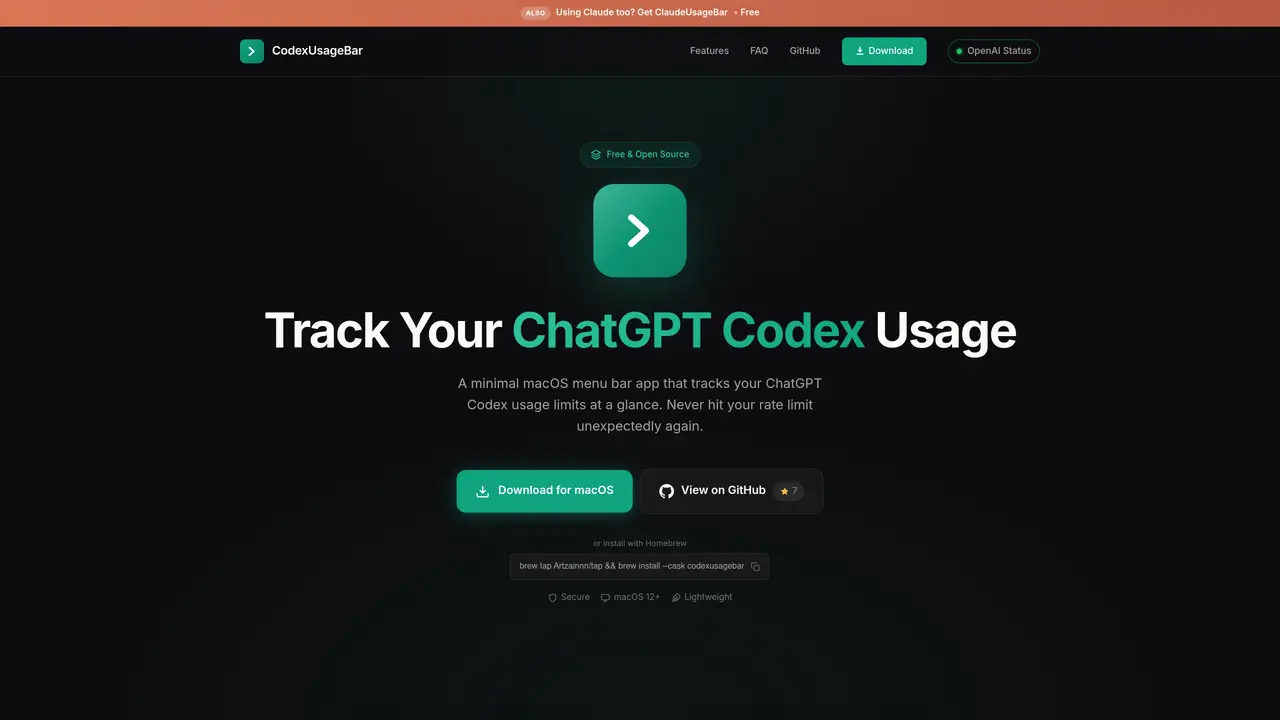
CodexUsageBar is a lightweight, open-source macOS menu bar application designed to monitor ChatGPT Codex usage limits in real time. The tool provides a live view of current session and weekly usage percentages directly from the menu bar, preventing unexpected rate limit disruptions. It integrates with the official OpenAI Codex CLI, pulling usage data from OpenAI’s own endpoint without transmitting any information externally. The app supports both Apple Silicon and Intel Macs, operates under 5MB, and consumes minimal system resources. Smart notifications alert users at predefined thresholds (25%, 50%, 75%, 90%), while a color-coded indicator indicates OpenAI service status. No API keys, cookies, or third-party servers are involved, ensuring complete data privacy. The application is fully open source and free to use.
CodexUsageBar reads the sign-in from the official Codex CLI on your Mac and calls OpenAI's own usage endpoint, the same one Codex itself uses. Everything stays local; no third-party server is involved.
Yes. Your tokens and usage data never leave your computer. There's no analytics, no telemetry, and no data collection of any kind. CodexUsageBar is fully open source, so you can inspect every line of code.
Yes. Install it with 'npm i -g @openai/codex', run 'codex login' once, and CodexUsageBar picks up your sign-in automatically. No cookies or API keys are required.
Accessibility permissions are only needed if you want to use the Cmd+U keyboard shortcut to open the popup from anywhere. The app works fine without it; you just won't have the global shortcut.
Yes. It works with any ChatGPT plan that includes Codex. Your limit windows (5-hour session, weekly) are labeled automatically from what your plan reports, and separately metered models appear once you use them.
Run 'codex login' in Terminal, then click Re-check in the popover. If you don’t have the CLI yet, install it first with 'npm i -g @openai/codex'.
codexusagebar.com · third-party estimates from Similarweb
Share of visits by channel
Share of visits · estimated visits
Coding & Development · Sep 2026
Traffic figures are third-party estimates, good for scale and trends; they can differ from a company's own numbers. Updated monthly.
We use essential cookies to run aitoolnavio™, and optional cookies to analyze traffic and measure our marketing. You choose what we use — optional cookies stay off unless you turn them on. See our Privacy Policy.
One short email a week: fresh tools worth trying, honest takes and the updates that actually matter. No spam, unsubscribe any time.
AI-powered website builder that generates a professional site in under a minute and includes tools for content, SEO, and analytics.
AI-powered coding platform that uses agents to plan, write, and test software with real-time feedback and verifiable artifacts.
Automate code, research, and documents using agents.
AI-powered code assistant that generates, reviews, optimizes, and debugs code with natural language prompts and editor integrations.
AI assistant for safe, reliable productivity with code, collaboration, and integrations.
AI-powered IDE for autonomous coding tasks and agentic development workflows
Privacy-focused AI chatbot that generates uncensored text, code, images, and translations without storing conversations or requiring an account.
A free web-based AI chatbot and agent for writing, coding, research, and content creation with multilingual support.
Write & run code in 50+ languages, auto-complete with AI, and code faster with an intuitive interface.
An IDE that automates legacy-to-modern code migration using autonomous coding agents.
AI models that return typed decisions with calibrated confidence for software automation
Practice coding challenges, improve technical skills, get detailed explanations, compare performance with peers.
Matched on what this tool does — grouped by the job you would be replacing.
matches Real-time usage percentage display · Session and weekly reset tracking · Smart threshold notifications
Native macOS menu bar tracker for AI usage limits, resets and spend across 47+ providers
Mac menu bar app showing AI plan usage limits
A macOS menu-bar app that displays ChatGPT and Codex usage limits in real time