
AI-powered website builder that generates a professional site in under a minute and includes tools for content, SEO, and analytics.
52M visits/mo+0.7%#4 Coding & Development

Open-source MCP server that connects Supabase to Cursor, Claude Desktop, and Windsurf for database interactions.
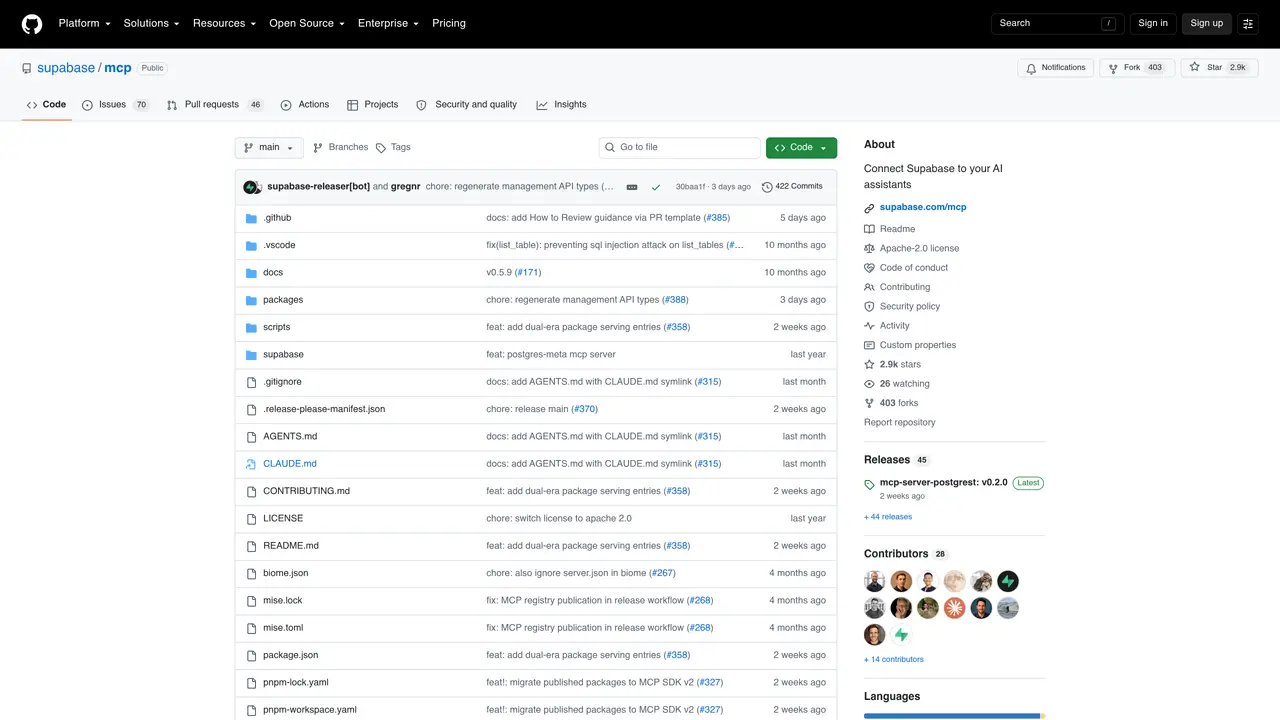
The Mcp Supabase MCP server is an open-source tool designed to bridge Supabase databases with popular AI development environments like Cursor, Claude Desktop, and Windsurf. It enables seamless integration by acting as a Model Context Protocol (MCP) server, allowing these AI-powered editors to interact directly with Supabase projects. Developers can query, modify, and manage database schemas or data without leaving their preferred development environment. The server supports real-time operations, making it suitable for rapid prototyping and iterative development workflows. It is particularly useful for teams leveraging Supabase’s backend capabilities while working in AI-assisted coding tools. The tool is lightweight and designed to integrate smoothly into existing workflows, reducing context switching between database management and code editing.
GitHub, Inc.
San Francisco, California, US · Founded 2008
Supabase MCP is a Model Context Protocol server that connects Supabase projects to AI assistants like Cursor, Claude, and Windsurf. It allows AI tools to interact directly with Supabase databases for tasks such as managing tables, fetching configurations, and querying data.
Developers and teams using Supabase for backend services who also work in AI-assisted coding environments like Cursor, Claude Desktop, or Windsurf. It is particularly useful for those who want to streamline database operations within their AI workflows.
Follow the security best practices, then configure your MCP client using the provided setup documentation. Most clients require adding a specific MCP server configuration with the Supabase MCP URL or a custom project URL from the Supabase dashboard.
Yes, but self-hosted environments currently offer a limited subset of tools and do not support OAuth 2.1. Additional configuration is required for enabling the MCP server in self-hosted setups.
Yes, the @supabase/mcp-server-supabase package exports createToolSchemas() to integrate Supabase MCP tools with the Vercel AI SDK's MCP client, enabling static tool validation and TypeScript type inference.
Directly connecting an LLM to your Supabase project introduces risks. It is recommended to review and follow the provided security best practices to mitigate potential vulnerabilities before setup.
We use essential cookies to run aitoolnavio™, and optional cookies to analyze traffic and measure our marketing. You choose what we use — optional cookies stay off unless you turn them on. See our Privacy Policy.
AI-powered website builder that generates a professional site in under a minute and includes tools for content, SEO, and analytics.
AI-powered coding platform that uses agents to plan, write, and test software with real-time feedback and verifiable artifacts.
Automate code, research, and documents using agents.
AI-powered code assistant that generates, reviews, optimizes, and debugs code with natural language prompts and editor integrations.
AI assistant for safe, reliable productivity with code, collaboration, and integrations.
AI-powered IDE for autonomous coding tasks and agentic development workflows
Privacy-focused AI chatbot that generates uncensored text, code, images, and translations without storing conversations or requiring an account.
A free web-based AI chatbot and agent for writing, coding, research, and content creation with multilingual support.
Write & run code in 50+ languages, auto-complete with AI, and code faster with an intuitive interface.
An IDE that automates legacy-to-modern code migration using autonomous coding agents.
AI models that return typed decisions with calibrated confidence for software automation
Practice coding challenges, improve technical skills, get detailed explanations, compare performance with peers.
Matched on what this tool does — grouped by the job you would be replacing.
matches Connects Supabase to Cursor, Claude Desktop, and Windsurf via MCP · Enables direct database queries and schema management from AI editors · Supports real-time operations for iterative development
Neon MCP server connects Neon databases to Cursor, Claude Desktop and Windsurf via MCP.
An open-source MCP server that lets assistants connect to Neo4j, inspect schemas, run queries, and manage records in real time.
One short email a week: fresh tools worth trying, honest takes and the updates that actually matter. No spam, unsubscribe any time.












