
Scales efficient language processing with open-source accessibility.
357M visits/mo+1%#2 Coding & Development

Neon MCP server connects Neon databases to Cursor, Claude Desktop and Windsurf via MCP.
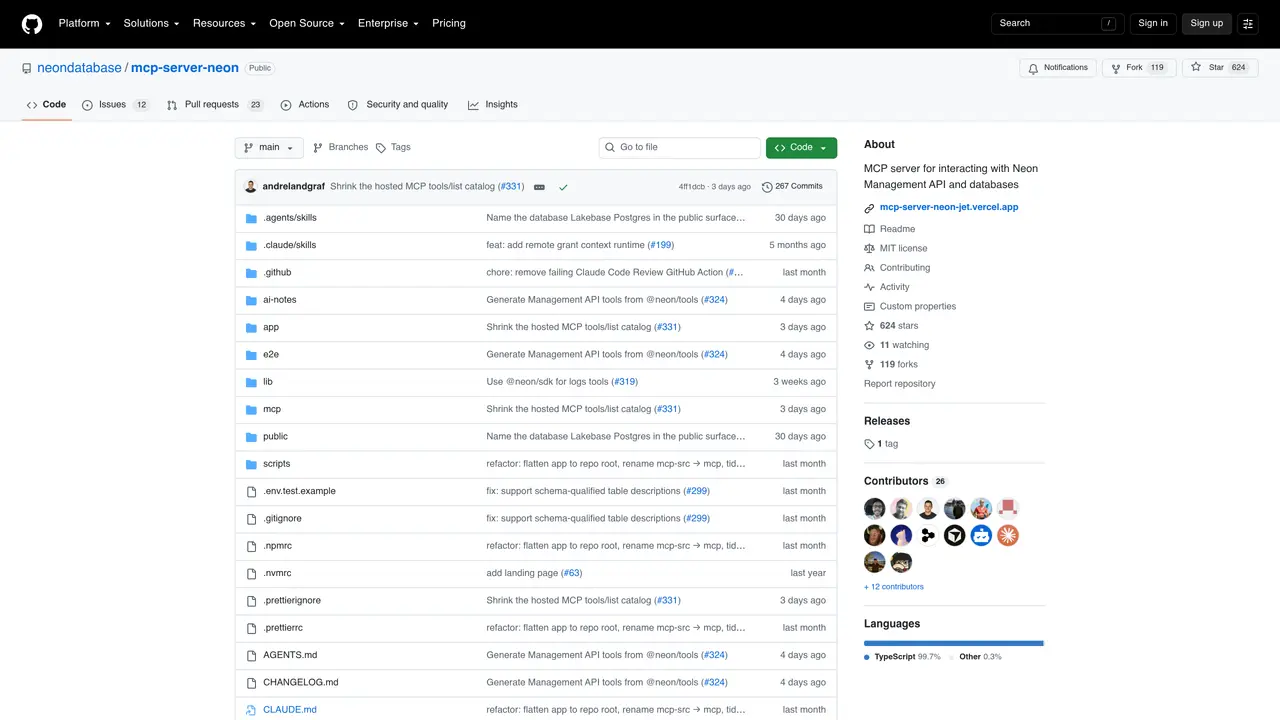
Neon MCP server is an open-source tool that bridges Neon databases with popular AI development environments like Cursor, Claude Desktop, and Windsurf. It enables seamless integration by exposing Neon’s database capabilities through the Model Context Protocol (MCP), allowing AI assistants to interact directly with live database data. Developers can query, modify, and analyze data without leaving their preferred coding environment. The server supports real-time operations, schema introspection, and connection management, making it suitable for AI-driven development workflows. It is particularly useful for teams building applications that rely on Neon’s serverless Postgres features. By providing a standardized interface, it reduces context switching and accelerates iterative development cycles. The tool is designed for developers who want to leverage AI assistance while maintaining direct control over their database interactions.
GitHub, Inc.
San Francisco, California, US · Founded 2008
Neon MCP Server is an open-source tool that bridges Neon databases with AI development environments using the Model Context Protocol (MCP). It allows users to interact with Neon databases in natural language, enabling tasks like creating databases, running queries, and performing migrations.
It suits developers, data engineers, and non-technical users who want to manage Neon databases using natural language within their preferred coding environments or AI assistants.
The server translates natural language requests into Neon API calls or SQL operations, enabling users to perform database tasks without writing code or using the Neon dashboard directly.
No, it is designed for local development and IDE integrations only. Production use is discouraged due to the risk of accidental or unauthorized changes from natural language commands.
It integrates with AI development environments like Cursor, VS Code, and Claude Code, allowing AI assistants to interact directly with Neon databases.
You can set it up quickly using the command `neon@latest init`, which configures the server, agent skills, and extensions automatically for supported environments.
We use essential cookies to run aitoolnavio™, and optional cookies to analyze traffic and measure our marketing. You choose what we use — optional cookies stay off unless you turn them on. See our Privacy Policy.
One short email a week: fresh tools worth trying, honest takes and the updates that actually matter. No spam, unsubscribe any time.
Scales efficient language processing with open-source accessibility.
Collaboration and version control platform for software development and AI model hosting.
Tesla’s AI stack powers Full Self-Driving, Optimus humanoid robots, and real-world autonomy with neural networks, custom hardware, and Dojo-scale training.
Integrates AI into Airtable to analyze data, summarize insights, draft content, and automate workflows without prior AI experience.
AI-powered website builder that generates a professional site in under a minute and includes tools for content, SEO, and analytics.
Unified platform to access and switch between hundreds of AI models like ChatGPT, Claude, and Gemini via a single API.
xAI builds Grok frontier AI models for reasoning, coding, voice, images, video, enterprise workflows, and developer APIs.
Meta AI enhances machine learning, NLP, and computer vision capabilities.
Crowdsourced platform for blind, side-by-side AI model comparisons with a public leaderboard.
Customize, deploy, and control AI models securely.
Independent benchmarks comparing AI models on quality, speed, and cost across multiple capabilities.
Chat, build, and explore with open AI models.
Matched on what this tool does — grouped by the job you would be replacing.
matches Connects Neon databases to Cursor, Claude Desktop, and Windsurf · Exposes Neon's database capabilities via Model Context Protocol (MCP) · Supports real-time database queries and modifications
Open-source MCP server that connects Supabase to Cursor, Claude Desktop, and Windsurf for database interactions.
An open-source MCP server that lets assistants connect to Neo4j, inspect schemas, run queries, and manage records in real time.












