AI-powered website builder that generates a professional site in under a minute and includes tools for content, SEO, and analytics.
52M visits/mo+0.7%#4 Coding & Development

Turns coding agents into domain-specific professionals via JSON profiles and multi-agent crews
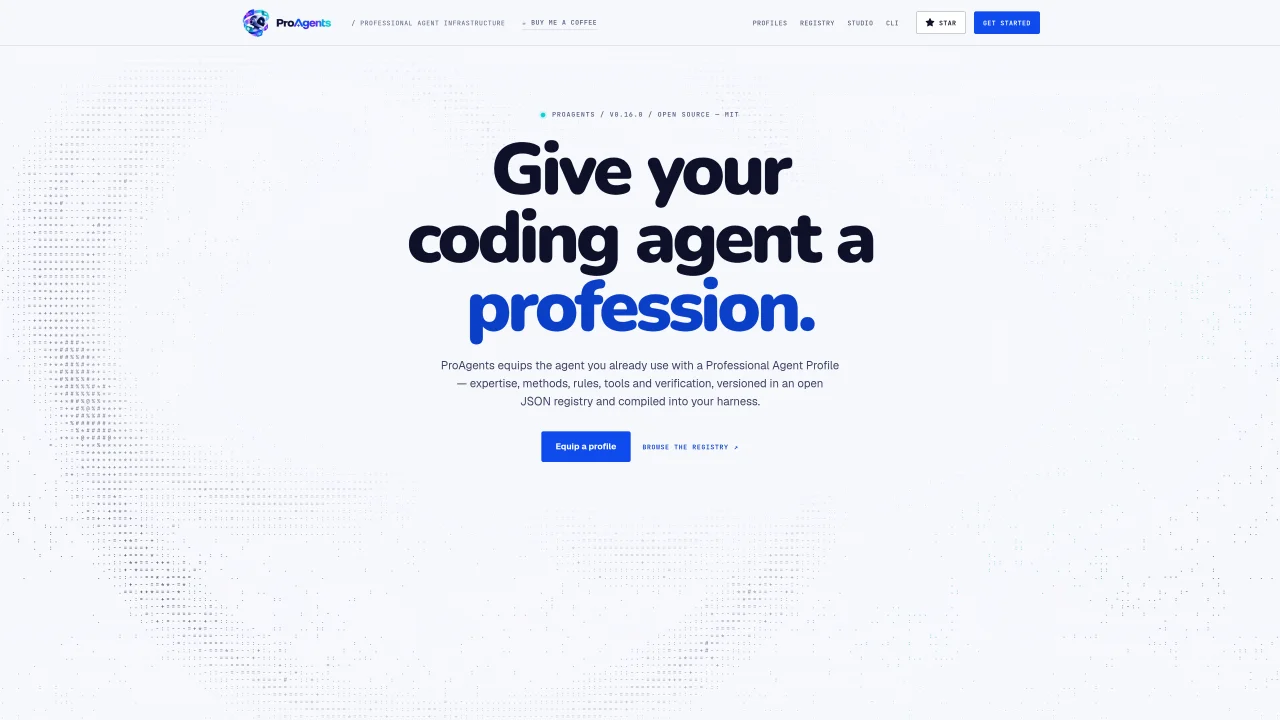
ProAgents provides a JSON-based registry and compiler that equips coding agents with professional profiles. Each profile bundles identity, expertise, methods, rules, tools, and verification checks into a modular JSON structure. The system compiles these profiles into the native mechanisms of supported agent harnesses such as Claude Code, Cursor, or GitHub CLI, translating a single profession into harness-specific configurations without rewriting the agent. Profiles are versioned in an open registry and can be validated for correctness before deployment. Multi-agent crews combine multiple professional profiles into workflows with scoped permissions and handoffs, enabling coordinated tasks like security audits or release pipelines. Each crew member retains its profession and verification requirements, with approval gates enforced at critical steps. The platform emphasizes transparency by reporting harness limitations and leaving deterministic evidence of work performed.
ProAgents provides a JSON-based registry and compiler that equips coding agents with professional profiles. It bundles identity, expertise, methods, rules, tools, and verification checks into modular JSON structures, which are then compiled into the native mechanisms of supported agent harnesses like Claude Code or Cursor.
ProAgents is designed for teams that rely on coding agents and want to standardize their work with professional profiles. It suits developers, security engineers, and DevOps professionals who need consistent, verifiable, and transparent agent behavior across different environments.
ProAgents compiles a single canonical profile into each harness’s native mechanisms, such as skills, rules, hooks, or MCP integrations. This allows the same professional profile to run across multiple harnesses without rewriting the agent, though limitations of each harness are reported transparently.
Yes, ProAgents supports multi-agent crews where each member retains its professional profile, scoped permissions, and verification requirements. Crews enable coordinated workflows like security audits or release pipelines, with approval gates enforced at critical steps.
Profiles and crews are validated for correctness before deployment. The system checks for missing sections, enforceable targets, and approval gates, ensuring deterministic evidence of work performed and preventing broken profiles from entering the system.
To get started, install the ProAgents CLI, select a profession from the registry, and compile the profile into your preferred harness. The process involves running commands like `proagent equip` to translate the JSON profile into the harness’s native configuration.
We use essential cookies to run aitoolnavio™, and optional cookies to analyze traffic and measure our marketing. You choose what we use — optional cookies stay off unless you turn them on. See our Privacy Policy.
One short email a week: fresh tools worth trying, honest takes and the updates that actually matter. No spam, unsubscribe any time.
AI-powered website builder that generates a professional site in under a minute and includes tools for content, SEO, and analytics.
AI-powered coding platform that uses agents to plan, write, and test software with real-time feedback and verifiable artifacts.
Automate code, research, and documents using agents.
AI-powered code assistant that generates, reviews, optimizes, and debugs code with natural language prompts and editor integrations.
AI assistant for safe, reliable productivity with code, collaboration, and integrations.
AI-powered IDE for autonomous coding tasks and agentic development workflows
Privacy-focused AI chatbot that generates uncensored text, code, images, and translations without storing conversations or requiring an account.
A free web-based AI chatbot and agent for writing, coding, research, and content creation with multilingual support.
Write & run code in 50+ languages, auto-complete with AI, and code faster with an intuitive interface.
An IDE that automates legacy-to-modern code migration using autonomous coding agents.
AI models that return typed decisions with calibrated confidence for software automation
Practice coding challenges, improve technical skills, get detailed explanations, compare performance with peers.
Matched on what this tool does — grouped by the job you would be replacing.
matches Multi-agent crew coordination with handoffs · Approval gates for critical workflow steps
Preserves and reuses AI workflow structures across sessions and models
Platform for discovering, creating and managing specialized AI agents in a shared workspace
Platform to build, deploy and run AI agents with managed runtime and data tools
matches JSON profile registry with modular sections · Multi-target compilation to agent harnesses · Registry of prebuilt professional profiles
matches Deterministic validation and verification
Interoperability layer for connecting and managing coding agents across multiple protocols
Open agent harness system that standardizes AI coding workflows with reusable skills, repo-aware guidance, and security scanning for Claude Code, Codex, Cursor, and OpenCode.
Modular workbench for designing and running agent workflows with model selection and cost tracking
Local and offline security scanner for AI agent skills before installation
Verifies AI coding agents' completion claims with receipts and checks