Tesla’s AI stack powers Full Self-Driving, Optimus humanoid robots, and real-world autonomy with neural networks, custom hardware, and Dojo-scale training.
31M visits/mo+5.5%#8 Coding & Development

AI-powered log monitoring and analysis platform that detects anomalies and predicts issues in application logs.
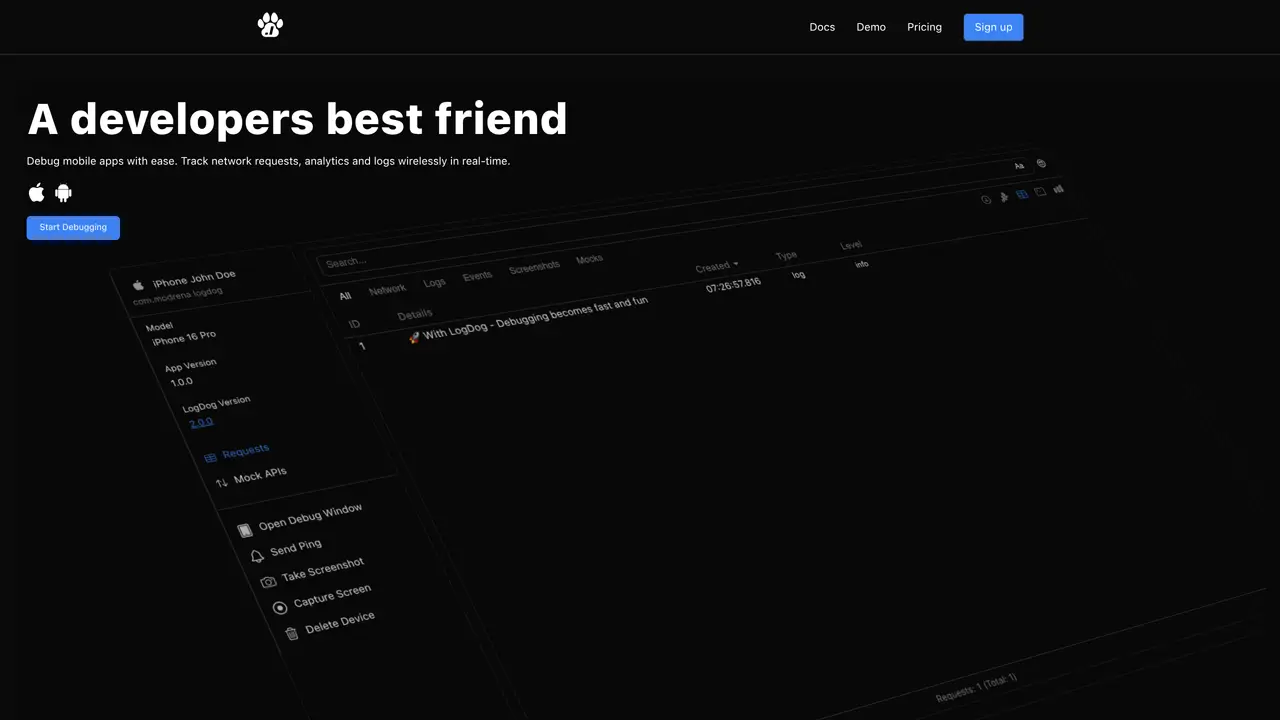
LogDog is an advanced log monitoring and analysis platform designed for engineering teams to track and troubleshoot application issues efficiently. The tool automatically collects, processes, and analyzes log data across infrastructure using machine learning algorithms. It detects anomalies, identifies patterns, and predicts potential problems before they impact users, reducing downtime and accelerating debugging. LogDog provides an intuitive dashboard and intelligent alerting system to streamline log management. The platform helps teams gain actionable insights from large volumes of log data that would be impractical to process manually. Whether investigating production incidents or optimizing application performance, LogDog delivers AI-powered observability to make log management smarter and more efficient. It supports both real-time monitoring and retrospective analysis, enabling teams to address issues proactively and improve system reliability.
LogDog is a debugging tool designed specifically for mobile developers to track, analyze, and troubleshoot issues in iOS and Android applications in real time.
Integration requires adding the LogDog SDK to your iOS or Android project and initializing it with a few lines of code, as detailed in the provided documentation.
Yes, LogDog is built to function in both development and production environments, including TestFlight and App Store builds.
LogDog encrypts all data in transit and at rest, allows selective logging to avoid sensitive data, and provides export options while not selling user data to third parties.
No, LogDog is strictly a debugging tool for developers and does not track or log user activity.
LogDog supports iOS and Android apps and is accessible via a web dashboard compatible with Windows, macOS, and Linux.
log.dog · third-party estimates from Similarweb
Last 4 months · grows by one month every month
Share of visits by channel
Share of visits · estimated visits
Coding & Development · Sep 2026
Traffic figures are third-party estimates, good for scale and trends; they can differ from a company's own numbers. Updated monthly.
We use essential cookies to run aitoolnavio™, and optional cookies to analyze traffic and measure our marketing. You choose what we use — optional cookies stay off unless you turn them on. See our Privacy Policy.
One short email a week: fresh tools worth trying, honest takes and the updates that actually matter. No spam, unsubscribe any time.
Tesla’s AI stack powers Full Self-Driving, Optimus humanoid robots, and real-world autonomy with neural networks, custom hardware, and Dojo-scale training.
Customize, deploy, and control AI models securely.
Standardize application packaging and execution with portable containers for consistent local and cloud workflows.
AI-first electronic design automation for ICs, advanced packaging, and systems with hardware-assisted acceleration and elastic cloud delivery.
Unified AI-powered platform for real-time monitoring, analytics, and security across cloud infrastructure, applications, and services.
Prevention-first, AI-powered cybersecurity platform protecting networks, clouds, and endpoints with unified controls and autonomous response.
Automate tasks, analyze data, and ensure data security with advanced measures.
Cloud communications platform that lets developers embed SMS, voice, WhatsApp, email, video, verification, and conversational AI via APIs.
AI-powered endpoint security with XDR, cloud or on-prem control, and low system impact for ransomware, email threats, and account takeover prevention.
Automate error tracking, monitor application performance, and gain insights with advanced analytics.
Identify stolen identities, uncover copyright infringements, and find unauthorized use of images with precision.
Instant threat detection and response, AI-powered prevention, unified dashboard for full visibility and control.
Matched on what this tool does — grouped by the job you would be replacing.
matches Automated log collection and processing across infrastructure · Machine learning-based anomaly detection and pattern identification · Predictive problem detection before user impact
Unified AI-powered platform for real-time monitoring, analytics, and security across cloud infrastructure, applications, and services.
AI-powered platform for full-stack observability, anomaly detection, and automated root cause analysis without coding.
Automate log collection, monitor infrastructure and applications, identify trends, detect anomalies and security threats.
Monitor, investigate, and gain valuable insights into log data, addressing issues before they become major problems.