
Cloud platform for web scraping, browser automation, and AI data extraction with 20,000+ pre-built tools and scalable cloud runs.
4M visits/mo-5%#13 Automation & Agents
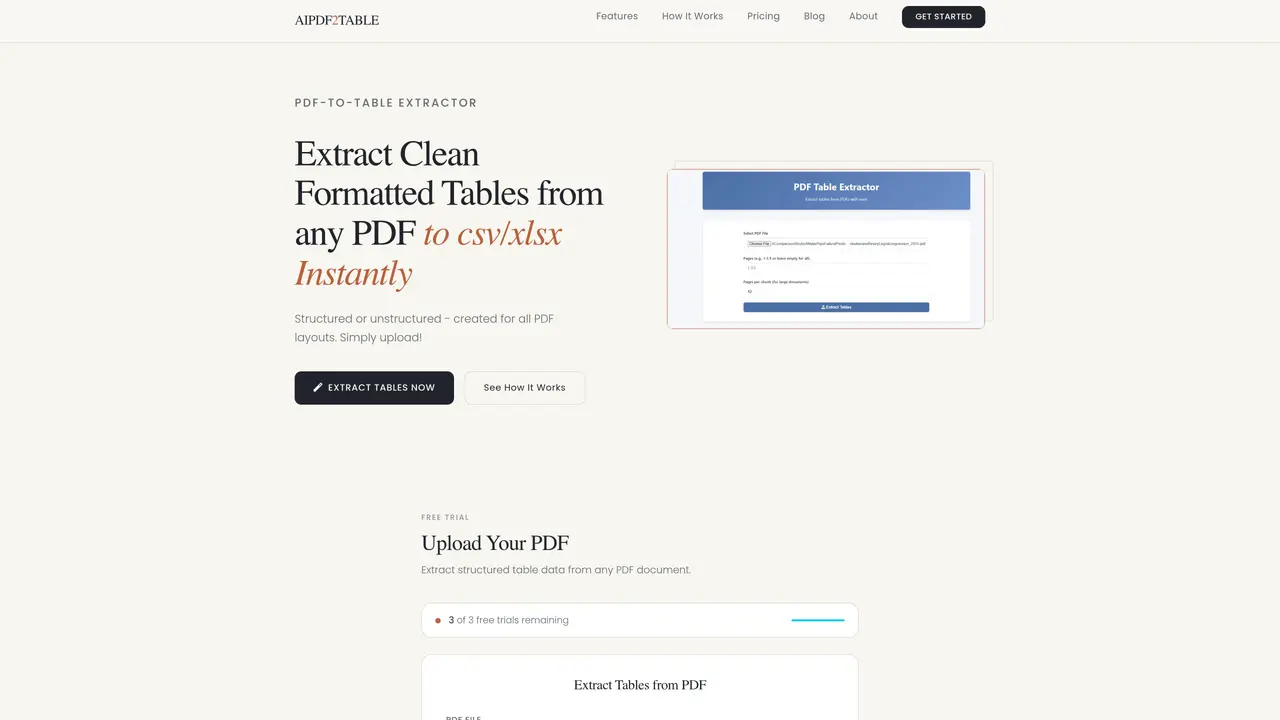
PDF2TABLE converts tables embedded in PDF documents into structured CSV or Excel files. It processes both structured and unstructured PDF layouts, including complex tables with merged cells or irregular formats. Users upload a PDF, optionally configure page selection or chunk size, and receive extracted tables ready for analysis. The tool supports embedded and scanned tables and provides downloads per table or as a ZIP archive. It operates entirely in the browser without requiring software installation. Privacy is emphasized, as uploaded files and extracted data are not retained after processing. The service targets researchers, financial analysts, operations teams, and compliance reviewers who need to convert PDF tables into editable formats for spreadsheets or data pipelines.
PDF2TABLE extracts tables from PDF documents and converts them into structured CSV or Excel files for further analysis or use in spreadsheets.
The tool is designed for researchers, financial analysts, operations teams, compliance reviewers, and professionals who need to convert PDF tables into editable formats.
No, PDF2TABLE does not retain uploaded files or extracted tables after processing, ensuring maximum privacy for users.
Yes, the tool is specifically tuned to accurately identify and extract complex table structures, including merged cells and irregular layouts.
After extraction, users can download each table individually or as a zipped file containing all extracted tables for storage or further analysis.
Support is available Monday to Sunday from 9 AM to 10 PM via email or phone at +1 (571) 307-4821.
We use essential cookies to run aitoolnavio™, and optional cookies to analyze traffic and measure our marketing. You choose what we use — optional cookies stay off unless you turn them on. See our Privacy Policy.
One short email a week: fresh tools worth trying, honest takes and the updates that actually matter. No spam, unsubscribe any time.
Cloud platform for web scraping, browser automation, and AI data extraction with 20,000+ pre-built tools and scalable cloud runs.
AI web crawler that extracts clean web data into JSON or markdown for developers and marketers.
Labelbox is an enterprise-grade data labeling platform designed to help organizations create, manage, and deploy AI applications.
Real-time AI search and crawling API for developers and AI teams to extract and summarize web data for agents and research workflows.
Enterprise-grade proxy networks, web scrapers, and ready-to-use datasets for reliable web data collection.
Map, analyze, and visualize geospatial data effortlessly while securely tracking real-time locations.
Open-source analytics platform to build interactive dashboards, automate data prep, and enforce enterprise-grade security.
Converts scanned documents and images into editable, searchable formats with AI-powered OCR and data extraction.
Open-source AI document parser that converts PDFs, images, and documents into structured Markdown or JSON for AI workflows.
Streamlines AI data retrieval for efficient processing.
Automate data extraction, capture data from images and text, streamline data entry processes with easy-to-use tools and APIs.
Web scraping and data extraction API that simplifies gathering data from websites with features like JavaScript rendering and geotargeting.
Matched on what this tool does — grouped by the job you would be replacing.
matches Layout-aware table detection · Multi-page document processing · CSV and Excel export options
AI-powered PDF parsing API that extracts tables, paragraphs, images, and TOC from complex PDFs into RAG-ready JSON or Markdown for developers and businesses.
Enterprise document parsing platform that converts PDFs, office files, images, HTML, and media into structured outputs via API for developers and analysts.
Parse unstructured invoices, resumes, tickets, emails, etc., and export data as CSV.
Converts PDFs, images and Office files into structured JSON, CSV or Excel with AI-powered OCR and field extraction.