Create detailed 3D models instantly from text.
15M visits/mo+9.6%#8 Image & Design

Generates custom brick models from text prompts with downloadable instructions
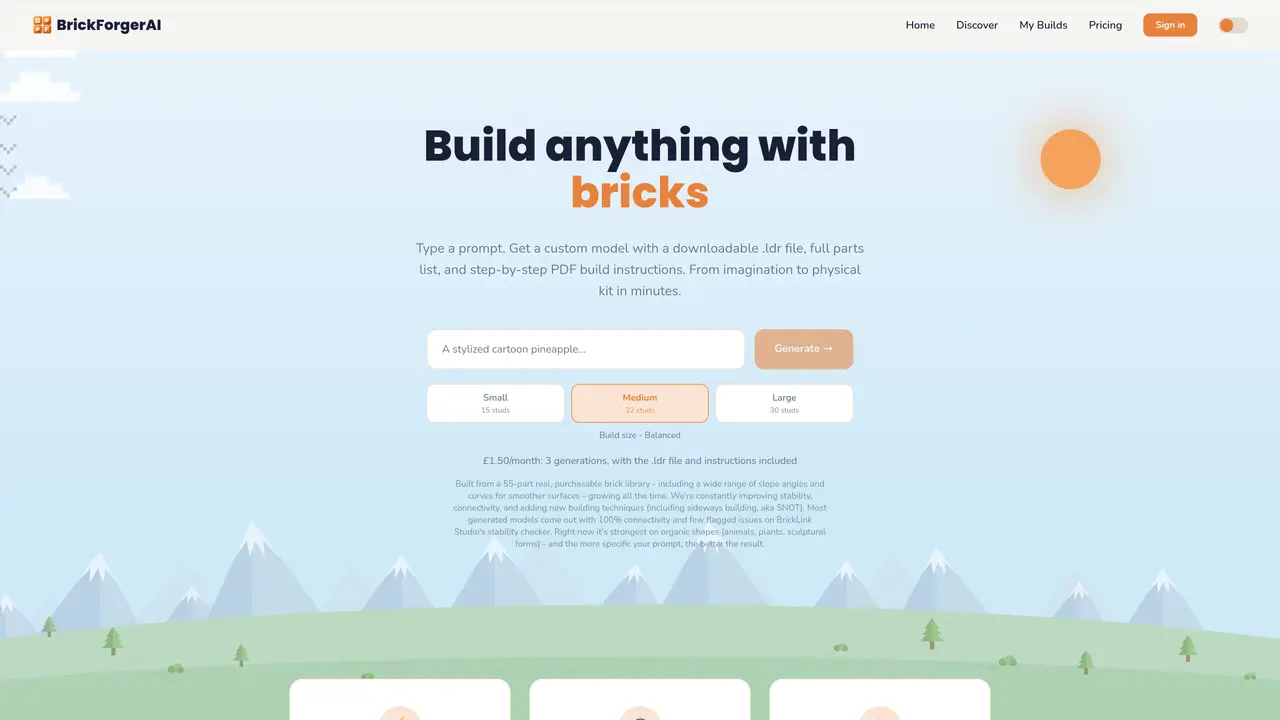
BrickForgerAI converts text prompts into downloadable brick models. Users describe a desired build, receive a 3D preview with part count and color breakdown, then download a .ldr file and step-by-step PDF instructions. The service uses a purchasable brick library of 55 parts, including slopes and curves, to create models with high connectivity and stability. Generated models are optimized for organic shapes like animals and plants, with performance improving as prompts become more specific. Build sizes range from small 15-stud models to large 30-stud designs, with pricing based on generation count. The platform supports organic shapes and sculptural forms, though results vary by prompt detail and complexity.
BrickForgerAI converts text prompts into downloadable brick models. Users describe a desired build, preview a 3D model with part count and color breakdown, then download a .ldr file and step-by-step PDF instructions for building the model.
The tool is suitable for LEGO enthusiasts, builders, and creators who want to turn their ideas into physical brick models quickly, especially for organic shapes like animals, plants, or sculptural forms.
BrickForgerAI operates on a subscription-based pricing model, where users pay a monthly fee that includes a set number of generations, each providing a .ldr file and build instructions.
BrickForgerAI generates .ldr files compatible with BrickLink Studio, allowing users to check stability and connectivity of their models before building.
The tool is currently strongest with organic shapes and may produce varying results based on prompt detail and complexity. It does not guarantee perfect stability or connectivity for every model.
Users can start by signing up on the platform, describing their desired build in a prompt, previewing the 3D model, and then downloading the .ldr file and build instructions for assembly.
We use essential cookies to run aitoolnavio™, and optional cookies to analyze traffic and measure our marketing. You choose what we use — optional cookies stay off unless you turn them on. See our Privacy Policy.
One short email a week: fresh tools worth trying, honest takes and the updates that actually matter. No spam, unsubscribe any time.
Create detailed 3D models instantly from text.
Meshy turns text prompts or images into fully textured 3D models in minutes.
Effortlessly generate realistic 3D models with AI.
Create precise 3D models, collaborate on designs, and analyze simulations in real-time.
Create realistic 3D environments, customize 3D creations, and generate high-resolution visuals using AI-driven technology.
Generate lifelike 3D visuals, transform 2D media, and capture intricate details for video production, games, and animations.
API-first platform for integrating image, video, and 3D generative AI models into applications with fast inference and pay-as-you-go pricing.
An AI design agent that turns natural language prompts into logos, social graphics, videos, 3D assets, and web pages in a single web canvas.
Turn hand-drawn sketches into editable 3D models and photorealistic images with AI.
AI-powered 3D editor that lets users create, edit, and animate 3D models using simple text prompts.
A web-based AI toolkit that converts text prompts or images into textured 3D models with exports to FBX, OBJ, GLB, and STL formats.
Build 3D models, optimize for real-time use, and generate within game engines using the Sloyd SDK.
Matched on what this tool does — grouped by the job you would be replacing.
matches Text-to-brick model generation · 3D preview with part count and color breakdown · Downloadable .ldr file for BrickLink Studio
Converts plain-language robot descriptions into engineering-ready files
Capture and export detailed 3D models of any size or shape with ease and accuracy.