Create detailed 3D models instantly from text.
15M visits/mo+9.6%#8 Image & Design

SketchUp plugin that generates photoreal renders and 360° panoramas directly in the viewport
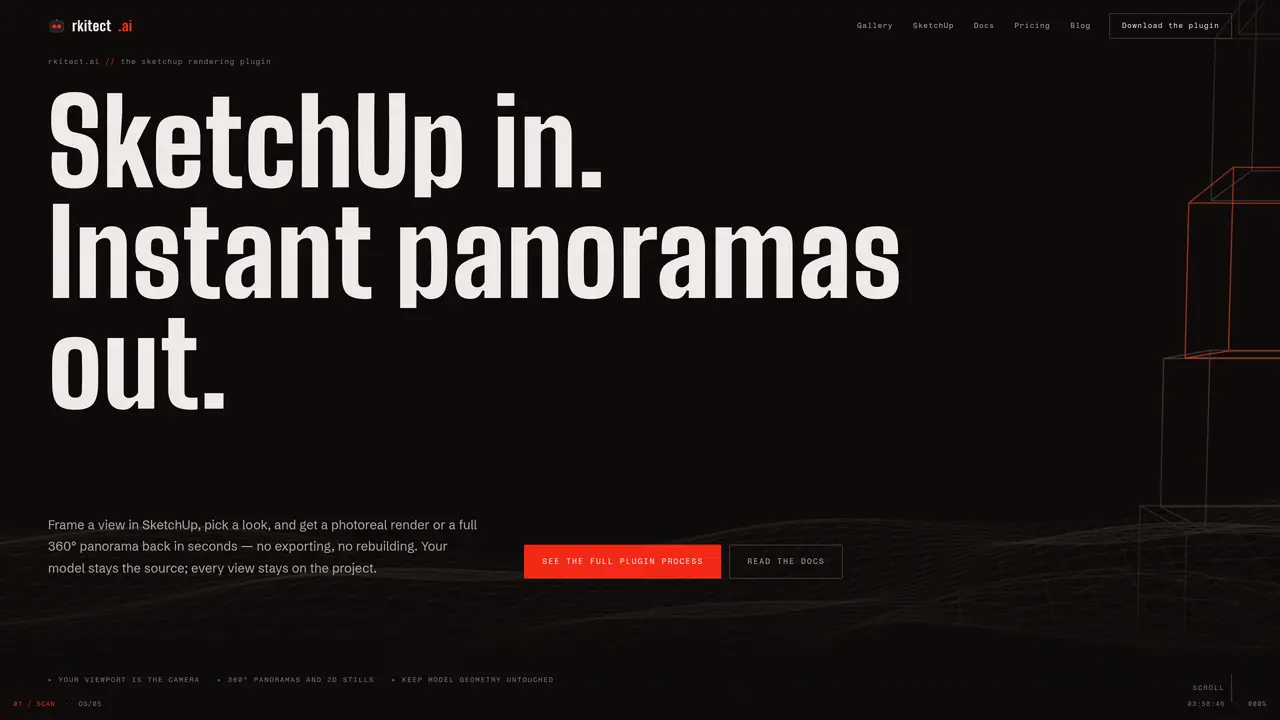
rkitect is a SketchUp plugin that enables architects and interior designers to generate photorealistic renders and 360° panoramas without exporting models or rebuilding materials. The tool operates within the SketchUp viewport, allowing users to frame a view, select a style or provide a text prompt, and receive a render in seconds. It preserves the original model geometry and supports non-destructive edits, enabling quick iterations on lighting, materials, and furnishings. The plugin is designed to streamline the visualization process by reducing the need for re-rendering entire scenes after minor changes. Additional features, such as moodboards, walkable 3D worlds, and automated bill of quantities, are planned for future releases. rkitect positions itself as an agentic AI studio that acts as a junior team member, interpreting briefs and generating editable outputs while leaving final decisions to the user.
rkitect is an AI-powered SketchUp plugin that generates photorealistic renders and 360° panoramas directly within the SketchUp viewport. Users frame a view, select a style or provide a text prompt, and receive a render in seconds without exporting models or rebuilding materials.
The tool is designed for architects and interior designers who need to streamline their visualization workflow. It acts as a junior team member, interpreting briefs and generating editable outputs while leaving final decisions to the user.
Yes, rkitect preserves the original model geometry and allows for non-destructive edits, enabling quick iterations on lighting, materials, and furnishings without re-rendering the entire scene.
Future releases include moodboards that understand taste, walkable 3D worlds, and automated bill of quantities. These features aim to further enhance the design and presentation process for architects and interior designers.
Users can download the rkitect plugin for SketchUp and access it directly within the SketchUp viewport. The plugin is available for free during its early access phase, and users can request access or download it from the official website.
rkitect operates as a SketchUp plugin and does not require external integrations for its core rendering functionality. It works directly within SketchUp to provide renders and panoramas from the viewport.
We use essential cookies to run aitoolnavio™, and optional cookies to analyze traffic and measure our marketing. You choose what we use — optional cookies stay off unless you turn them on. See our Privacy Policy.
One short email a week: fresh tools worth trying, honest takes and the updates that actually matter. No spam, unsubscribe any time.
Create detailed 3D models instantly from text.
Meshy turns text prompts or images into fully textured 3D models in minutes.
Effortlessly generate realistic 3D models with AI.
Create precise 3D models, collaborate on designs, and analyze simulations in real-time.
Create realistic 3D environments, customize 3D creations, and generate high-resolution visuals using AI-driven technology.
Generate lifelike 3D visuals, transform 2D media, and capture intricate details for video production, games, and animations.
API-first platform for integrating image, video, and 3D generative AI models into applications with fast inference and pay-as-you-go pricing.
An AI design agent that turns natural language prompts into logos, social graphics, videos, 3D assets, and web pages in a single web canvas.
Turn hand-drawn sketches into editable 3D models and photorealistic images with AI.
AI-powered 3D editor that lets users create, edit, and animate 3D models using simple text prompts.
A web-based AI toolkit that converts text prompts or images into textured 3D models with exports to FBX, OBJ, GLB, and STL formats.
Build 3D models, optimize for real-time use, and generate within game engines using the Sloyd SDK.
Matched on what this tool does — grouped by the job you would be replacing.
matches Photorealistic renders from the viewport · 360° panoramas with interactive viewing · Non-destructive lighting and material adjustments
AI-powered tool that converts 3D models into photorealistic renders using text-based editing for instant design changes.
AI rendering tool that converts 3D models into photorealistic images instantly for architects and designers.
AI rendering platform that converts 3D model screenshots into photorealistic architectural images in seconds.
AI rendering platform that converts CAD files and sketches into photorealistic architectural visuals in minutes.
matches Text prompt-based style selection · Agentic AI studio for design briefs · Future moodboard and 3D walkthrough capabilities
Turn hand-drawn sketches into editable 3D models and photorealistic images with AI.
AI plugins and apps for architects and designers to generate photorealistic renders, concept images, animations, and 3D models from sketches, photos, and prompts.
Turns text descriptions and reference images into parametric 3D CAD models with AI-generated geometry code and iterative verification.
AI-powered workspace for interior designers and architects to generate, edit and iterate spatial designs