
Unleash creativity: edit photos, videos, and designs with AI-enhanced tools.
16M visits/mo-11.4%#6 Image & Design
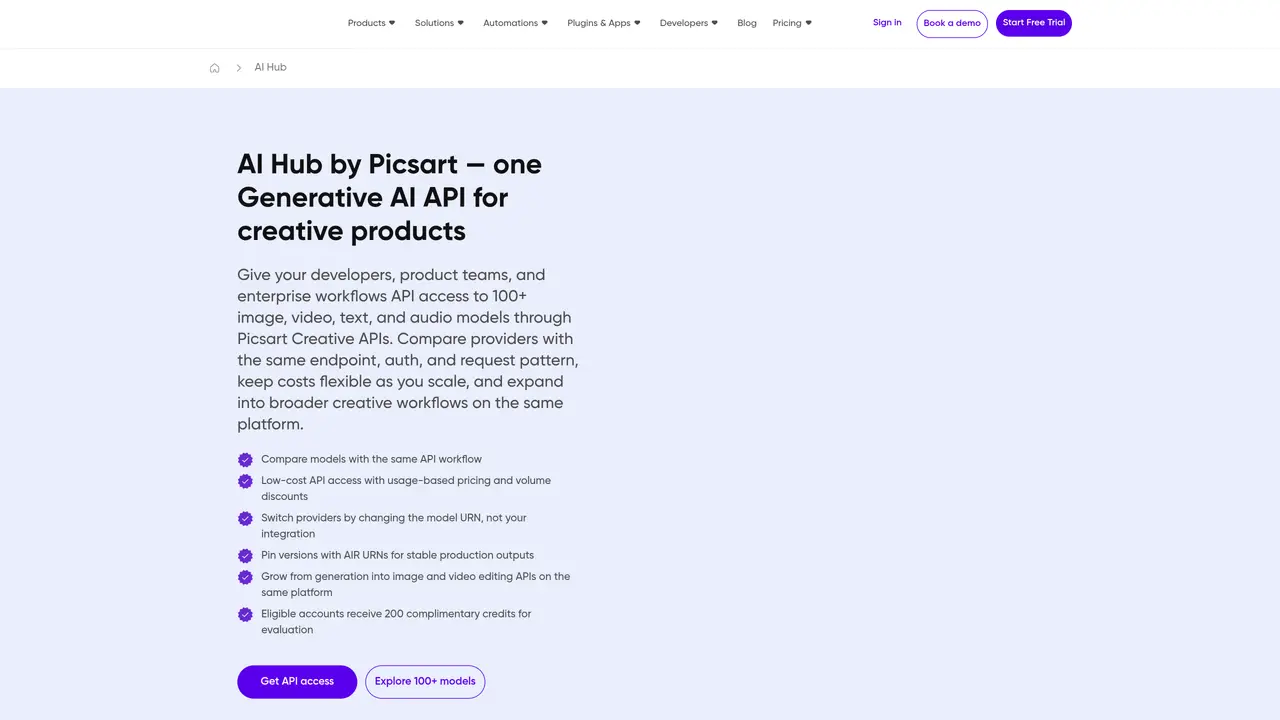
AI HUB by Picsart gives developers a single API entry point into a large catalog of creative AI models across image, video, audio, and text. Instead of wiring separate integrations for each provider, teams connect once, then choose services such as text to image, image editing, text transformation, and transcription. The hub focuses on helping product and platform teams test multiple models, compare quality and cost, and then lock in specific versions for production. Backed by Picsart’s long history in consumer creative tools, it is aimed at companies that ship content heavy products and want to keep up with fast moving generative AI offerings without rebuilding plumbing every few months. Key Features: Single creative AI endpoint: One API to access image, video, audio, and text services across many third party providers. Model catalog and discovery: Central catalog of 100+ models, filterable by provider and modality, each with task details and credit rates. Evaluation and A/B testing: Side by side comparisons of prompts across models, with tooling to pin a winning setup for rollout. Service level abstraction: High level services such as Text-to-Image, Image Edit, Text Transform, and Transcription that stay stable while models swap underneath. Project and environment controls: Scoped access for apps and environments, so evaluation, staging, and production stay clearly separated. Enterprise grade compliance: SOC 2 Type II, SOC 3, ISO 27001, and GDPR oriented controls for teams with strict governance needs.
AI Hub by Picsart provides a single API endpoint to access over 100 generative AI models across image, video, audio, and text modalities. It enables teams to compare, test, and deploy models without managing multiple integrations.
AI Hub is designed for product and platform teams building content-heavy applications who need to evaluate and deploy generative AI models efficiently while maintaining control over costs and quality.
AI Hub offers usage-based pricing with volume discounts, allowing teams to scale costs transparently as they expand model usage. Pricing varies by model and task, with credits consumed per request.
AI Hub integrates with tools like Zapier, n8n, Elastic.io, viaSocket, and Integrately, as well as plugins for Figma, Sketch, and Miro. It also supports command-line interfaces and desktop apps for workflow automation.
Yes, AI Hub allows switching models by changing the model URN without altering the API endpoint, authentication, or request structure, reducing rework during model updates.
Start by requesting API access, then select a workflow and model based on your needs. Use the platform to compare outputs, pin a stable version for production, and scale with broader creative workflows.
We use essential cookies to run aitoolnavio™, and optional cookies to analyze traffic and measure our marketing. You choose what we use — optional cookies stay off unless you turn them on. See our Privacy Policy.
One short email a week: fresh tools worth trying, honest takes and the updates that actually matter. No spam, unsubscribe any time.
Unleash creativity: edit photos, videos, and designs with AI-enhanced tools.
A drag-and-drop design platform for presentations and social graphics with AI photo tools and a large template library.
Create captivating, customizable presentations and easily share them across devices with a cloud-based platform.
Generate custom visuals for blogs, create unique social media images, and design eye-catching visuals for marketing campaigns.
Create stunning designs, edit photos, remove objects, make collages, and transform images with powerful AI tools and effects.
Create auto-resized campaign images and videos with DaVinci AI's generative media suite.
Create precise 3D models, collaborate on designs, and analyze simulations in real-time.
Cloudinary provides APIs and tools to integrate, manage, and optimize images and videos for AI-driven visual experiences.
Generate custom color palettes instantly with AI or from images for design projects.
Turn simple prompts into flyers, social posts, emails, event pages, and tickets using AI-powered design and marketing tools.
Generate high-quality images with flawless embedded text from text prompts, plus batch output and style control in a creative canvas.
Edit, transform, and enhance photos with text prompts using our free AI photo editor online.
Matched on what this tool does — grouped by the job you would be replacing.
matches Single creative AI endpoint · Model catalog and discovery · Evaluation and A/B testing
Access multiple AI technologies with one API, leverage cloud providers for best performance, and save time and money.
HiAPI is a developer-first AI API platform for image, video, and text generation.
Unified API gateway for routing, comparing, and operating across 200+ AI models via a single
Unified API gateway and marketplace for accessing multiple AI model providers through a single interface
matches Enterprise grade compliance
Cloud platform for running AI model inference via APIs
Unified platform to deploy AI models via API or monetize idle GPUs