

Unleash creativity: edit photos, videos, and designs with AI-enhanced tools.
16M visits/mo-11.4%#6 Image & Design
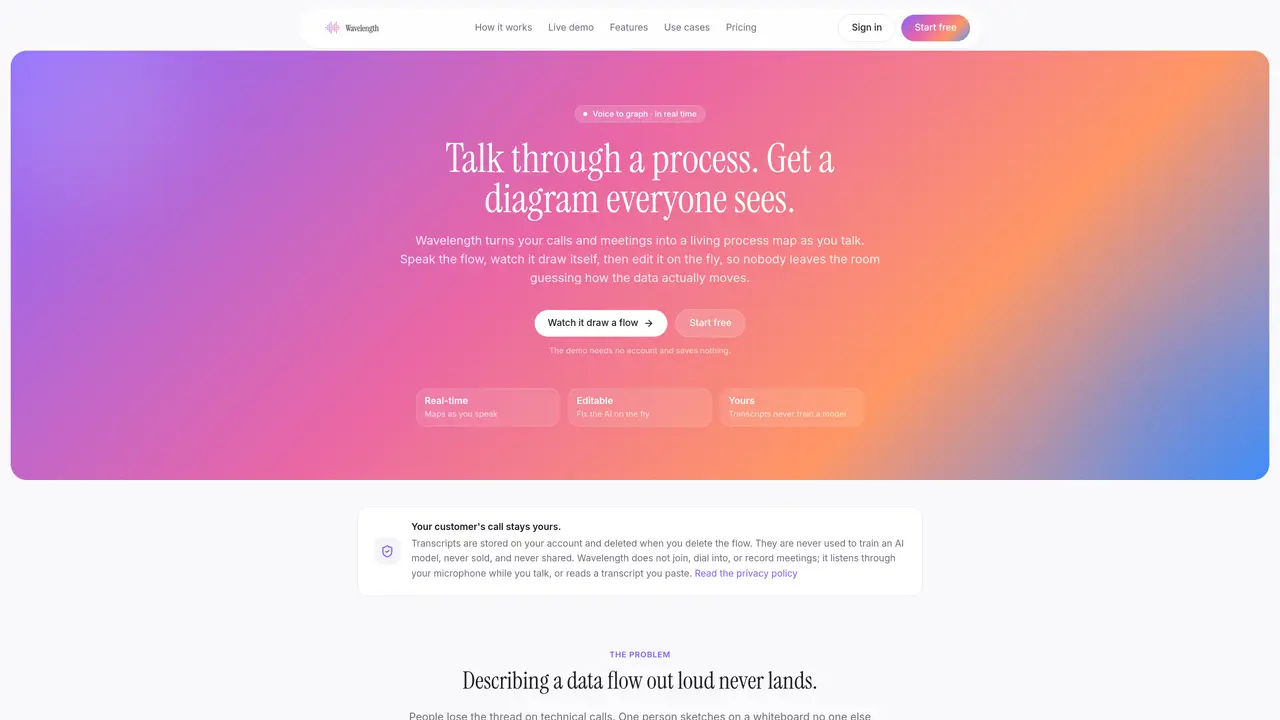
Wavelength converts spoken descriptions or pasted call transcripts into live, editable process diagrams. It listens through the user’s microphone or processes uploaded transcripts to automatically structure flows with shapes, connections, and labels. The tool supports real-time collaboration, allowing edits via AI prompts, right-click menus, or manual adjustments. Diagrams can be exported as PNGs or shared via email recaps, and users can add their own logo watermark. The system distinguishes between confirmed and inferred elements, marking uncertain connections in amber until validated. It is designed for live use during meetings, enabling teams to visualize and validate processes as they are described. Typical applications include sales demos, architecture reviews, onboarding materials, and process documentation workshops.
Wavelength converts spoken descriptions or pasted call transcripts into live, editable process diagrams in real time. Users can correct elements via AI prompts, right-click menus, or manual adjustments, and export the results as PNGs or share them via email recaps.
No. Wavelength listens through the user’s microphone during live sessions or processes uploaded transcripts afterward. It does not join meetings, dial in, or record the other party’s audio.
Transcripts are stored within the user’s account for revisiting and re-editing flows. Deleting a flow removes the associated transcript, diagram, and version history. Transcripts are never used to train AI models.
Wavelength uses Groq-hosted open models: Llama for structuring flows and Whisper for speech-to-text. Inference inputs and outputs are not retained by Groq by default, and user content never trains a model.
Lucidchart and Miro are drawing tools with AI features added, whereas Wavelength starts from live conversation or transcripts to generate a diagram by the end of the session.
Tools like Gong, Fireflies, or Otter produce text summaries of calls, while Wavelength creates a visual process diagram that those tools do not generate.
We use essential cookies to run aitoolnavio™, and optional cookies to analyze traffic and measure our marketing. You choose what we use — optional cookies stay off unless you turn them on. See our Privacy Policy.
One short email a week: fresh tools worth trying, honest takes and the updates that actually matter. No spam, unsubscribe any time.
Unleash creativity: edit photos, videos, and designs with AI-enhanced tools.
A drag-and-drop design platform for presentations and social graphics with AI photo tools and a large template library.
Create captivating, customizable presentations and easily share them across devices with a cloud-based platform.
Generate custom visuals for blogs, create unique social media images, and design eye-catching visuals for marketing campaigns.
Create stunning designs, edit photos, remove objects, make collages, and transform images with powerful AI tools and effects.
Create auto-resized campaign images and videos with DaVinci AI's generative media suite.
Create precise 3D models, collaborate on designs, and analyze simulations in real-time.
Cloudinary provides APIs and tools to integrate, manage, and optimize images and videos for AI-driven visual experiences.
Generate custom color palettes instantly with AI or from images for design projects.
Turn simple prompts into flyers, social posts, emails, event pages, and tickets using AI-powered design and marketing tools.
Generate high-quality images with flawless embedded text from text prompts, plus batch output and style control in a creative canvas.
Edit, transform, and enhance photos with text prompts using our free AI photo editor online.
Matched on what this tool does — grouped by the job you would be replacing.
matches Voice-to-graph conversion in real time · Handles branches, pipelines, hierarchies, and system owners
AI-powered BPMN 2.0 diagram generator from plain English descriptions
AI-powered visual collaboration platform for generating editable diagrams, mind maps, timelines, and pitch decks from prompts or text.
matches Three editing methods: AI prompts, right-click menus, or manual reshaping · Confidence cues for AI-generated connections
AI diagramming and documentation tool for engineering teams to create and update cloud architecture, ERDs, and flowcharts from prompts, code, and CI/CD workflows.
AI-powered collaborative workspace for teams to generate editable diagrams, cloud architecture, docs, and task boards with real-time collaboration and templates.
Online editor for Mermaid diagrams with live previews, AI-assisted code generation, and export to SVG, PNG, or Markdown.