Remove image backgrounds instantly, save time with advanced AI, and create stunning images effortlessly.
54M visits/mo-8.6%#2 Image & Design

Online AI photo editor for background removal, upscaling and image generation
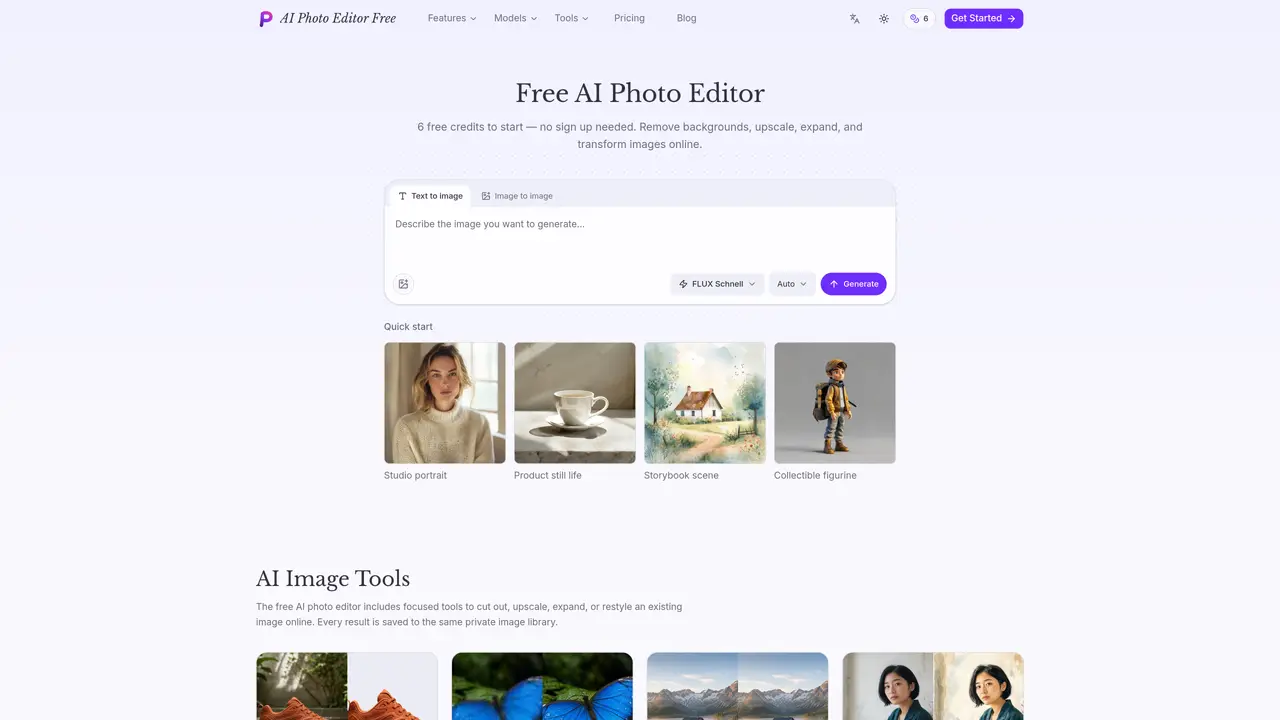
AI Photo Editor Free is an online tool that combines image editing and generation capabilities. It allows users to remove backgrounds, upscale images by 2× or 4×, expand images beyond their original frame, and restyle photos into illustrations. The platform offers text-to-image and image-to-image generation using four different AI models. Users can explore example images, reuse prompts, and generate new content with adjustable settings. All results are stored in a private image library accessible across sessions. The interface supports quick drafts and detailed scene generation with options for multi-image variations and reference-guided edits. The tool emphasizes privacy by not requiring sign-up for basic use and provides a free credit system to start editing immediately.
AI Photo Editor Free is an online tool that combines image editing and generation features. It allows users to remove backgrounds, upscale images by 2× or 4×, expand images beyond their original frame, and restyle photos into illustrations. The platform also supports text-to-image and image-to-image generation using four different AI models.
No sign-up is required for basic use. Users can start editing immediately with a free credit system, and all results are stored in a private image library accessible across sessions.
The tool offers four AI image generation models: FLUX Schnell for fast drafts, Nano Banana Pro for detailed scenes, GPT Image 2 for prompt-faithful illustrations, and Seedream 5.0 Pro for production layouts and multilingual text.
Yes, users can explore example images made from real prompts, view them full size, reuse their prompts, or use the images as references for new generations.
The free AI photo editor includes tools to remove backgrounds, upscale images, expand images beyond their original frame, and transform photos into illustrations while keeping the subject intact.
Every result generated or edited is saved to a private image library, allowing users to access their work across sessions without needing to sign up.
We use essential cookies to run aitoolnavio™, and optional cookies to analyze traffic and measure our marketing. You choose what we use — optional cookies stay off unless you turn them on. See our Privacy Policy.
One short email a week: fresh tools worth trying, honest takes and the updates that actually matter. No spam, unsubscribe any time.
Remove image backgrounds instantly, save time with advanced AI, and create stunning images effortlessly.
AI platform for upscaling images, enhancing photos, and generating high-quality creative assets with contextual detail.
Remove backgrounds, adjust colors, add text, filters, and shapes with ease.
Unleash creativity: edit photos, videos, and designs with AI-enhanced tools.
Transform photos effortlessly with AI: edit, enhance, and remove backgrounds.
Web and mobile AI platform for generating, editing, and training custom visuals from prompts with community models and face-swap tools.
Convert raster images into scalable vector graphics within seconds.
Create stunning designs, edit photos, remove objects, make collages, and transform images with powerful AI tools and effects.
Create stunning visuals, access image recognition and processing, and express creatively with natural language processing.
Cloudinary provides APIs and tools to integrate, manage, and optimize images and videos for AI-driven visual experiences.
All-in-one AI suite for creators to automate workflows, edit media, and generate content across video, design, and productivity tools.
Identify stolen identities, uncover copyright infringements, and find unauthorized use of images with precision.
Matched on what this tool does — grouped by the job you would be replacing.
matches Background remover · Background replacement and transparent background export
Transform images with AI-powered enhancements.
AI-powered tool for seamless photo editing and enhancement.
Free online AI photo editor with object removal, background replacement and enhancement
Free online AI photo editor with no sign-up or watermark
matches Image upscaler (2× or 4×) · Image enhancement tools
matches Text to image generation · Four AI models (FLUX Schnell, Nano Banana Pro, GPT Image 2, Seedream 5.0 Pro)
AI platform for upscaling images, enhancing photos, and generating high-quality creative assets with contextual detail.
All-in-one AI studio for generating, editing and upscaling images and videos
AI image generator and editor using GPT Image 2.5 Flare
Free browser-based AI image generator with multiple models, no-login creation, image editing, watermark-free downloads, and optional premium credits.
Web-based AI image and video generator with no login required
Online AI photo generator and editor that creates or modifies images from text prompts or uploaded photos
AI image and video generator supporting text-to-image, image-to-image, and video creation