AI chatbot for conversation, work, research, coding, and content creation.
5.9B visits/mo+5%#1 Chatbots & Assistants

A workspace for freelancers and design teams to generate, store, and share AI art with built-in prompt management and collaboration tools.
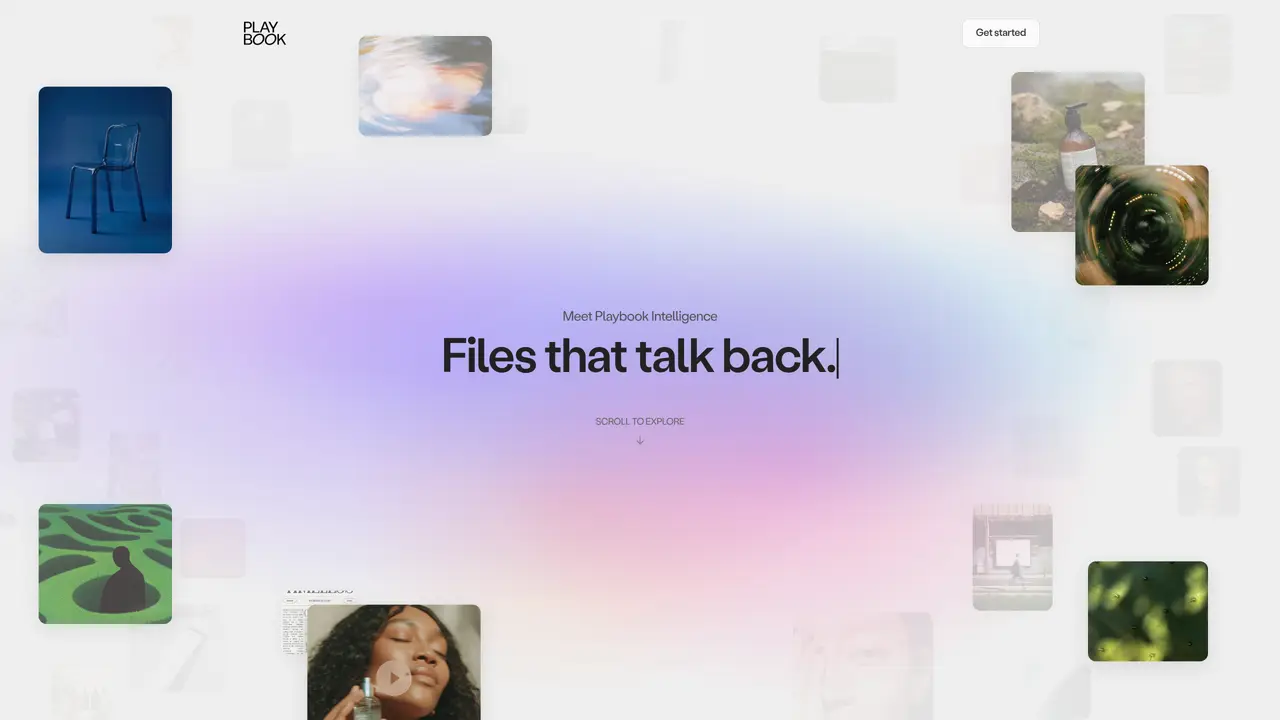
Playbook AI provides a centralized workspace for professional freelancers and design teams to create, store, and share AI-generated artwork. The platform integrates AI art generation directly within its interface, allowing users to produce visuals without leaving the tool. It includes features for organizing and reusing prompts, enabling teams to build a searchable library of their best inputs for consistent results. Collaboration is streamlined with shared workspaces, real-time editing, and version control, making it easier for distributed teams to work together on projects. The tool also offers smarter storage solutions to manage large volumes of high-resolution images efficiently. Creative licenses and usage rights can be tracked and assigned directly within the platform, simplifying licensing for commercial or client work. Additional resources like tutorials, artist interviews, and case studies help users refine their AI art workflows and learn advanced techniques. Whether for solo creators or collaborative teams, Playbook AI aims to centralize the entire AI art process from creation to distribution.
Playbook AI is a centralized workspace for organizing, editing, and sharing visual assets using AI-powered tools. It is designed for creative agencies, CPG brands, media production teams, marketing managers, and communication teams who need to streamline asset management and workflows.
Playbook AI uses AI autotagging to analyze images and videos by subject, mood, brand elements, and other attributes. It can automatically sort files into boards based on these tags or predefined board rules, eliminating manual file management.
Yes, users can describe batch actions in natural language prompts, such as cropping, resizing, converting formats, removing backgrounds, or applying watermarks. Playbook AI breaks these into step-by-step tasks and executes them sequentially.
Yes, it offers shared workspaces, real-time editing, version control, and approval tracking. Teams can collaborate on projects, assign tasks, and manage access to assets and galleries.
The platform includes features for brand guideline enforcement, ensuring assets adhere to predefined rules. It also allows tracking and assigning creative licenses and usage rights directly within the tool for commercial or client work.
Playbook AI can automate workflows such as moving assets from review to final delivery, organizing campaign shoots by product lines, converting files between formats, generating download links, and enforcing approval statuses across teams.
playbook.com · third-party estimates from Similarweb
Last 4 months · grows by one month every month
Share of visits by channel
No measurable traffic from Paid Referrals.
Share of visits · estimated visits
Other countries: 46.2%
How people reach this site from other AI tools
45 a month
Image & Design · Sep 2026
Traffic figures are third-party estimates, good for scale and trends; they can differ from a company's own numbers. Updated monthly.
We use essential cookies to run aitoolnavio™, and optional cookies to analyze traffic and measure our marketing. You choose what we use — optional cookies stay off unless you turn them on. See our Privacy Policy.
One short email a week: fresh tools worth trying, honest takes and the updates that actually matter. No spam, unsubscribe any time.
AI chatbot for conversation, work, research, coding, and content creation.
Generate captions, optimize content, and enhance with custom images for maximum engagement.
xAI builds Grok frontier AI models for reasoning, coding, voice, images, video, enterprise workflows, and developer APIs.
Explore and test Google’s experimental AI tools and prototypes before they become products.
Creates licensed videos, images, music.
Privacy-focused AI chatbot that generates uncensored text, code, images, and translations without storing conversations or requiring an account.
Web and mobile AI platform for generating, editing, and training custom visuals from prompts with community models and face-swap tools.
A drag-and-drop design platform for presentations and social graphics with AI photo tools and a large template library.
Generate unique artwork, customize with an intuitive interface, and push creative boundaries with AI-generated art.
Generate unique AI art, share your creations, and explore a vast selection of AI artwork.
Generate custom visuals for blogs, create unique social media images, and design eye-catching visuals for marketing campaigns.
Easily find and explore diverse AI art and prompts with a vast library of 10 million+ creations.
Matched on what this tool does — grouped by the job you would be replacing.
matches AI art generation within the platform · Shared workspaces and real-time collaboration · Version control for team projects
Centralize, optimize, and share AI prompts across teams to maintain brand consistency and accelerate content production.
Your All-in-one Prompt Management Tool
A web-based prompt manager for teams to create, run, label, search, and share generative AI prompts with response storage and analysis.
Shared workspace for organizing AI production shots, versions and decisions
matches Prompt storage and reuse for consistent outputs · Searchable prompt library
matches Smarter storage for high-resolution images · Built-in creative license and rights management
Keep AI behavior consistent across tools with Knotr AI's central context layer.
Store and access GPT-3 prompts with PeakGPT.
Centralize brand assets, automate approvals, and collaborate with external partners in a single digital asset management platform.
AI-powered digital asset management platform for marketing teams and agencies to store, organize, and distribute brand assets with AI tagging and approval workflows.
AI assistant inside Canva that generates designs, writes copy, and creates visuals faster for marketers, creators, and teams.