Summarizes, extracts, and rewrites content from files.
89M visits/mo+8.7%#2 Productivity & Office
Redacts personal details from documents on macOS before sharing
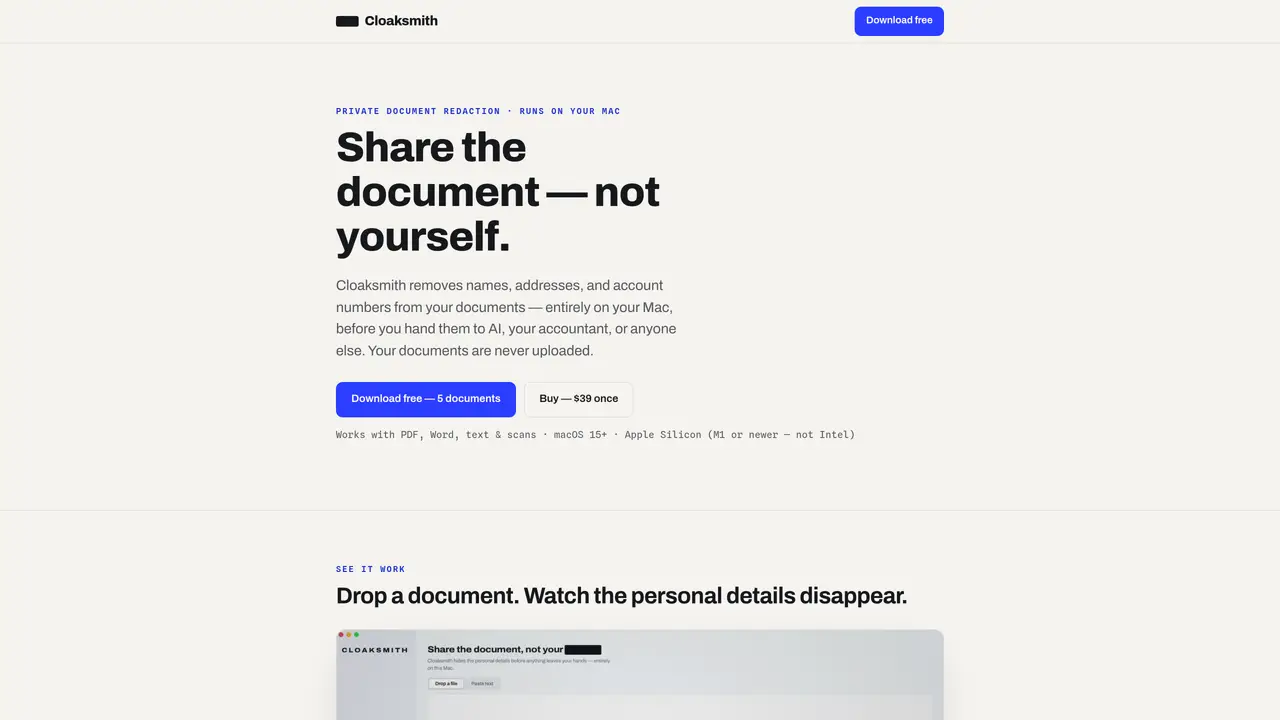
Cloaksmith is a macOS application that removes personal information such as names, addresses, and account numbers from documents before they are shared with AI services, accountants, or other recipients. The tool operates entirely locally on the user’s Mac, ensuring documents are never uploaded to external servers. It supports PDF, Word, plain text, and scanned documents, producing a cleaned version in the same format. Users can review and adjust redactions before exporting the sanitized file. The application is designed for users who prefer local processing over cloud-based solutions and do not want to risk exposing sensitive data. It runs offline and is signed and notarized by Apple, with no account or subscription required. The underlying text and image pixels are permanently removed rather than obscured, preventing recovery of redacted content.
Cloaksmith is a macOS application that removes personal information such as names, addresses, and account numbers from documents before sharing them with AI services, accountants, or others. It operates entirely locally on the user’s Mac and never uploads documents to external servers.
Cloaksmith is built for users who prefer local processing over cloud-based solutions and want to avoid exposing sensitive data. It suits individuals or professionals handling confidential documents, such as accountants or legal practitioners.
Cloaksmith supports PDF, Word (.docx), plain text, and scanned or image-based PDFs. It processes these files locally and returns a cleaned version in the same format.
No, Cloaksmith runs entirely offline and does not require an internet connection to function. All processing occurs on the user’s Mac.
Cloaksmith offers a free trial for the first 5 documents. After that, it requires a one-time purchase of $39, which covers use on up to 3 Macs. There are no subscriptions or recurring fees.
Yes, a single license covers up to 3 Macs. Users can activate the same license on additional Macs or request to free up an old seat if needed.
We use essential cookies to run aitoolnavio™, and optional cookies to analyze traffic and measure our marketing. You choose what we use — optional cookies stay off unless you turn them on. See our Privacy Policy.
One short email a week: fresh tools worth trying, honest takes and the updates that actually matter. No spam, unsubscribe any time.
Summarizes, extracts, and rewrites content from files.
Automate citation and reference management, aid research with text and data mining, and securely store and share documents.
Capture, organize, and share ideas, notes, and documents effortlessly.
Headless CMS that lets developers manage structured content and deliver it anywhere via flexible APIs and real-time collaboration tools.
Efficiently create and manage cases, streamline workflows, securely store and share documents, and collaborate with colleagues.
Access files, collaborate, and secure your data with unbeatable customizable system.
An AI-powered PDF editor and converter for editing, OCR, signing, annotating, merging, and chatting with documents across devices.
Browser-based PDF editor that edits, signs, converts, merges, compresses, and shares files, with AI for form filling, document chat, and PDF creation.
Securely store, access, and search documents from any device with ease.
Create and customize legal documents, consult lawyers, and access legal guides all in one platform.
Centralize brand assets, automate approvals, and collaborate with external partners in a single digital asset management platform.
AI diagramming and documentation tool for engineering teams to create and update cloud architecture, ERDs, and flowcharts from prompts, code, and CI/CD workflows.
Matched on what this tool does — grouped by the job you would be replacing.
matches Redacts names, addresses, and account numbers · Handles PDF, Word, text, and scanned files · Permanently removes text and image pixels
Redactable is an AI-powered redaction solution that helps organizations efficiently remove sensitive data from PDF files.
Offline macOS app that auto-detects and blurs sensitive data in screenshots, images, and PDFs for privacy-focused Mac users.
Browser-based PDF editor with AI tools and local file processing