Summarizes, extracts, and rewrites content from files.
89M visits/mo+8.7%#2 Productivity & Office

Creates private reading dossiers from PDFs, text, images, audio or video for sourced briefs and evidence
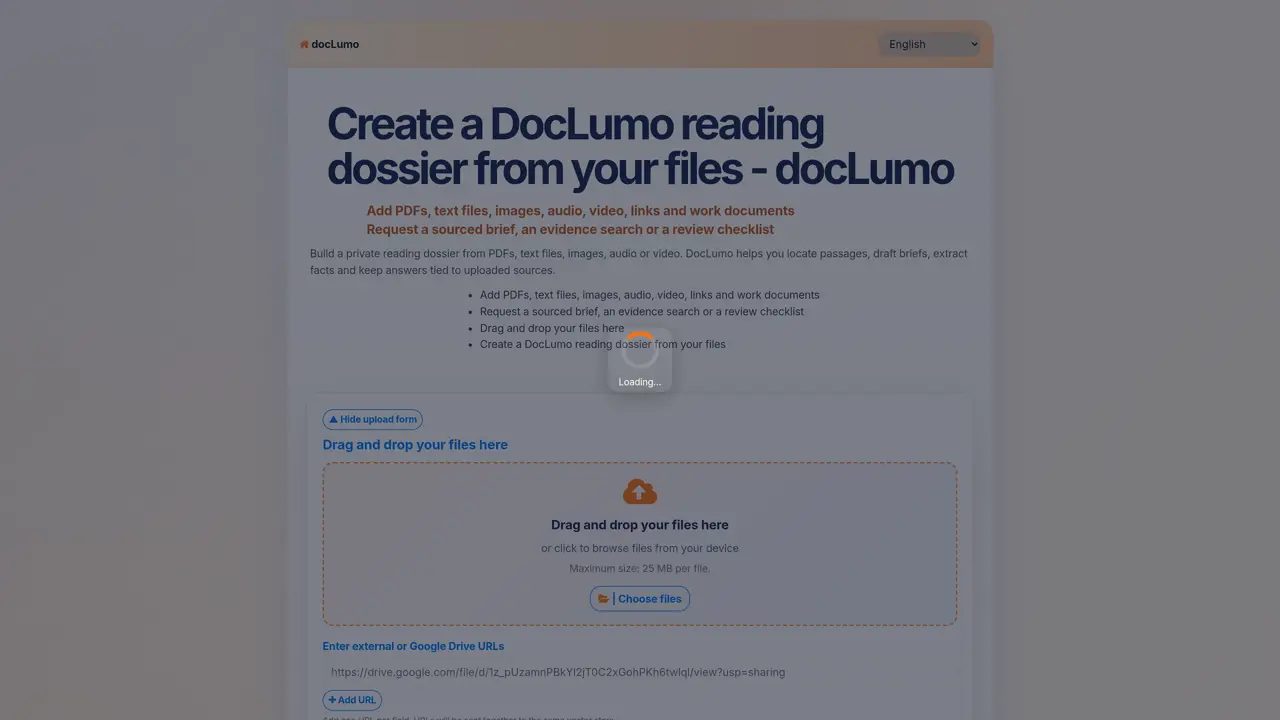
DocLumo Reading Desk processes uploaded files including PDFs, text files, images, audio, video, links and work documents into a private reading dossier. Users can request sourced briefs, evidence searches or review checklists while keeping answers tied to the original sources. The tool supports document-based Q&A, fact extraction and passage location within the uploaded materials. It also enables comparison between documents, extraction of key information and summarization of manuals, reports and meeting transcripts. Audio and video files can be summarized into briefs, and the system maintains review notes connected to specific files and passages. Advanced settings allow customization of AI response behavior.
DocLumo Reading Desk supports PDFs, text files, images, audio files, video files, links, and work documents like Word or Excel files.
The tool maintains a private reading dossier where answers are sourced directly from the uploaded files, ensuring traceability and accuracy.
Yes, audio and video files can be uploaded and summarized into briefs, with answers linked to the original media content.
Each file has a maximum size limit of 25 MB per file.
Yes, the tool allows document comparison, enabling users to identify differences or similarities between uploaded files.
Advanced settings let users customize how the AI responds to questions, tailoring the behavior to specific needs or preferences.
We use essential cookies to run aitoolnavio™, and optional cookies to analyze traffic and measure our marketing. You choose what we use — optional cookies stay off unless you turn them on. See our Privacy Policy.
One short email a week: fresh tools worth trying, honest takes and the updates that actually matter. No spam, unsubscribe any time.
Summarizes, extracts, and rewrites content from files.
Automate citation and reference management, aid research with text and data mining, and securely store and share documents.
Capture, organize, and share ideas, notes, and documents effortlessly.
Headless CMS that lets developers manage structured content and deliver it anywhere via flexible APIs and real-time collaboration tools.
Efficiently create and manage cases, streamline workflows, securely store and share documents, and collaborate with colleagues.
Access files, collaborate, and secure your data with unbeatable customizable system.
An AI-powered PDF editor and converter for editing, OCR, signing, annotating, merging, and chatting with documents across devices.
Browser-based PDF editor that edits, signs, converts, merges, compresses, and shares files, with AI for form filling, document chat, and PDF creation.
Securely store, access, and search documents from any device with ease.
Create and customize legal documents, consult lawyers, and access legal guides all in one platform.
Centralize brand assets, automate approvals, and collaborate with external partners in a single digital asset management platform.
AI diagramming and documentation tool for engineering teams to create and update cloud architecture, ERDs, and flowcharts from prompts, code, and CI/CD workflows.
Matched on what this tool does — grouped by the job you would be replacing.
matches Document-based Q&A with source citations · Sourced brief generation · Evidence search and review checklists
Upload documents and ask AI questions about their content online
Create personalized chatbots, upload documents in various formats, and search through long documents for quick answers.
Interactive AI tool for questioning and summarizing PDFs through a conversational chat interface.
Answers and summaries generated from uploaded files and media
matches Audio and video summarization
Revolutionize transcription with unmatched accuracy, speed, and language support.
Summarize video contents, extract key points accurately, and maximize video utilization with a user-friendly interface.
An AI web app that converts webpages, PDFs, images, and research papers into multi-speaker podcast episodes.