Summarizes, extracts, and rewrites content from files.
89M visits/mo+8.7%#2 Productivity & Office

Intelligent document management system using OCR for processing and organizing files
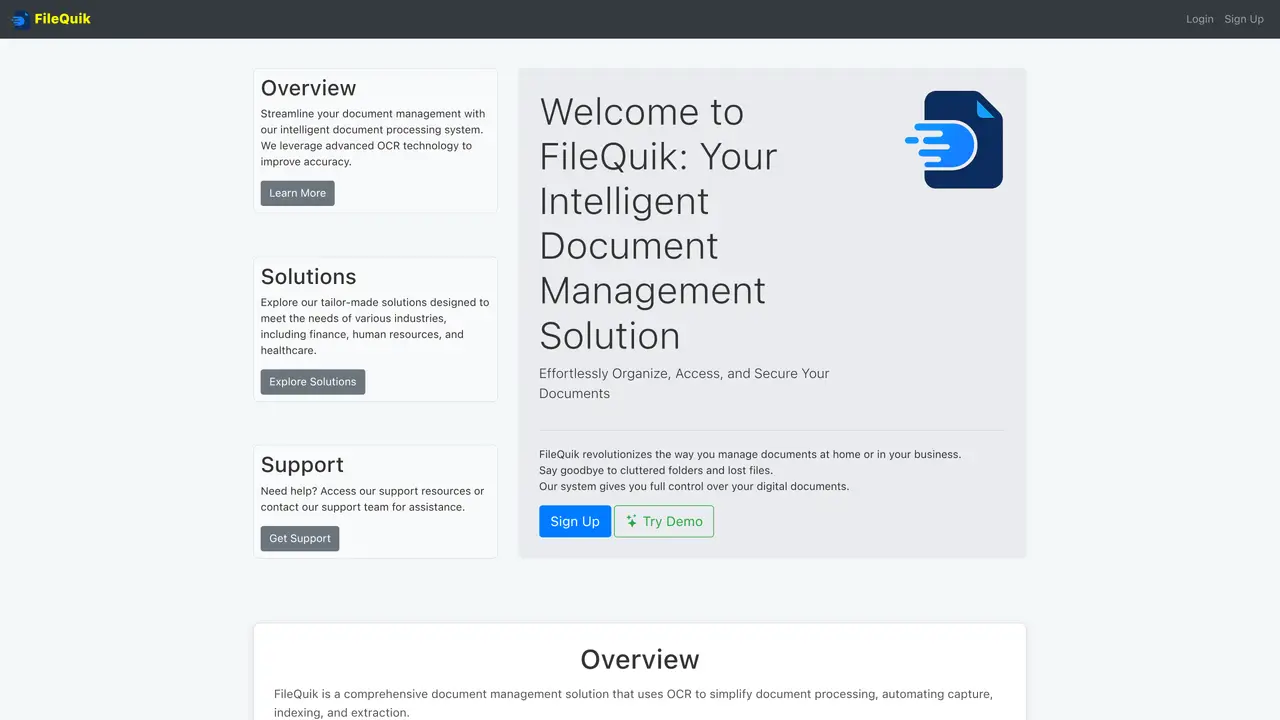
FileQuik is a document management system that uses optical character recognition (OCR) to automate the capture, indexing, and extraction of text from documents. It organizes, secures, and provides controlled access to digital documents, replacing manual filing systems. The platform supports industries such as finance, healthcare, and human resources by processing invoices, receipts, patient records, and employee documents. It includes features like automated document scanning, intelligent text extraction, AI-based classification, and metadata extraction. Files are stored securely with encryption and role-based access controls. The system aims to reduce processing time, improve accuracy, and support compliance with industry regulations.
FileQuik is an intelligent document management system that uses OCR technology to automate the capture, indexing, and extraction of text from documents. It organizes, secures, and provides controlled access to digital documents, replacing manual filing systems.
FileQuik offers tailor-made solutions for industries such as finance, healthcare, and human resources. It is designed to streamline document processing for businesses and organizations handling invoices, patient records, employee documents, and more.
FileQuik stores documents securely with encryption and role-based access controls, ensuring that only authorized users can access sensitive information. This helps organizations maintain compliance with industry regulations.
Yes, FileQuik includes automated document scanning capabilities that quickly digitize physical documents, making it easier to organize and manage them alongside digital files.
FileQuik offers two pricing plans: Basic and Pro. The Basic plan includes OCR, AI tagging, and categorization with 10MB of document storage, while the Pro plan includes additional features like a modern dashboard, 5GB of storage, and analytics.
You can start using FileQuik by signing up for an account on their website. They offer a demo and a free trial during beta testing, allowing you to explore the platform before choosing a plan.
We use essential cookies to run aitoolnavio™, and optional cookies to analyze traffic and measure our marketing. You choose what we use — optional cookies stay off unless you turn them on. See our Privacy Policy.
One short email a week: fresh tools worth trying, honest takes and the updates that actually matter. No spam, unsubscribe any time.
Summarizes, extracts, and rewrites content from files.
Automate citation and reference management, aid research with text and data mining, and securely store and share documents.
Capture, organize, and share ideas, notes, and documents effortlessly.
Headless CMS that lets developers manage structured content and deliver it anywhere via flexible APIs and real-time collaboration tools.
Efficiently create and manage cases, streamline workflows, securely store and share documents, and collaborate with colleagues.
Access files, collaborate, and secure your data with unbeatable customizable system.
An AI-powered PDF editor and converter for editing, OCR, signing, annotating, merging, and chatting with documents across devices.
Browser-based PDF editor that edits, signs, converts, merges, compresses, and shares files, with AI for form filling, document chat, and PDF creation.
Securely store, access, and search documents from any device with ease.
Create and customize legal documents, consult lawyers, and access legal guides all in one platform.
Centralize brand assets, automate approvals, and collaborate with external partners in a single digital asset management platform.
AI diagramming and documentation tool for engineering teams to create and update cloud architecture, ERDs, and flowcharts from prompts, code, and CI/CD workflows.
Matched on what this tool does — grouped by the job you would be replacing.
matches Automated document capture and digitization · Intelligent OCR for high-accuracy text extraction
Converts scanned documents and images into editable, searchable formats with AI-powered OCR and data extraction.
Transform paper and digital documents into structured, actionable data with AI-driven robotic digitization for HR and beyond.
Automate document processing, extract text, tables, forms, transform into structured data, integrate with other AWS services.
Converts PDFs, images and Office files into structured JSON, CSV or Excel with AI-powered OCR and field extraction.
matches AI-powered document classification · Automatic metadata extraction
Upstage automates routine tasks, extracts key data from documents, and provides AI-powered decision support for professionals.
Automate document and email classification, data extraction, and generate tailored reports.
AI document processing and workflow automation for invoice, contract, and form data extraction with ERP integrations.
An AI and blockchain-powered records management platform that classifies documents, enables natural language search, and tracks compliance with audit trails.