Summarizes, extracts, and rewrites content from files.
89M visits/mo+8.7%#2 Productivity & Office

Converts photos, screenshots or PDFs containing schedules into editable calendar events
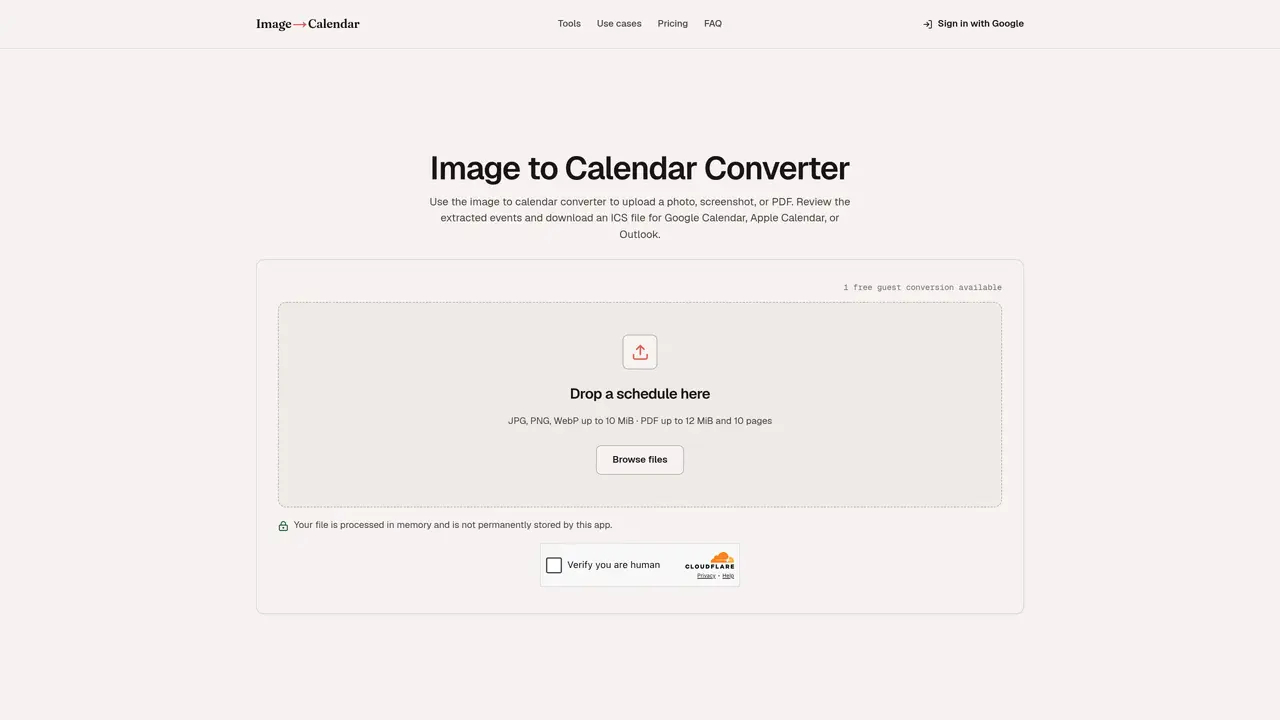
Image to Calendar is a web-based utility that extracts schedule details from images, screenshots, flyers or PDFs and converts them into editable calendar events. Users upload a file containing dates, times, locations or repeat patterns, and the tool analyzes the visual content to detect and parse the information automatically. The extracted events are presented for review, allowing users to adjust titles, dates, times, timezones, locations and repeat rules before exporting them as a standard ICS file. This ICS file can then be imported into Google Calendar, Apple Calendar, Outlook or any other iCalendar-compatible application, eliminating the need to manually retype information from visual schedules such as timetables, sports seasons, work rosters, exam dates or event flyers. The tool operates entirely in memory, ensuring that uploaded files are not stored permanently, and it does not require users to sign in or automatically add events to their calendars. Accuracy of the extraction depends on the clarity and layout of the input image, and each detected event includes a confidence score along with any relevant warnings to help users verify the results. The process prioritizes user control, enabling adjustments before finalizing the calendar events for export.
An image to calendar converter reads dates, times, locations, and repeat details from a photo, screenshot, flyer, or PDF. It turns those details into editable events that can be exported as a standard ICS file for calendar apps.
You can upload JPG, PNG, or WebP images up to 10 MiB, or a PDF up to 12 MiB and 10 pages. Event flyers, screenshots, class timetables, sports schedules, and shift rosters are supported.
Yes. Before downloading, you can edit titles, start and end dates, times, all-day settings, timezones, locations, notes, and repeat rules. You can also remove events you do not want to export.
No automated extraction is perfect. Accuracy depends on image clarity and schedule layout, so every event includes a confidence score and any detected warnings for review before export.
The downloaded ICS file works with Google Calendar, Apple Calendar, Outlook, and other apps that support the iCalendar standard. The app does not sign in to your calendar or add events automatically.
The app processes uploads in request memory only to extract calendar events. Files are released after processing and are not permanently stored.
We use essential cookies to run aitoolnavio™, and optional cookies to analyze traffic and measure our marketing. You choose what we use — optional cookies stay off unless you turn them on. See our Privacy Policy.
One short email a week: fresh tools worth trying, honest takes and the updates that actually matter. No spam, unsubscribe any time.
Summarizes, extracts, and rewrites content from files.
Automate citation and reference management, aid research with text and data mining, and securely store and share documents.
Capture, organize, and share ideas, notes, and documents effortlessly.
Headless CMS that lets developers manage structured content and deliver it anywhere via flexible APIs and real-time collaboration tools.
Efficiently create and manage cases, streamline workflows, securely store and share documents, and collaborate with colleagues.
Access files, collaborate, and secure your data with unbeatable customizable system.
An AI-powered PDF editor and converter for editing, OCR, signing, annotating, merging, and chatting with documents across devices.
Browser-based PDF editor that edits, signs, converts, merges, compresses, and shares files, with AI for form filling, document chat, and PDF creation.
Securely store, access, and search documents from any device with ease.
Create and customize legal documents, consult lawyers, and access legal guides all in one platform.
Centralize brand assets, automate approvals, and collaborate with external partners in a single digital asset management platform.
AI diagramming and documentation tool for engineering teams to create and update cloud architecture, ERDs, and flowcharts from prompts, code, and CI/CD workflows.
Matched on what this tool does — grouped by the job you would be replacing.
matches Upload JPG, PNG, WebP or PDF files · Extract dates, times, locations and repeat details · Edit extracted events before export
Converts text, images, and PDFs into shareable calendar events and layouts
Converts schedules from documents or images into calendar files