Summarizes, extracts, and rewrites content from files.
89M visits/mo+8.7%#2 Productivity & Office
Converts photographed notes, whiteboards and handwriting into editable Word documents
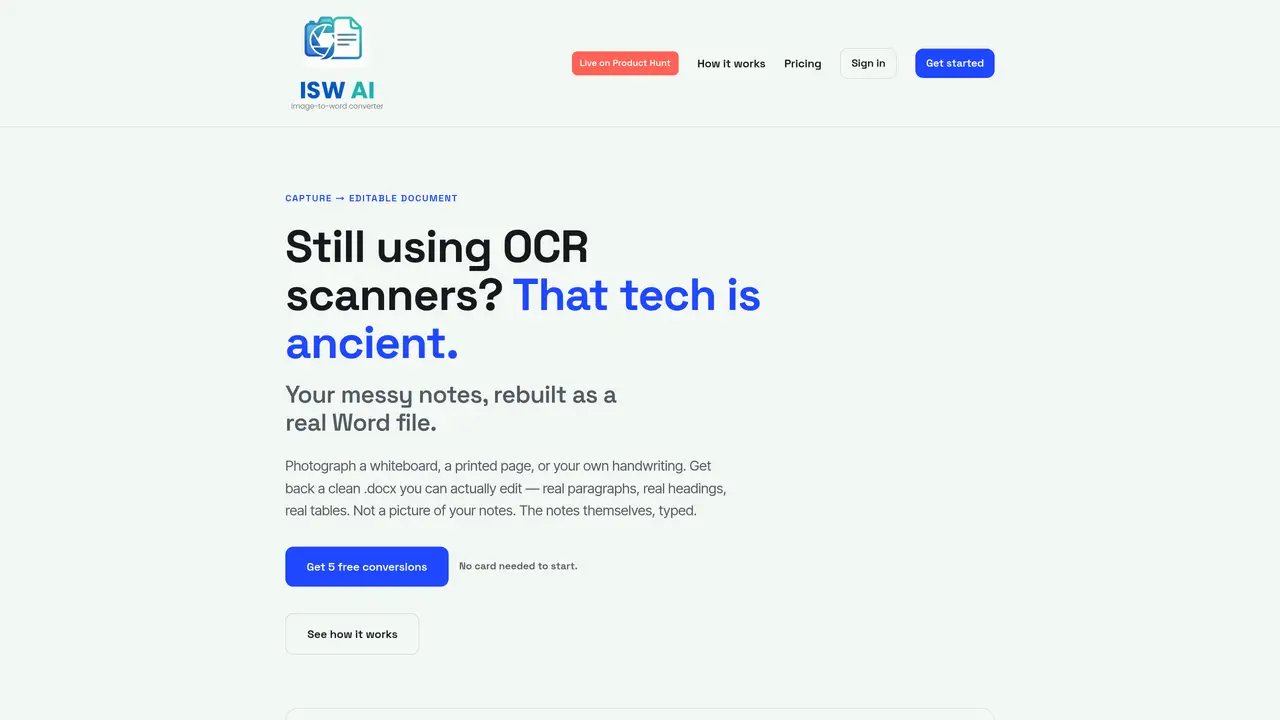
ISW AI transforms photographs of whiteboards, printed pages, handwritten notes or diagrams into fully editable .docx files. The service reads printed or handwritten text and reproduces it as editable paragraphs, headings, tables and shapes in Microsoft Word format. Users can photograph a meeting whiteboard or a page of notes and receive a structured document with real Word formatting rather than a static image. The tool also supports live audio recordings, converting lectures or talks into structured documents with proper headings and paragraphs. An invite system rewards users for bringing new members, granting additional conversion credits for each successful referral. The service operates entirely in the browser and requires no scanner hardware or software installation.
ISW AI converts photographs of whiteboards, printed pages, handwritten notes, diagrams, or live audio recordings into fully editable Microsoft Word (.docx) documents with real formatting such as paragraphs, headings, tables, and shapes.
The tool is designed for professionals, students, and anyone who needs to digitize messy notes, meeting whiteboards, lectures, or printed documents into structured, editable Word files without using traditional scanners.
ISW AI offers 5 free conversions upon sign-up without requiring a credit card. Additional conversions are available for purchase in bundles, with pricing details available on the pricing page.
No, ISW AI operates entirely in the browser and does not require any scanner hardware or software installation to function.
Yes, ISW AI reads both printed and handwritten text, and it reconstructs diagrams, tables, and shapes as editable Word elements rather than static images.
Users can share a personal invite link to bring new members. Each successful referral grants the inviter 3 additional conversion credits, with no limit on the number of referrals.
We use essential cookies to run aitoolnavio™, and optional cookies to analyze traffic and measure our marketing. You choose what we use — optional cookies stay off unless you turn them on. See our Privacy Policy.
One short email a week: fresh tools worth trying, honest takes and the updates that actually matter. No spam, unsubscribe any time.
Summarizes, extracts, and rewrites content from files.
Automate citation and reference management, aid research with text and data mining, and securely store and share documents.
Capture, organize, and share ideas, notes, and documents effortlessly.
Headless CMS that lets developers manage structured content and deliver it anywhere via flexible APIs and real-time collaboration tools.
Efficiently create and manage cases, streamline workflows, securely store and share documents, and collaborate with colleagues.
Access files, collaborate, and secure your data with unbeatable customizable system.
An AI-powered PDF editor and converter for editing, OCR, signing, annotating, merging, and chatting with documents across devices.
Browser-based PDF editor that edits, signs, converts, merges, compresses, and shares files, with AI for form filling, document chat, and PDF creation.
Securely store, access, and search documents from any device with ease.
Create and customize legal documents, consult lawyers, and access legal guides all in one platform.
Centralize brand assets, automate approvals, and collaborate with external partners in a single digital asset management platform.
AI diagramming and documentation tool for engineering teams to create and update cloud architecture, ERDs, and flowcharts from prompts, code, and CI/CD workflows.
Matched on what this tool does — grouped by the job you would be replacing.
matches Handwriting recognition · Whiteboard capture · Editable Word tables
Handwritten note-taking app with searchable ink, PDF annotation, synced audio, and AI-powered study tools.
DocuGenie packs 10 AI document tools into one app, including handwriting & image OCR, invoice/receipt/bank-statement to Excel, and more.
Capture ideas, organize notes, voice recordings, handwriting recognition, PDF annotation - all in one place.
matches Live audio-to-document conversion
An AI-powered note-taking app for students and professionals to write, sketch, annotate PDFs, record audio, and generate summaries, quizzes, and flashcards.
Capture-first personal knowledge workspace for notes, voice, meetings, images, and multilingual conversations