

Summarizes, extracts, and rewrites content from files.
89M visits/mo+8.7%#2 Productivity & Office
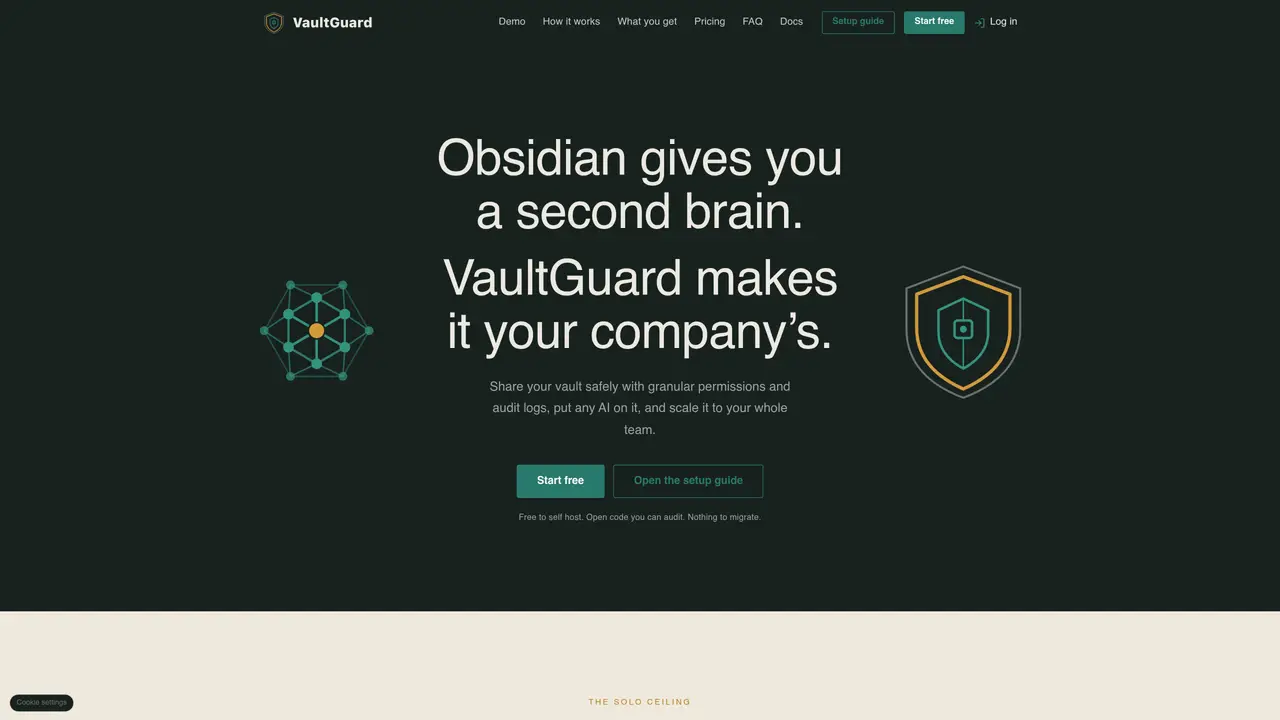
VaultGuard extends Obsidian vaults into a shared, encrypted company knowledge base with granular permissions and audit trails. It enables teams to collaborate on the same markdown notes without migrating content or changing workflows. The tool integrates with existing AI models through a single gateway that enforces per-file permissions and logs every access, reducing token usage by up to 90 percent compared to scanning entire libraries. Setup requires installing a plugin and answering configuration questions, after which sharing, permissions, and AI access can be activated within minutes. All data remains encrypted on user devices before syncing, and the system supports offline work with automatic sync when connectivity returns. The platform offers both managed cloud hosting and a self-hosted community edition deployable on AWS using Terraform.
VaultGuard turns an Obsidian vault into a shared, encrypted company knowledge base with granular permissions and audit trails. It allows teams to collaborate on the same markdown notes without migrating content or changing workflows.
VaultGuard is designed for teams already using Obsidian who need to safely share knowledge, enforce permissions, and integrate AI tools without rebuilding their workflows or migrating data.
VaultGuard connects any AI model through a single gateway that enforces per-file permissions and logs every access, reducing token usage by optimizing AI reads to only the necessary content.
Yes, VaultGuard offers a self-hosted Community edition deployable on AWS using Terraform, with the same encryption and per-file permissions as the managed cloud version.
VaultGuard uses AES 256 GCM encryption, applied to data both on the user's device and in the cloud, ensuring end-to-end security for shared and stored content.
Start by installing the VaultGuard plugin on your Obsidian vault, then follow the setup guide to configure sharing, permissions, and AI access in minutes without migrating existing content.
We use essential cookies to run aitoolnavio™, and optional cookies to analyze traffic and measure our marketing. You choose what we use — optional cookies stay off unless you turn them on. See our Privacy Policy.
One short email a week: fresh tools worth trying, honest takes and the updates that actually matter. No spam, unsubscribe any time.
Summarizes, extracts, and rewrites content from files.
Automate citation and reference management, aid research with text and data mining, and securely store and share documents.
Capture, organize, and share ideas, notes, and documents effortlessly.
Headless CMS that lets developers manage structured content and deliver it anywhere via flexible APIs and real-time collaboration tools.
Efficiently create and manage cases, streamline workflows, securely store and share documents, and collaborate with colleagues.
Access files, collaborate, and secure your data with unbeatable customizable system.
An AI-powered PDF editor and converter for editing, OCR, signing, annotating, merging, and chatting with documents across devices.
Browser-based PDF editor that edits, signs, converts, merges, compresses, and shares files, with AI for form filling, document chat, and PDF creation.
Securely store, access, and search documents from any device with ease.
Create and customize legal documents, consult lawyers, and access legal guides all in one platform.
Centralize brand assets, automate approvals, and collaborate with external partners in a single digital asset management platform.
AI diagramming and documentation tool for engineering teams to create and update cloud architecture, ERDs, and flowcharts from prompts, code, and CI/CD workflows.
Matched on what this tool does — grouped by the job you would be replacing.
matches Per-file permissions and access control · Audit logs for all sync, share, and permission changes · In-Obsidian admin interface for team management
Shared, versioned memory and coordination layer for AI agents
Centralized knowledge base that syncs context across multiple AI agents in real time.
AI-powered real estate assistant for secure project collaboration, document sharing, and team communication.