
Create stunning visuals, develop ideas with AI-powered tools, and instantly share content without coding or formatting.
21M visits/mo+6.5%#6 Writing & Content

AI text-to-visual tool that converts text or files into charts, flowcharts, infographics, and diagrams with exports to PNG, PDF, and PowerPoint.
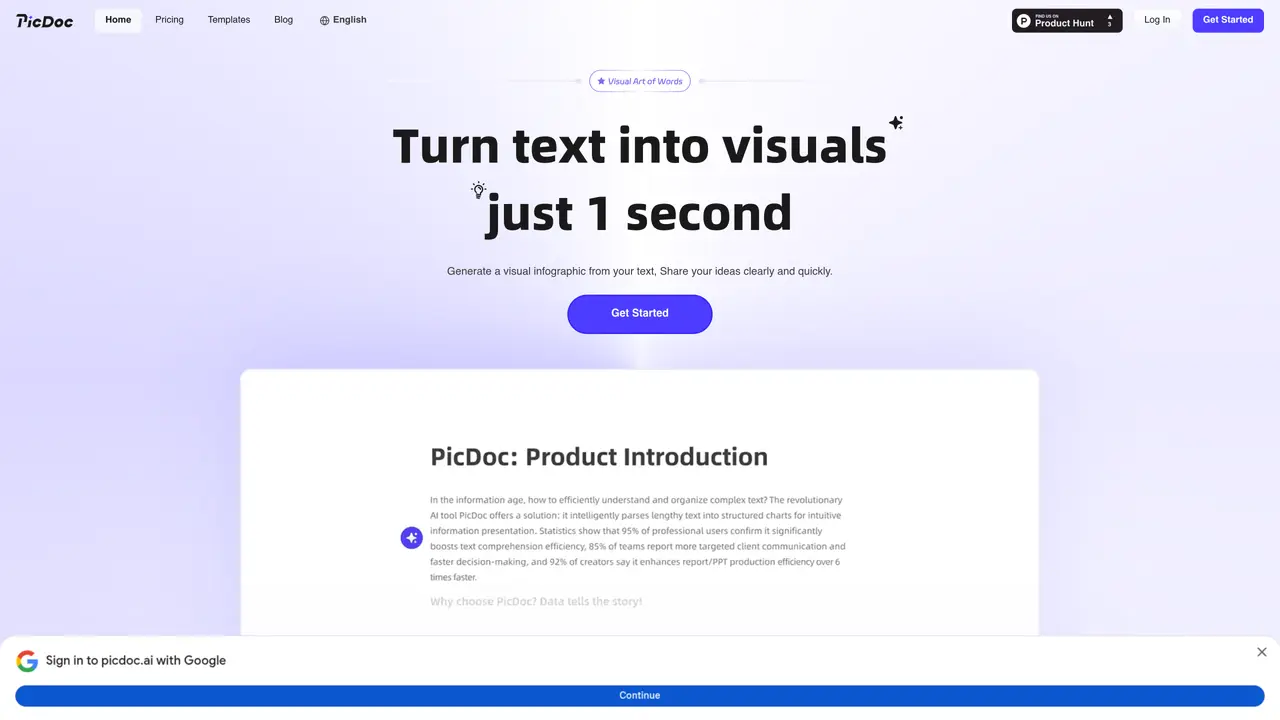
PicDoc is a web-based (with API support) text-to-visual conversion tool designed for content creators, business professionals, educators, technical writers, and teams. It enables users to transform written content into visual formats such as charts, flowcharts, infographics, mind maps, and diagrams without manual design work. The tool leverages semantic parsing to generate visuals instantly from direct text input, keyword or theme-based generation, or by importing files from PDF, Word, and images. PicDoc offers a variety of visual styles, including 3D, flat, and cartoon, along with AI-assisted color matching and layout options. Users can export outputs to PNG, PDF, and PowerPoint, or collaborate via shareable links and document markup. The platform also provides one-click diagram templates for common formats like SWOT, Gantt, funnel, fishbone, and topology diagrams. PicDoc operates under a freemium model, with free-tier outputs restricted to non-commercial use during the trial period, while paid plans allow commercial use. The product is currently in beta, with all functions available for free during this phase.
PicDoc converts written text into visual formats such as infographics, flowcharts, mind maps, diagrams, and presentation graphics instantly. It supports direct text input, keyword-based generation, and file imports from PDF, Word, and images.
The tool is designed for content creators, business professionals, educators, technical writers, teams, and anyone needing to visualize ideas quickly without design skills. It is also useful for international teams due to its multi-language generation feature.
PicDoc is currently in beta, and all functions, including membership features, are available for free during this phase. Commercial use of generated images and icons is permitted under PicDoc's copyright.
PicDoc can be viewed on mobile devices, but full editing capabilities and interactive features are optimized for desktop or computer use.
Users can submit feedback or suggestions through the 'Contact Us' section at the bottom of the PicDoc website, which includes email and other contact methods.
Yes, PicDoc offers various visual styles such as 3D, flat, and cartoon, along with AI-assisted color matching and layout options. Users can also modify generated visuals and export them in formats like PNG, PDF, and PowerPoint.
picdoc.ai · third-party estimates from Similarweb
Last 4 months · grows by one month every month
Share of visits · estimated visits
Other countries: 14.9%
Productivity & Office · Sep 2026
Traffic figures are third-party estimates, good for scale and trends; they can differ from a company's own numbers. Updated monthly.
We use essential cookies to run aitoolnavio™, and optional cookies to analyze traffic and measure our marketing. You choose what we use — optional cookies stay off unless you turn them on. See our Privacy Policy.
One short email a week: fresh tools worth trying, honest takes and the updates that actually matter. No spam, unsubscribe any time.
Create stunning visuals, develop ideas with AI-powered tools, and instantly share content without coding or formatting.
Create captivating, customizable presentations and easily share them across devices with a cloud-based platform.
Engage audience with interactive polls, quizzes, and surveys, and monitor responses with powerful analytics.
All-in-one AI workspace for creating presentations, essays, images, videos, podcasts, and AI-powered chat responses from a single platform.
Visual collaboration platform for creating diagrams, mind maps, wireframes, and workflows with real-time teamwork.
Skywork Super Agents: Workspace productivity suite with specialized AI for research-grade documents, slides & spreadsheets + multimedia tools.
AI-powered design tool that turns templates into professional presentations, infographics, and timelines with no graphic design skills required.
AI-powered platform for creating presentations, infographics, reports, and social media graphics from text prompts with built-in brand management and collaboration tools.
Visualize processes, design network diagrams, and collaborate in real-time with templates and easy-to-use interface.
AI-powered presentation tool that generates professional slides from text with a vast library of templates, images, and customization options.
AI-powered presentation maker that generates PowerPoint and Google Slides decks from prompts, documents, or URLs for professionals, educators, and students.
Generate presentations, create interactive slideshows, and customize with themes, fonts, and colors.
Matched on what this tool does — grouped by the job you would be replacing.
matches Instant text-to-visual generation from text, keywords, or imported files · Semantic parsing for accurate visual representation of content
AI-driven tool for instant, intuitive diagram creation.
AI-powered graph generator that turns text or data into interactive charts, mind maps, flowcharts, and knowledge graphs for reports, presentations, and web pages.
Generate and edit diagrams rapidly from text.
Diagrimo is an AI diagram generator that converts text and ideas into professional visual diagrams instantly.
matches Multiple visual styles (3D, flat, cartoon) with AI-assisted color matching · One-click diagram templates for SWOT, Gantt, funnel, fishbone, and topology diagrams · Exports to PNG, PDF, and PowerPoint formats
matches Collaboration via shareable links and document markup · Supports file imports from PDF, Word, and images
AI-powered visual communication tool for creating infographics, reports, presentations, and social graphics from templates with AI assistance.
Turns prompts, documents, or links into polished, data-backed presentations and interactive infographics with AI agents.
Instantly generate polished documents, presentations, and reports from a single prompt with AI-native formatting and design.
AI-powered platform that turns blogs, articles or text into editable presentations, infographics and Instagram carousels.
Visual collaboration platform for creating diagrams, mind maps, wireframes, and workflows with real-time teamwork.
Visualize processes, design network diagrams, and collaborate in real-time with templates and easy-to-use interface.
AI-powered collaborative workspace for teams to generate editable diagrams, cloud architecture, docs, and task boards with real-time collaboration and templates.
AI-powered visual collaboration platform for generating editable diagrams, mind maps, timelines, and pitch decks from prompts or text.