AI assistant for safe, reliable productivity with code, collaboration, and integrations.

TabMail
$15Starting price
0Popularity
About TabMail
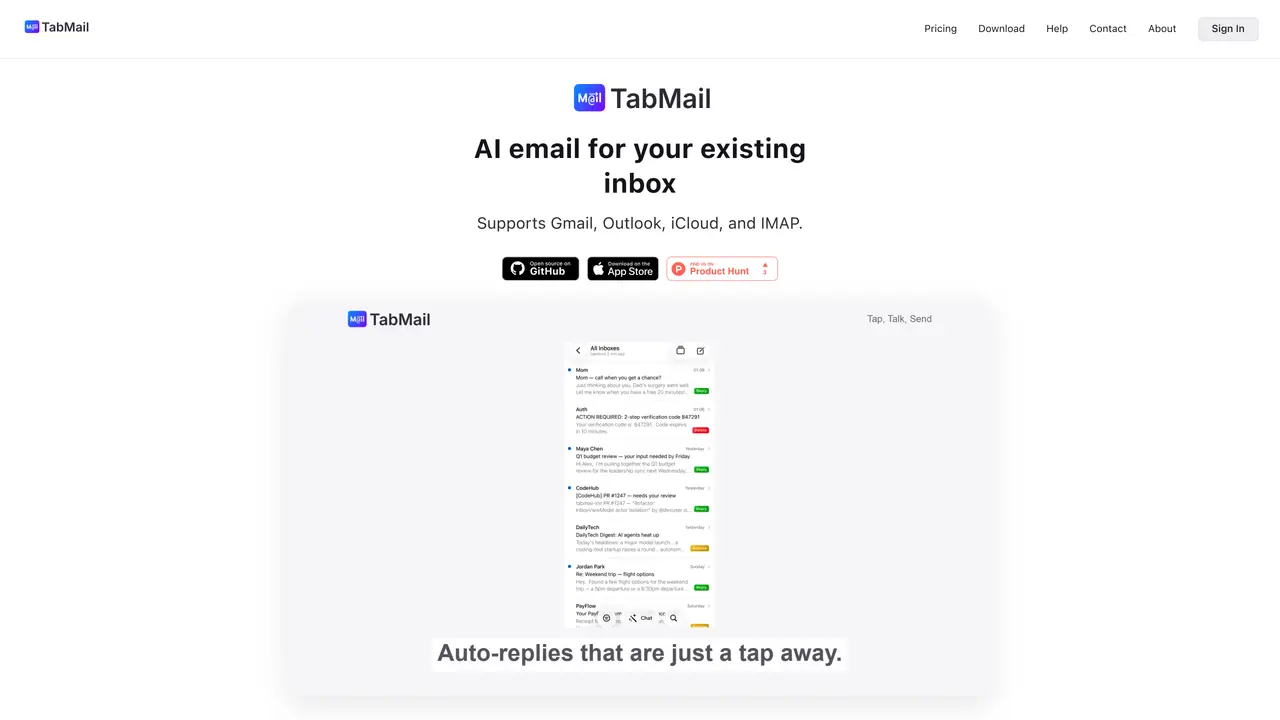
TabMail integrates AI capabilities into existing email clients such as Thunderbird and iOS devices. It supports multiple email providers including Gmail, Outlook, iCloud, and IMAP. The tool extends Mozilla Thunderbird, a privacy-focused open-source email client, by adding AI features while maintaining the client’s core functionality. Email and calendar content are not retained by TabMail servers, and AI processing data is only temporarily transmitted and never stored. Users can disable AI features at any time. TabMail for iOS provides a native mobile experience for triaging, replying, and managing emails on iPhones. Personalization data remains on the user’s device, with optional synchronization across devices. The project is open source, allowing users to explore the code, contribute, or build custom features using the proprietary backend.
Key features
- AI-powered email triage and reply assistance
- Integration with Thunderbird via open-source add-on
- Native iOS app for mobile email management
- Temporary data processing without storage
- Local storage of personalization data
- Optional synchronization of preferences across devices
- Open-source codebase for transparency and contributions
- Privacy toggle to enable or disable AI features
Use cases
- Enhancing email workflow efficiency in Thunderbird
- Managing emails on iOS devices with AI assistance
- Privacy-conscious email processing without data retention
Pros
- Open-source Thunderbird add-on and iOS app
- Privacy-focused with no retention of email or calendar content
- Supports multiple email providers including Gmail, Outlook, and iCloud
- AI features can be disabled at any time
- Local storage of personalization data with optional sync
Cons
- No explicit mention of a free tier or pricing model
- Limited to Thunderbird and iOS platforms
- Requires proprietary backend for AI features
Frequently asked questions about TabMail
What is TabMail?
TabMail is an AI-powered email assistant that integrates with existing email clients like Thunderbird and iOS devices. It supports multiple providers including Gmail, Outlook, iCloud, and IMAP, adding AI features such as email triage, autocompletion, and agent-based assistance while maintaining privacy.
Who is TabMail designed for?
TabMail is designed for users who rely on Thunderbird or iOS devices for email management and want to enhance their workflow with AI capabilities. It suits individuals and professionals who prioritize privacy and open-source software.
Does TabMail store my email or calendar content?
No, TabMail servers do not retain email or calendar content. When AI features are used, data may be temporarily transmitted for processing but is never stored at rest. Personalization data remains on the user’s device.
Can I use my own AI provider keys with TabMail?
Yes, TabMail offers a Zero plan that allows users to bring their own AI keys from providers like OpenAI, Anthropic, or Google. This plan covers TabMail’s infrastructure while AI usage is billed directly by the chosen provider.
How does TabMail handle AI processing and privacy?
AI processing data is only temporarily transmitted and never stored by TabMail servers. Users can disable AI features at any time, and personalization data is stored locally with optional synchronization across devices.
What happens if I reach my usage limit on a plan?
If you reach your usage limit, your service continues to work but at a slower pace. You can upgrade to a higher plan anytime for immediate access to higher limits without interruption.