AI assistant for safe, reliable productivity with code, collaboration, and integrations.

VoicePaste
$40Starting price
0Popularity
About VoicePaste
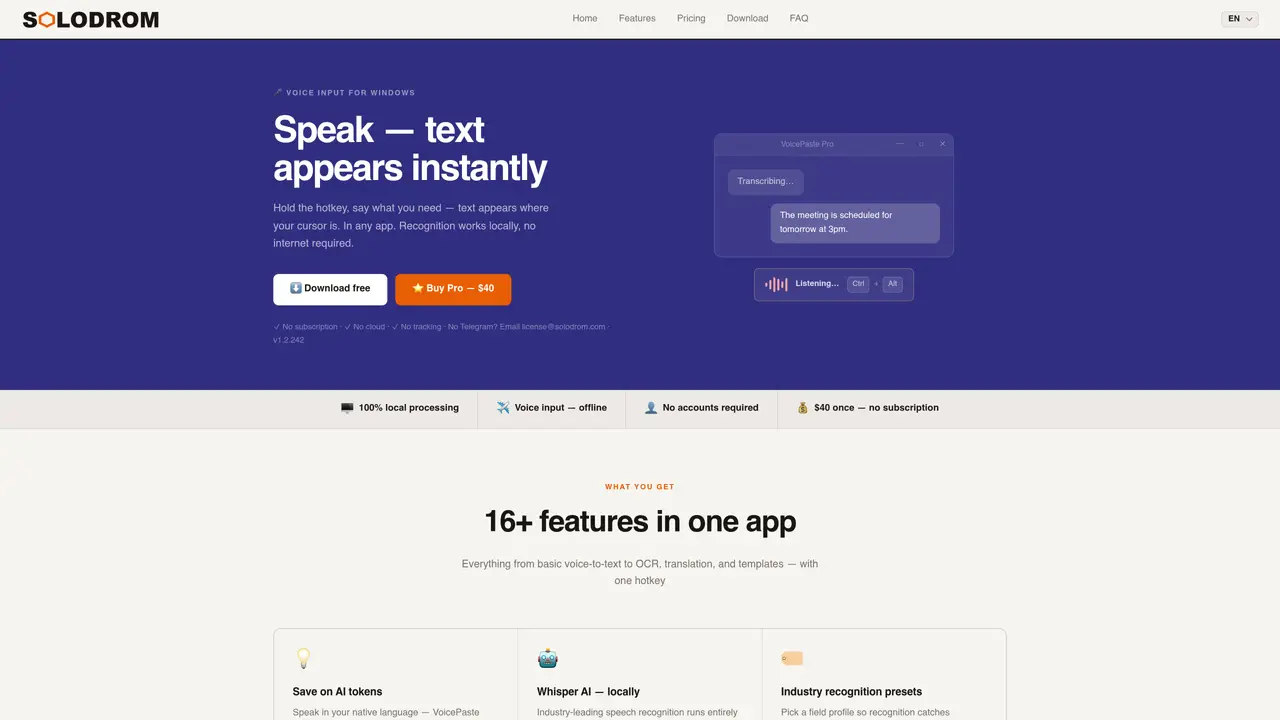
VoicePaste is a Windows application that converts speech to text locally on the user’s computer. It captures voice input via a hotkey and inserts recognized text at the cursor position in any application. The tool uses Whisper AI for offline speech recognition, supporting over 15 languages and offering GPU acceleration for faster processing. Additional features include OCR for screen text capture, audio file transcription, auto-translation, and customizable templates. The app maintains privacy by processing all data locally, avoiding cloud storage or tracking. It is designed for users who type frequently, including professionals, students, programmers, and people with disabilities. VoicePaste Pro adds advanced capabilities such as continuous dictation, screen text translation, and microphone calibration.
Key features
- Offline voice-to-text with Whisper AI
- GPU acceleration via NVIDIA CUDA
- OCR for screen text capture
- Audio file transcription (MP3, WAV, M4A, OGG)
- Auto-translation on paste (7 language pairs)
- Custom hotkeys and templates
- History with search functionality
- Smart spell-correction with personal dictionary
Use cases
- Dictating emails, reports, and meeting notes into business applications
- Transcribing lectures or interviews in real time
- Generating code comments and documentation for programmers
Pros
- Local processing with no internet required
- Supports 15+ languages with instant switching
- GPU acceleration for faster recognition
- No accounts or registration needed
- Privacy-focused with no telemetry or cloud storage
Cons
- Paid Pro version required for advanced features
- Translation features depend on external services
- Windows-only desktop application
Frequently asked questions about VoicePaste
What is VoicePaste and how does it work?
VoicePaste is a Windows application that converts speech to text locally on the user’s computer. It captures voice input via a hotkey and inserts the recognized text at the cursor position in any application, using Whisper AI for offline speech recognition.
Who is VoicePaste designed for?
VoicePaste is designed for users who type frequently, including professionals, students, programmers, translators, and people with disabilities. It is also suitable for businesses handling confidential data due to its local processing.
Does VoicePaste require an internet connection?
VoicePaste performs speech recognition entirely offline, so no internet connection is required for that process. However, translation features rely on Google Translate or DeepL and need an internet connection.
What languages does VoicePaste support?
VoicePaste supports over 15 languages, including English, Russian, Ukrainian, German, French, Spanish, Polish, Chinese, and Japanese. Users can switch languages with a single hotkey.
How does VoicePaste ensure privacy?
VoicePaste processes all audio and text locally on the user’s computer, ensuring no data leaves the device. It does not require accounts, registration, or cloud storage, making it suitable for NDA and GDPR-regulated work.
What additional features are available in VoicePaste Pro?
VoicePaste Pro includes advanced features such as continuous dictation, screen text translation, microphone calibration, audio file transcription, custom hotkeys, and history with search. It also offers OCR for screen text capture and auto-translation on paste.