AI assistant for safe, reliable productivity with code, collaboration, and integrations.

VoiceRecord
0Popularity
About VoiceRecord
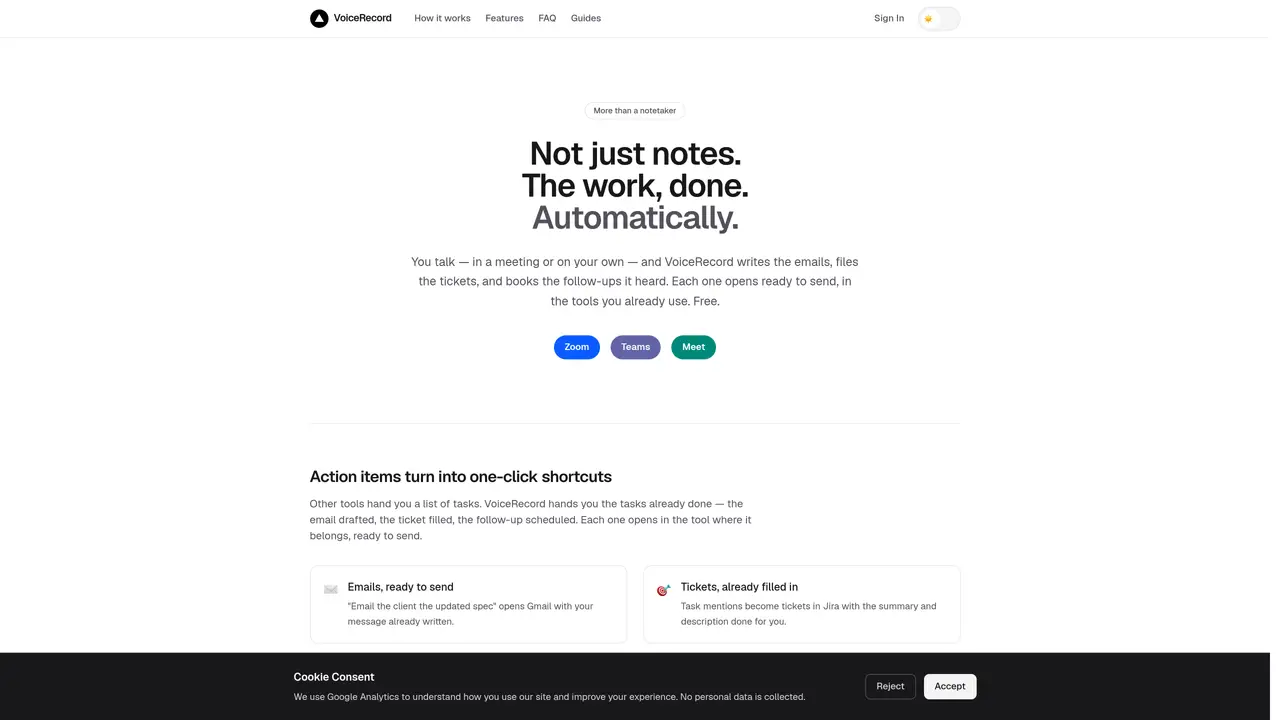
VoiceRecord listens to spoken or pasted text and automatically drafts emails, fills tickets, and schedules follow-ups in the tools already in use. It captures action items from meetings or solo dictation and presents them as one-click shortcuts in Gmail, Jira, Todoist, Google Calendar, Slack, and dozens of other services. The tool operates entirely in the browser without installations or extensions, using the device’s built-in speech recognition by default. For clearer results in noisy environments, an optional professional engine is available. Actions are detected in real time and appear as ready-to-send drafts or scheduled items, eliminating the need to re-type or re-format notes. Users can paste meeting transcripts or notes directly into the interface instead of speaking, and the system still identifies and processes the tasks. VoiceRecord joins Zoom, Microsoft Teams, or Google Meet calls as a participant to record and summarize discussions, returning action items once the meeting ends.
Key features
- Speech-to-text transcription
- Automatic email drafting in Gmail, Outlook, Apple Mail
- Ticket creation in Jira, GitHub Issues, Linear
- Calendar event scheduling in Google Calendar, Outlook, Apple Calendar
- Follow-up reminders and task creation in Todoist, Things, Asana
- Meeting participation via Zoom, Teams, Google Meet
- Optional professional speech recognition engine
- Paste or type text instead of speaking
Use cases
- Capturing action items from client meetings and drafting follow-up emails
- Converting solo dictation into ready-to-send messages and tasks
- Recording and summarizing video calls with automatic action extraction
Pros
- Drafts emails, tickets, and follow-ups automatically from spoken or pasted text
- Integrates with over 20 tools including Gmail, Jira, Todoist, and Google Calendar
- Operates in-browser without installations or extensions
- Can join video calls as a participant to capture action items
- Accepts both spoken input and pasted text or transcripts
Cons
- Limited to English language support
- Browser-based only, no native mobile or desktop app
- Audio not stored locally unless using the professional engine
- Meeting notetaker requires sign-in to save actions
Frequently asked questions about VoiceRecord
How is VoiceRecord different from Otter or Fireflies?
VoiceRecord drafts and opens the actual emails, tickets, and bookings based on the conversation, whereas tools like Otter or Fireflies primarily transcribe meetings and provide summaries without automating follow-up actions.
Can I paste text instead of speaking into VoiceRecord?
Yes, the interface allows users to paste text such as meeting transcripts or notes, and VoiceRecord will still identify and process the tasks or action items from the written content.
Is VoiceRecord free to use?
The browser-based speech recognition is free with no time limit, while an optional professional engine is available for clearer results in noisy environments.
Do I need to install anything to use VoiceRecord?
No, VoiceRecord operates entirely in the browser on desktop and mobile devices without requiring any installations or extensions.
Are my recordings stored on VoiceRecord's servers?
With the browser engine, audio never leaves your device. Text reaches servers only when explicitly requested for a summary or action detection and is not retained afterward.
What language does VoiceRecord support?
VoiceRecord currently supports English for both spoken input and pasted text, handling the rest of the processing automatically.