Automate citation and reference management, aid research with text and data mining, and securely store and share documents.
15M visits/mo+13.2%#12 Productivity & Office

Chrome extension that summarizes and stores web pages, PDFs and documents locally
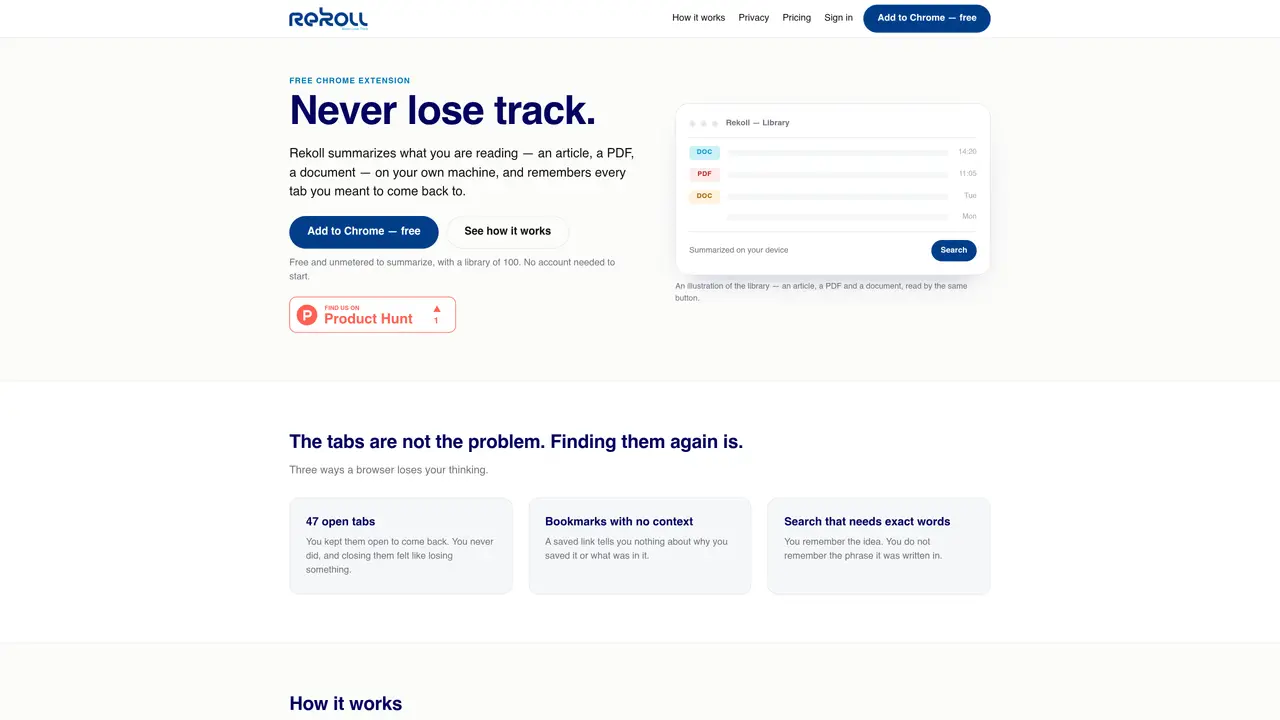
Rekoll is a Chrome extension that summarizes articles, PDFs, Google Docs, and Office files directly on the user’s device without sending content to external servers. It stores summaries, links, and tags in a local library that can be searched by keyword or meaning on a paid plan. The tool addresses common issues like lost tabs, bookmarks without context, and forgotten search terms by preserving the context of saved pages. Users can summarize content with a single click, and the AI model runs entirely in-browser, ensuring privacy. Summaries and links can be saved for later retrieval, and the extension supports offline use. A CSV import feature allows batch processing of links without manual opening.
Rekoll is a Chrome extension that summarizes articles, PDFs, Google Docs, and Office files directly on the user’s device without sending content to external servers. It preserves the context of saved pages, allowing users to retrieve and search summaries, links, and tags locally or in a cloud library.
Rekoll suits individuals who struggle with managing multiple browser tabs, bookmarks without context, or forgotten search terms. It is ideal for researchers, students, professionals, or anyone who needs to organize and recall information efficiently.
Rekoll ensures privacy by running the AI model entirely in-browser, meaning content is never sent to external servers for summarization. Summaries and links are stored locally or in a private cloud library, and users can control what data is saved or excluded.
Yes, Rekoll can summarize content and operate offline because the AI model is downloaded and runs locally on the user’s machine. Summarizing does not require an internet connection.
Rekoll offers a free plan with unmetered summarization and a library of 100 items. Paid plans provide additional features such as cloud sync, search by meaning, saving copies of pages, and focus mode. Specific pricing details are available on the Rekoll website.
Rekoll supports importing links via CSV or plain lists for batch processing. It also allows exporting the library as a JSON file or HTML page of links. However, it primarily operates as a standalone Chrome extension with optional cloud sync.
We use essential cookies to run aitoolnavio™, and optional cookies to analyze traffic and measure our marketing. You choose what we use — optional cookies stay off unless you turn them on. See our Privacy Policy.
One short email a week: fresh tools worth trying, honest takes and the updates that actually matter. No spam, unsubscribe any time.
Automate citation and reference management, aid research with text and data mining, and securely store and share documents.
AI research assistant that finds trusted sources, summarizes documents and videos, and generates cited answers with a browser extension for capturing findings.
Transforms queries into real-time, customized pages with expert insights.
Create interactive lessons, track student progress, deliver assessments for personalized learning.
Search scientific papers, discover relevant publications, and enhance understanding of academic literature.
Revolutionizing UX research with AI-driven insight summaries, friction detection, and sentiment analysis.
Access research, sort data, and get insights with predictive analytics.
Legal search engine specializing in Indian case law and statutes
AI browser extension that reads, writes, and creates across any webpage with integrated models like ChatGPT, Claude, and Gemini.
Free tool to collect, organize, cite and share research sources
Quickly summarize documents, identify key themes, and analyze for insights.
Access applications and data, find information easily, stay informed with intuitive interface.
Matched on what this tool does — grouped by the job you would be replacing.
matches Local summarization of articles, PDFs, and documents · On-device AI model with no external processing · Library for storing summaries, links, and tags
Browser extension that captures and organizes online saves into a searchable AI-powered library
Centralized Markdown library for capturing and sharing research across AI tools
Browser extension that organizes bookmarks with AI summaries and keyword tags
matches Semantic search across documents · Local AI model execution · Instant search via keyboard shortcut
AI-powered semantic search for local files without cloud dependency
Private AI-powered file search for Windows that indexes and retrieves documents, images and notes by meaning