

Generate content, correct spelling, suggest synonyms to enhance writing.
173M visits/mo+0.1%#1 Productivity & Office
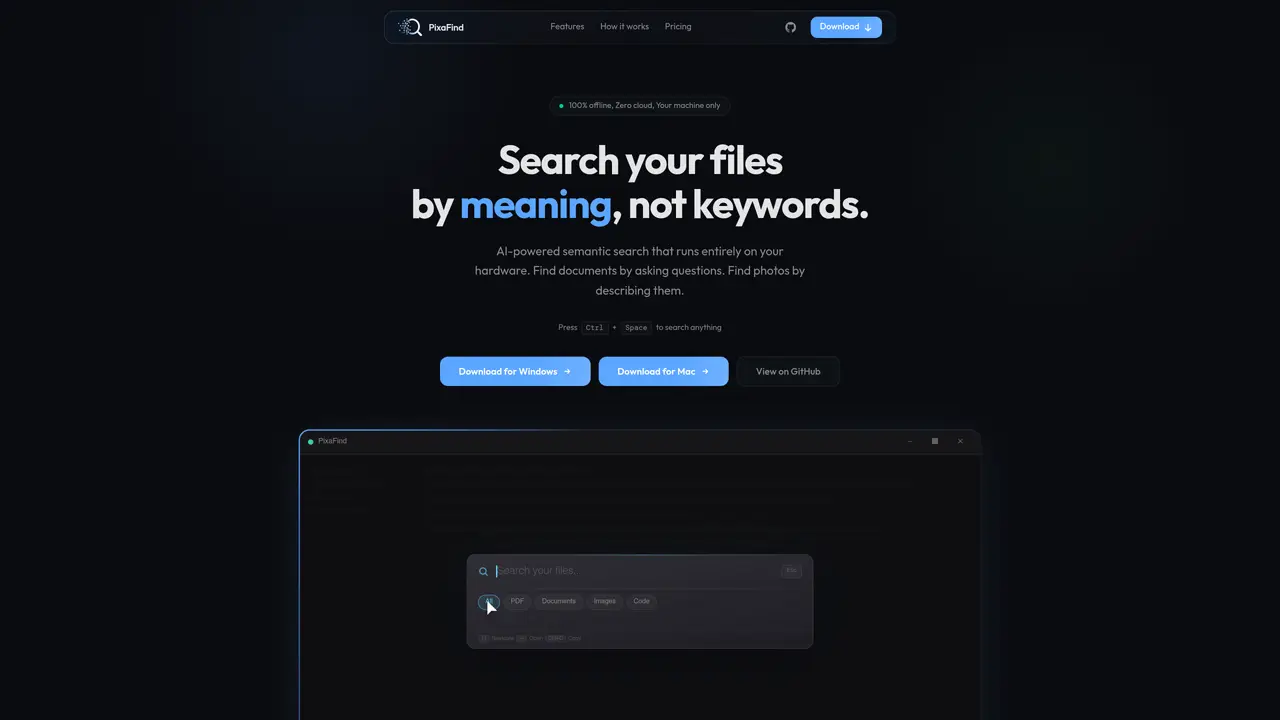
PixaFind indexes local files and enables search by meaning rather than exact keywords. It supports over 76 file formats including documents, images, code, spreadsheets, and emails. Users can ask questions in plain English to retrieve relevant files even when the exact terms are absent. The tool runs entirely offline, with all AI models executing on the user’s hardware and no data leaving the machine. Indexing occurs in the background at low priority, allowing continued PC use while files are processed. Searches return results in under 100ms once indexing completes. The application is available for Windows and Mac with no account creation or API keys required.
Yes. All AI models run locally on your hardware, and no network calls are made. Network traffic audits confirm zero outbound connections, ensuring your files never leave your machine.
PixaFind requires Windows 10 or later, 4 GB of RAM, and about 300 MB of disk space. An NVIDIA GPU accelerates indexing, but it is not required; the tool works on CPU as well.
Windows Search matches keywords, while PixaFind understands meaning. It can find documents even when exact words are absent and reads inside files like PDFs, DOCX, and PPTX, unlike Windows Search.
A vision AI model encodes images and text queries into the same vector space. You can describe an image in plain English, and PixaFind finds matching photos by visual similarity without relying on tags or filenames.
PixaFind supports over 76 file formats, including PDF, DOCX, PPTX, XLSX, TXT, Markdown, HTML, EPUB, source code files (Python, JavaScript, C++, etc.), emails, and images (JPG, PNG, WebP).
No account creation, API key, or sign-up is required. You can download, extract, and run the application immediately. The AI models download automatically on first launch.
pixafind.com · third-party estimates from Similarweb
Last 2 months · grows by one month every month
Share of visits · estimated visits
Productivity & Office · Sep 2026
Traffic figures are third-party estimates, good for scale and trends; they can differ from a company's own numbers. Updated monthly.
We use essential cookies to run aitoolnavio™, and optional cookies to analyze traffic and measure our marketing. You choose what we use — optional cookies stay off unless you turn them on. See our Privacy Policy.
One short email a week: fresh tools worth trying, honest takes and the updates that actually matter. No spam, unsubscribe any time.
Generate content, correct spelling, suggest synonyms to enhance writing.
Turn messy team ideas into actionable plans with Miro's visual workspace.
Leverage analytics, automate tasks, share documents, and coordinate projects.
Integrates AI into Airtable to analyze data, summarize insights, draft content, and automate workflows without prior AI experience.
Cloud accounting software that automates bookkeeping, invoicing, and financial reporting for small and growing businesses.
Streamline teamwork, manage projects, automate tasks efficiently.
Automate code, research, and documents using agents.
AI assistant for safe, reliable productivity with code, collaboration, and integrations.
Create customizable tables, databases, and spreadsheets, share data securely with team members.
Easy-to-use CRM platform that automates lead capturing, prioritizes tasks, and provides sales pipeline analytics for businesses of all sizes.
Transforms thoughts into actions, enhancing productivity and efficiency.
Write & run code in 50+ languages, auto-complete with AI, and code faster with an intuitive interface.
Matched on what this tool does — grouped by the job you would be replacing.
Paid placement · similar tools from listings that support aitoolnavio™
Instant lead response for home-service pros: your phone rings on every new lead, plus 14 days of follow-up
matches Semantic text search across documents · Image search by visual similarity · Code file search by meaning
Local document search engine for AI agents with full-text indexing across multiple file types
AI-powered local file search for macOS that indexes documents, media, and other files offline for instant, private retrieval.
Private AI-powered file search for Windows that indexes and retrieves documents, images and notes by meaning
Desktop AI agent that queries local files and connected apps without cloud processing