

Generate cinematic video clips from text or images and refine them with AI-powered editing tools for creators and visual professionals.
6.4M visits/mo+14.2%#8 Video & Animation
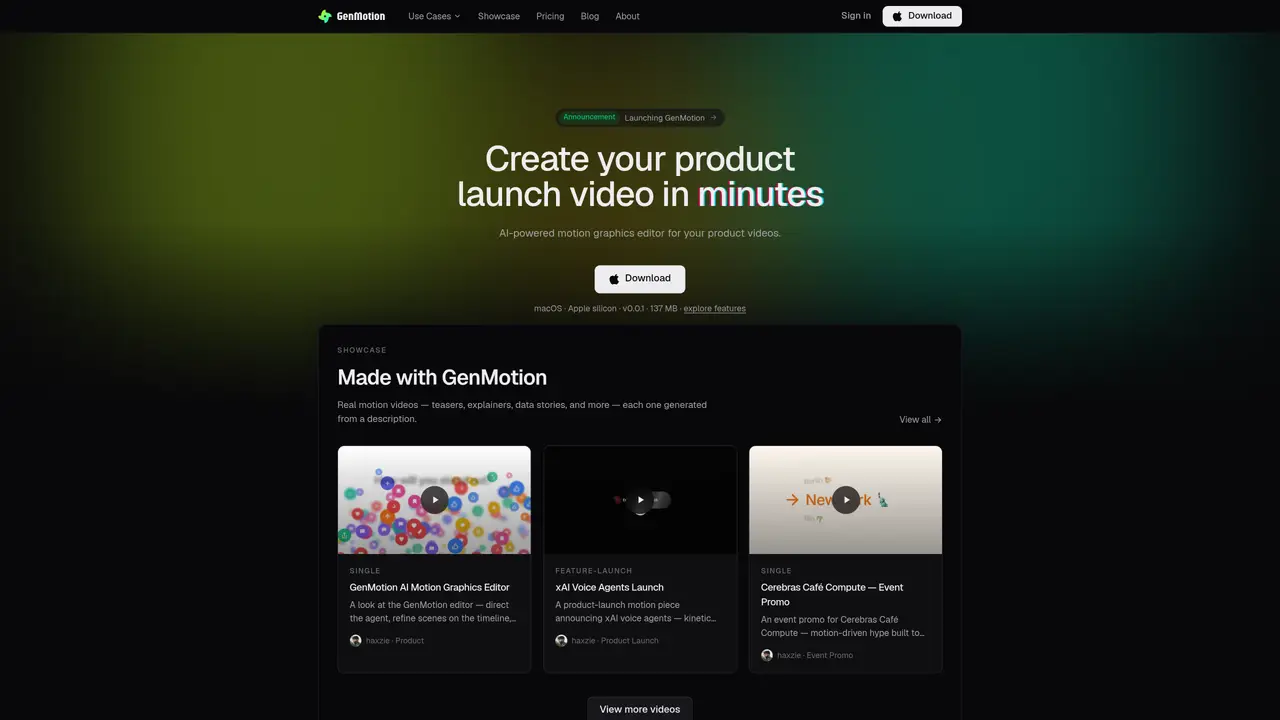
GenMotion is an AI motion-video studio that converts plain-language descriptions into animated product videos. Users describe a video concept, and an AI agent drafts scenes which can be previewed frame-by-frame in the browser. The editor provides a visual timeline for reordering scenes and adjusting pacing before exporting a pixel-perfect MP4. The tool supports kinetic typography, AI voiceovers, and preset animations without requiring design or coding experience. Projects can be created, previewed, and exported in multiple aspect ratios for platforms like social media, product launches, and explainers. The application runs locally on macOS, including Apple silicon, and renders exports using a deterministic runtime to ensure consistency between preview and final output.
GenMotion is an AI motion-video studio that converts plain-language descriptions into animated product videos. It generates scenes from user input, allows frame-accurate previewing in the browser, and exports pixel-perfect MP4 files.
No. The AI agent drafts animations from your description, and editing tools are optional for precise control. No design or coding skills are required to create videos.
Yes. The browser preview and headless renderer use a shared deterministic runtime, ensuring the exported MP4 is pixel-for-pixel and frame-for-frame identical to the preview.
You can create product launch videos, animated explainers, social ads, intros, title sequences, animated data stories, and more in any aspect ratio for different platforms.
Yes. A free plan allows users to start without a credit card by describing an idea and watching the agent animate it. Paid plans offer higher resolution, no watermark, and increased capacity.
Download the macOS application, which supports Apple silicon, and describe your video idea. The AI agent will generate scenes, which you can preview, refine, and export as an MP4.
We use essential cookies to run aitoolnavio™, and optional cookies to analyze traffic and measure our marketing. You choose what we use — optional cookies stay off unless you turn them on. See our Privacy Policy.
One short email a week: fresh tools worth trying, honest takes and the updates that actually matter. No spam, unsubscribe any time.
Generate cinematic video clips from text or images and refine them with AI-powered editing tools for creators and visual professionals.
Create custom titles, 3D objects, adjust color and contrast, add special effects, transitions, and animations.
Animate images effortlessly with text prompts and motion control.
Professional visual AI engine for node-based image, video, 3D, audio and generative workflows with full control over models and outputs.
AI video generation tool that creates videos from text prompts, images, or reference clips with strong character consistency.
AI-powered tool for creating, customizing, and animating lightweight Lottie graphics for websites and apps from text prompts.
Generates high-quality videos and images from text or images with cinematic controls and native 4K output.
An all-in-one creative suite specializing in Image-to-Video animation.
A web-based motion design tool for creating collaborative animations with Figma import and exports like 4K video, GIF, and Lottie.
AI-powered platform to create professional animated videos and presentations with voice-overs, text animation, and asset libraries.
Create animated presentations, design videos with voiceovers and music, and access tutorials and resources for easy use.
Create immersive experiences, personalize customer interactions, and provide dynamic conversations and advice to multiple players.
Matched on what this tool does — grouped by the job you would be replacing.
matches AI Scene Authoring · Frame-Accurate Preview · Timeline Editor
AI-powered tool that generates and edits product launch videos from text prompts
AI animated video generator that turns text or pasted content into editable MP4/MOV animations with brand styling for marketers, founders, and creators.
AI-powered multi-track video editor with agent-driven and manual workflows
AI tool that generates editable 60-second SaaS launch videos from a product URL