Create, edit, subtitle, and translate pro-grade videos instantly.
7.9M visits/mo-7.1%#4 Video & Animation

Transcribes audio and video files into text with timestamps and speaker labels
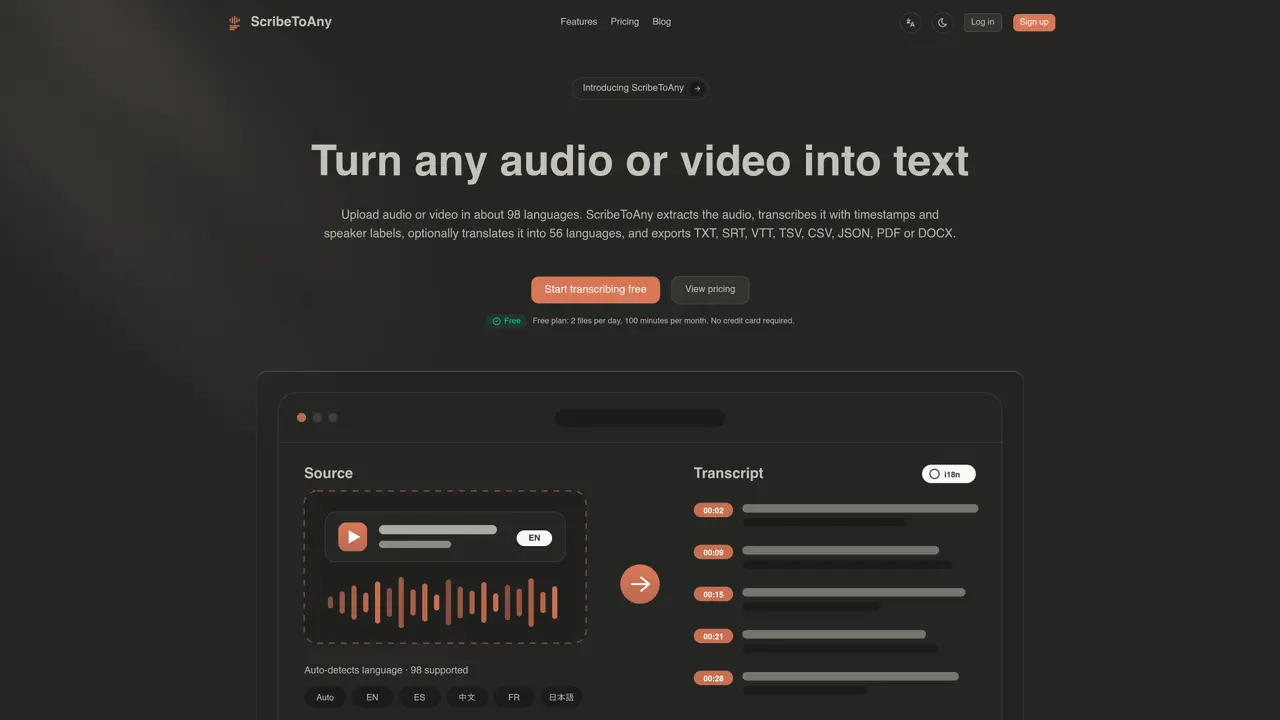
ScribeToAny converts audio or video recordings into editable text documents. It supports transcription in approximately 98 languages and can translate the output into 56 languages. The service extracts audio from video files, applies timestamps and speaker recognition, and allows exports in TXT, SRT, VTT, TSV, CSV, JSON, PDF, or DOCX formats. It is designed for creators, teams, and professionals who need accurate transcripts for subtitles, podcasts, video editing, meetings, research, or multilingual content. The platform uses an advanced speech recognition model trained on large audio datasets to handle various accents, technical terms, and noisy environments. Users can upload files directly or via links, with batch processing available in higher-tier plans.
ScribeToAny supports uploading audio and video files directly, including formats like MP3, MP4, and other common media files. It can also extract audio from video files automatically.
The tool supports transcription in approximately 98 languages with automatic language detection and can translate transcripts into 56 languages. Supported languages include English, Chinese, Spanish, Japanese, French, German, Arabic, Hindi, and many others.
Exports can be generated in TXT, SRT, VTT, TSV, CSV, JSON, PDF, or DOCX formats, providing flexibility for different use cases such as subtitles, research, or document creation.
ScribeToAny emphasizes data privacy and security, ensuring that uploaded content and transcripts are handled with confidentiality and compliance with standard privacy practices.
Usage is billed based on a subscription model with tiered plans, including a free tier with limited minutes per month. Higher tiers offer increased transcription minutes, parallel file processing, and additional features like translation.
Yes, ScribeToAny can translate transcripts into 56 languages, and translations retain the original subtitle timings, making it suitable for multilingual content creation.
We use essential cookies to run aitoolnavio™, and optional cookies to analyze traffic and measure our marketing. You choose what we use — optional cookies stay off unless you turn them on. See our Privacy Policy.
One short email a week: fresh tools worth trying, honest takes and the updates that actually matter. No spam, unsubscribe any time.
Create, edit, subtitle, and translate pro-grade videos instantly.
Turn scripts and recordings into ready-to-share videos.
AI-powered video translation and dubbing that syncs lip movements, generates subtitles, and supports 111 source and 74 target languages.
RecCloud is a comprehensive tool for AI-driven video creation, editing, and enhancement.
AI Dubbing translates videos into multiple languages, generates speech based on scripts, and achieves accurate lip sync.
Transforms video dubbing with nuanced voice preservation and 100+ languages.
Localize videos in multiple languages, customize content, and use voice-over, captioning, and subtitling for various purposes.
Generate auto-translated captions, edit with ease, and collaborate on projects with shared captions in 17 languages.
Generate multilingual voiceovers, dub videos, and localize content with reliable text-to-speech voice solutions.
A chat-based AI creative studio for recording, editing, enhancing, dubbing, subtitling, and publishing video and audio content, plus Voice APIs for developers.
Automate dubbing with AI for multilingual videos, ensuring natural sound and effortless global reach.
Transform screen recordings into multilingual videos and documents effortlessly.
Matched on what this tool does — grouped by the job you would be replacing.
matches Transcription in about 98 languages · Automatic timestamps and speaker labels · AI audio restoration for noisy recordings
AI web app that transcribes audio, video, and YouTube links into text in 98 languages with summaries, mind maps, and export formats for students and teams.
AI-powered transcription service that converts audio and video into editable, timestamped text with speaker labels and noise reduction.
AI-powered transcription tool that converts audio/video to text with speaker labels and supports 99+ languages.
Transcribes audio and video files to text in 90+ languages
matches Translation into 56 languages · 8 export formats (TXT, SRT, VTT, TSV, CSV, JSON, PDF, DOCX)
Scales efficient language processing with open-source accessibility.
Revolutionize transcription with unmatched accuracy, speed, and language support.
Converts audio and video files to text using AI
Web app that converts audio and video files into searchable text with timestamps and subtitles