Cloud-based unified communications platform for secure call, video, messaging, file sharing, and automated call routing.
12M visits/mo+2.9%#14 Productivity & Office

Transform your video calls and recordings with FineShare FineCam's advanced capabilities
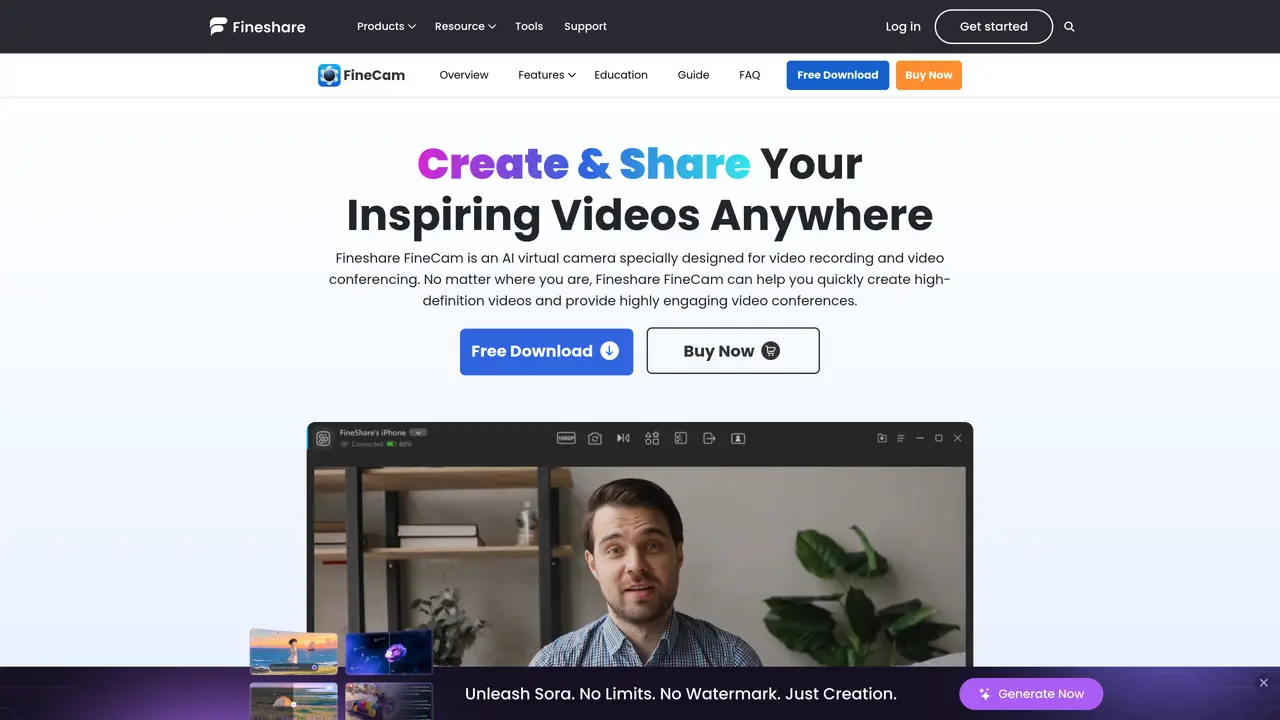
FineShare FineCam is a paid tool that offers advanced capabilities for transforming video calls and recordings. It is part of the FineShare suite of AI-powered tools designed to enhance audio and video production. The tool is suitable for content creators, educators, professionals, and anyone in need of sophisticated multimedia tools. FineShare simplifies the process of creating high-quality digital content by providing a user-friendly interface that requires no learning curve. The tool employs advanced AI algorithms to produce professional-grade results instantly. It also comes with a vast library of images, sound effects, and templates for creative and impactful content creation. FineShare FineCam is compatible with mobile devices and can be used in various settings, including online education, professional video conferencing, and creative multimedia projects. However, some features may rely on specific platforms or devices, which could limit accessibility for some users. Additionally, the tool requires a stable internet connection to function optimally.
FineShare FineCam is an AI-powered virtual camera software designed for video recording and video conferencing. It enables users to create high-definition videos and enhance video conferences with features like background removal, video enhancement, and multi-camera switching.
FineCam is suitable for content creators, educators, professionals, and anyone needing high-quality video tools for online meetings, presentations, or creative projects. It supports various platforms and devices, including mobile and desktop.
FineCam allows users to connect multiple cameras, including smartphones, DSLRs, action cameras, and webcams, with no limit on the number of connected devices. It also provides advanced AI algorithms for background removal and video enhancement.
Yes, FineCam includes a real-time AI background removal feature, enabling users to apply unique backgrounds or create a professional look during video calls and recordings without a green screen.
A stable internet connection is recommended for optimal performance, especially when using cloud-based features or sharing content across devices.
Users can download FineCam from the official website, install it on their device, and follow the setup instructions to connect their preferred cameras and begin using features like background removal and video enhancement.
We use essential cookies to run aitoolnavio™, and optional cookies to analyze traffic and measure our marketing. You choose what we use — optional cookies stay off unless you turn them on. See our Privacy Policy.
One short email a week: fresh tools worth trying, honest takes and the updates that actually matter. No spam, unsubscribe any time.
Cloud-based unified communications platform for secure call, video, messaging, file sharing, and automated call routing.
Create engaging videos with voiceovers, music, and customizations using a library of royalty-free assets.
Create, edit, subtitle, and translate pro-grade videos instantly.
Create realistic talking avatar videos from a photo with AI-powered lip sync and text-to-speech in multiple languages.
Ultra-fast video generation with pre-designed templates and a user-friendly interface design.
Topview AI is an AI-powered video creation platform that turns your product into engaging, attention-grabbing and viral-worthy video; no editing skills or cameras needed.
Generate engaging video content with AI-powered system, professional presenters, ease, scalability, and budget-friendly.
Generate videos featuring expressive AI characters from a single photo and text prompts with creative control.
Create lifelike videos from text and images.
VTuber software suite to create and animate custom VTuber avatars with VTuber Maker.
Transform images into engaging, AI-generated videos.
AI video generator that turns scripts or stories into long-form videos up to 50 minutes with consistent characters and 1080p export.
Matched on what this tool does — grouped by the job you would be replacing.
matches AI-powered virtual camera · Engaging video conferencing · Customizable characters for voiceovers
Create podcasts, audiobooks, and voiceovers, customize voice style, and generate natural speech from text.
Transform images into engaging, AI-generated videos.
Fineshare is an online all-in-one AI voice generator for everyone.
AI-powered podcast assistant that removes noise, echoes, and backgrounds in real time for live streams, calls, and recordings.
matches High-definition video recording
AI video creation agent that turns text, PDFs, audio, or footage into multi-scene videos with scripts, edits, voiceovers, and subtitles.
Create engaging animated explainer videos in seconds, automating the process and saving time.
Revolutionize video editing with AI, cross-platform compatibility, and extensive effects.