AI-powered video messaging tool that records, shares, and manages video messages with AI-generated titles, summaries, and tasks.
16M visits/mo-3.4%#5 Chatbots & Assistants

Redact sensitive information across all media types with CaseGuard Studio.
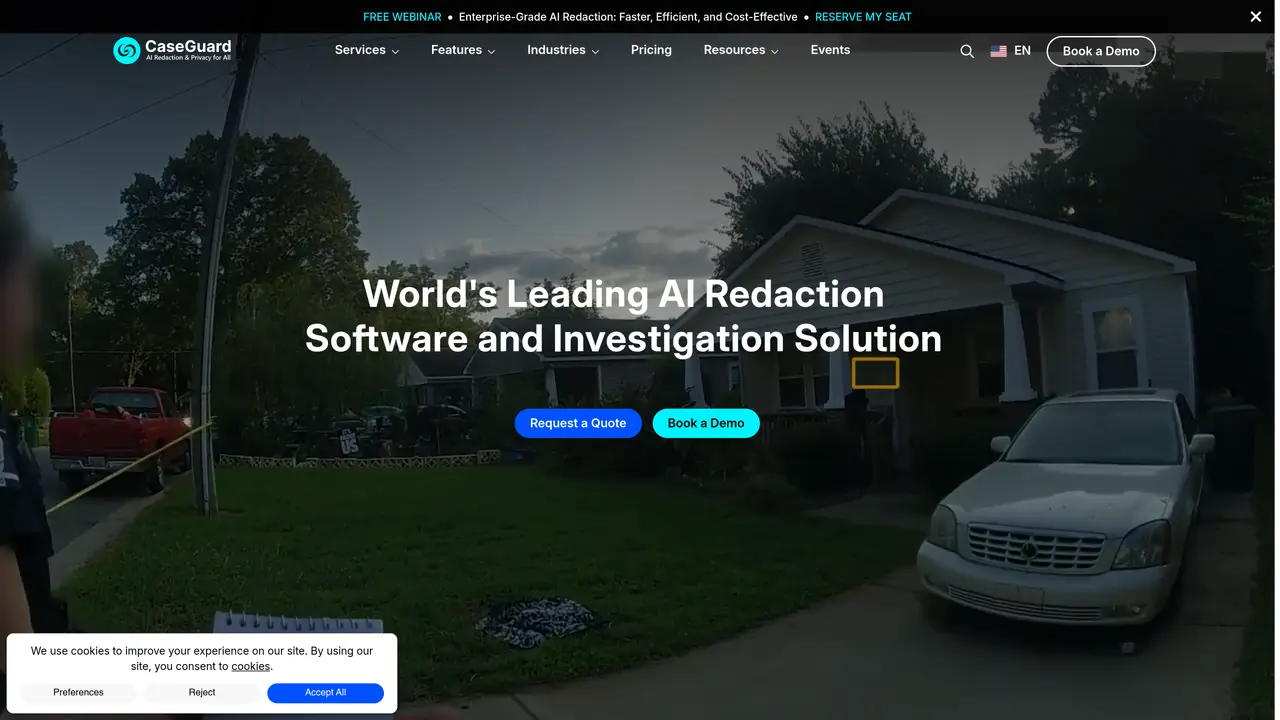
CaseGuard Studio is a cutting-edge AI-powered tool designed to streamline the process of redacting sensitive information across various media types, including videos, audio files, images, and documents. This all-in-one solution is tailored for professionals and organizations that need to protect privacy and ensure compliance efficiently. CaseGuard Studio simplifies the redaction process, making it accessible and effective for users from diverse industries. The tool offers a range of features, including AI Video Redaction, which automatically detects and redacts faces, license plates, screens, and other sensitive elements in video footage with a single click. Additionally, AI Audio Redaction provides tools to mute, bleep, and resample audio, ensuring sensitive information is concealed. CaseGuard Studio also includes AI Document Redaction, which quickly identifies and removes personally identifiable information (PII) from documents, including PDFs, Excel, and Word files. Furthermore, the tool offers AI Image Redaction, which redacts sensitive elements in images, like faces and license plates, using advanced automatic detection features. The tool’s key benefits include efficiency, user-friendliness, comprehensive coverage, and automation. It significantly reduces the time required for redaction tasks, allowing users to focus on more critical activities. The intuitive interface makes it easy for users, even those with minimal technical expertise, to navigate and utilize the tool. CaseGuard Studio supports redaction across multiple media types, from videos and audio to documents and images. Bulk redaction capabilities enable users to process large volumes of files with minimal effort. However, users may encounter a learning curve when setting up the software for the first time, and there are limitations in integration with some existing third-party platforms. CaseGuard Studio is used by various organizations, including law enforcement agencies, healthcare providers, legal professionals, government agencies, educational institutions, and crisis centers. The tool offers different pricing plans, including Doc, Lite, Standard, and Premium, each catering to specific needs and requirements. The most accurate and current pricing details can be found on the official CaseGuard Studio website.
CaseGuard Studio is an AI-powered redaction software that automatically masks personally identifiable information (PII) in videos, audio files, documents, and images. It streamlines compliance workflows by redacting sensitive data such as faces, license plates, names, and financial details across multiple file types.
The tool is designed for professionals and organizations across industries like law enforcement, healthcare, legal, government, education, and media. It suits teams of any size, from small groups to large enterprises, as well as investigators and compliance officers.
CaseGuard Studio supports redaction for videos, audio files, documents, and images. It uses AI to detect and redact sensitive elements such as faces, license plates, PII, and confidential information across these formats, often processing files 80-98% faster than manual methods.
Yes, CaseGuard Studio includes AI-powered transcription and translation capabilities. It can automatically transcribe audio into text, identify speakers, detect PII, and translate content into over 100 languages, including burning closed captions on videos.
CaseGuard Studio is designed to meet compliance standards such as HIPAA, FOIA, CJIS, and GDPR. It ensures permanent redactions, scrubs metadata, and operates on-premise or in air-gapped networks to maintain data control and security.
Yes, CaseGuard Studio supports bulk redaction, allowing users to process large volumes of videos, audio files, documents, and images simultaneously. This feature helps clear backlogs and reduces manual effort significantly.
We use essential cookies to run aitoolnavio™, and optional cookies to analyze traffic and measure our marketing. You choose what we use — optional cookies stay off unless you turn them on. See our Privacy Policy.
One short email a week: fresh tools worth trying, honest takes and the updates that actually matter. No spam, unsubscribe any time.
AI-powered video messaging tool that records, shares, and manages video messages with AI-generated titles, summaries, and tasks.
Unleash creativity: edit photos, videos, and designs with AI-enhanced tools.
Record lectures, create tutorials, and securely share videos with teams.
Create stunning videos in a few clicks, customize with powerful tools, and automate editing without experience.
Create, convert, and enhance videos effortlessly with professional effects and royalty-free music.
Create marketing videos quickly, customize with templates, music, and photos, optimize for different platforms with AI.
Automate video editing, add text-to-speech voice-overs, and optimize videos for impactful results.
Freemium, uncensored AI video and image creation for individual creators with text-to-video, image effects, and gem-based upgrades for HD and no watermarks.
Create, edit, subtitle, and translate pro-grade videos instantly.
Cloudinary provides APIs and tools to integrate, manage, and optimize images and videos for AI-driven visual experiences.
All-in-one AI suite for creators to automate workflows, edit media, and generate content across video, design, and productivity tools.
Generate cinematic video clips from text or images and refine them with AI-powered editing tools for creators and visual professionals.
Matched on what this tool does — grouped by the job you would be replacing.
matches AI Audio Redaction
Revolutionize transcription with unmatched accuracy, speed, and language support.
Convert audio and video files into editable, searchable text with support for over 40 languages using AI-powered transcription.
Automate audio transcription, convert recordings to transcripts, and transcribe lectures in multiple languages.
Convert audio to text, access files anywhere, and review with accuracy.
matches AI Document Redaction
matches AI Image Redaction
Summarizes, extracts, and rewrites content from files.
Scans local files on Mac to detect and remove personal data and AI provenance markers
AI platform for upscaling images, enhancing photos, and generating high-quality creative assets with contextual detail.
Revolutionize image editing with AI-driven, bulk processing, and customizable workflows.