
AI-powered video messaging tool that records, shares, and manages video messages with AI-generated titles, summaries, and tasks.
16M visits/mo-3.4%#6 Chatbots & Assistants
AI-powered video editor that removes filler words and pauses from single-speaker recordings
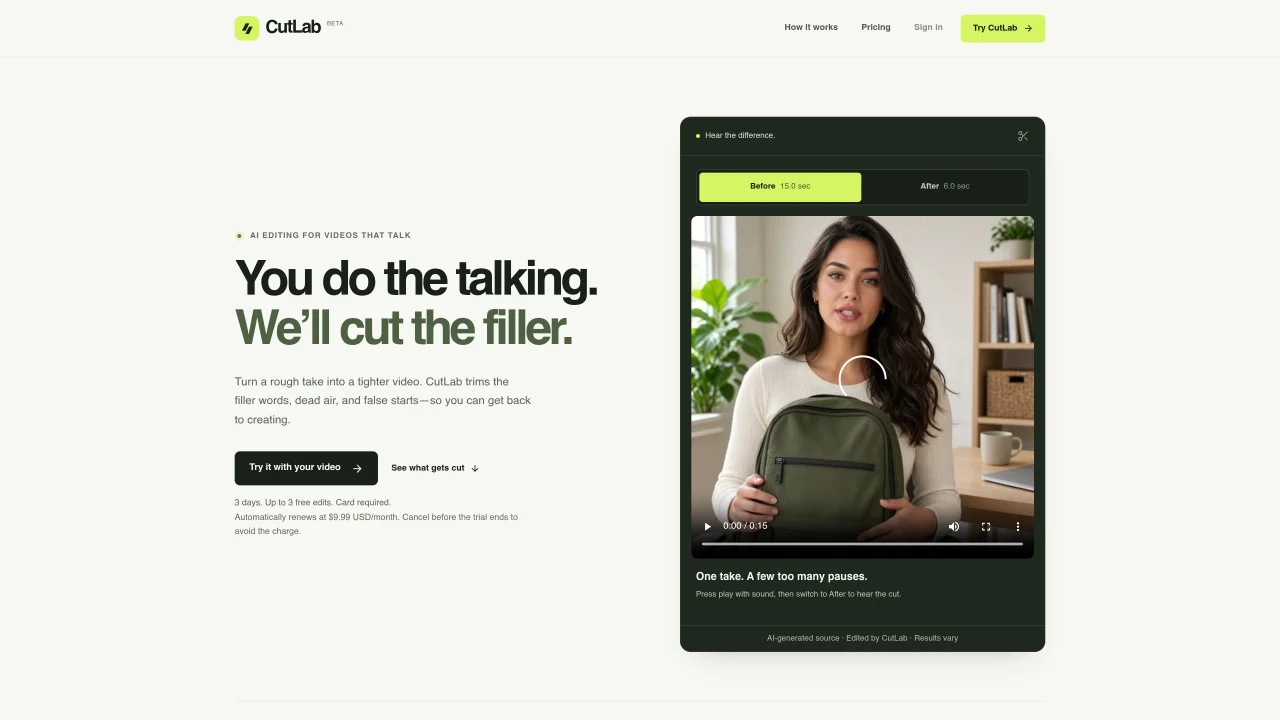
CutLab is an AI tool that automatically trims filler words, dead air, and false starts from video recordings to create tighter, more concise edits. It is designed for creators who record talking-head videos such as product reviews, founder updates, UGC takes, or explainer content. Users upload a recording up to 10 minutes and 300 MB in MP4, MOV, M4V, or WebM format, and the AI analyzes the footage to identify and remove unnecessary pauses and repetitions. The tool then generates a first cut that can be reviewed, compared to the original, and downloaded as an MP4 file. The process requires minimal user input beyond uploading the file and reviewing the result. CutLab emphasizes simplicity, positioning itself as an alternative to complex video editors by focusing solely on pacing improvements. It operates on a subscription model with a free trial, allowing users to test the service before committing to a paid plan.
CutLab identifies and removes filler words, long pauses, false starts, and repeated takes by analyzing the recording's context to determine what to keep.
The tool works best with single-speaker talking-head videos such as product reviews, UGC takes, founder updates, or explainer content recorded in standard dynamic range (SDR).
You get an edited MP4 file that can be previewed and downloaded from your studio, along with the option to compare the original and edited versions before sharing.
The free trial allows up to 3 edits over 3 days, but requires a card to start. After the trial, the plan automatically renews unless canceled before the trial ends.
If processing fails, the edit credit is returned, and you can retry the edit or upload a different recording from your studio.
You can cancel or update your card by opening the account menu and selecting Manage billing before the trial ends or before your next renewal to avoid charges.
We use essential cookies to run aitoolnavio™, and optional cookies to analyze traffic and measure our marketing. You choose what we use — optional cookies stay off unless you turn them on. See our Privacy Policy.
One short email a week: fresh tools worth trying, honest takes and the updates that actually matter. No spam, unsubscribe any time.
AI-powered video messaging tool that records, shares, and manages video messages with AI-generated titles, summaries, and tasks.
Unleash creativity: edit photos, videos, and designs with AI-enhanced tools.
Record lectures, create tutorials, and securely share videos with teams.
Create stunning videos in a few clicks, customize with powerful tools, and automate editing without experience.
Create, convert, and enhance videos effortlessly with professional effects and royalty-free music.
Create marketing videos quickly, customize with templates, music, and photos, optimize for different platforms with AI.
Automate video editing, add text-to-speech voice-overs, and optimize videos for impactful results.
Freemium, uncensored AI video and image creation for individual creators with text-to-video, image effects, and gem-based upgrades for HD and no watermarks.
Create, edit, subtitle, and translate pro-grade videos instantly.
Cloudinary provides APIs and tools to integrate, manage, and optimize images and videos for AI-driven visual experiences.
All-in-one AI suite for creators to automate workflows, edit media, and generate content across video, design, and productivity tools.
Generate cinematic video clips from text or images and refine them with AI-powered editing tools for creators and visual professionals.
Matched on what this tool does — grouped by the job you would be replacing.
matches AI-generated first cut · Filler word and pause removal · Side-by-side original vs. edited comparison
AI-powered video messaging tool that records, shares, and manages video messages with AI-generated titles, summaries, and tasks.
Create, edit, subtitle, and translate pro-grade videos instantly.
AI video editor that repurposes long-form videos into clips, captions, and posts with built-in scheduling for social media.
AI video editor that edits videos by text transcript