AI video clipping and editing tool that turns long videos into short clips with captions, reframing, and one-click social publishing.
5.1M visits/mo-0.4%#9 Video & Animation

AI video editor that repurposes long-form videos into clips, captions, and posts with built-in scheduling for social media.
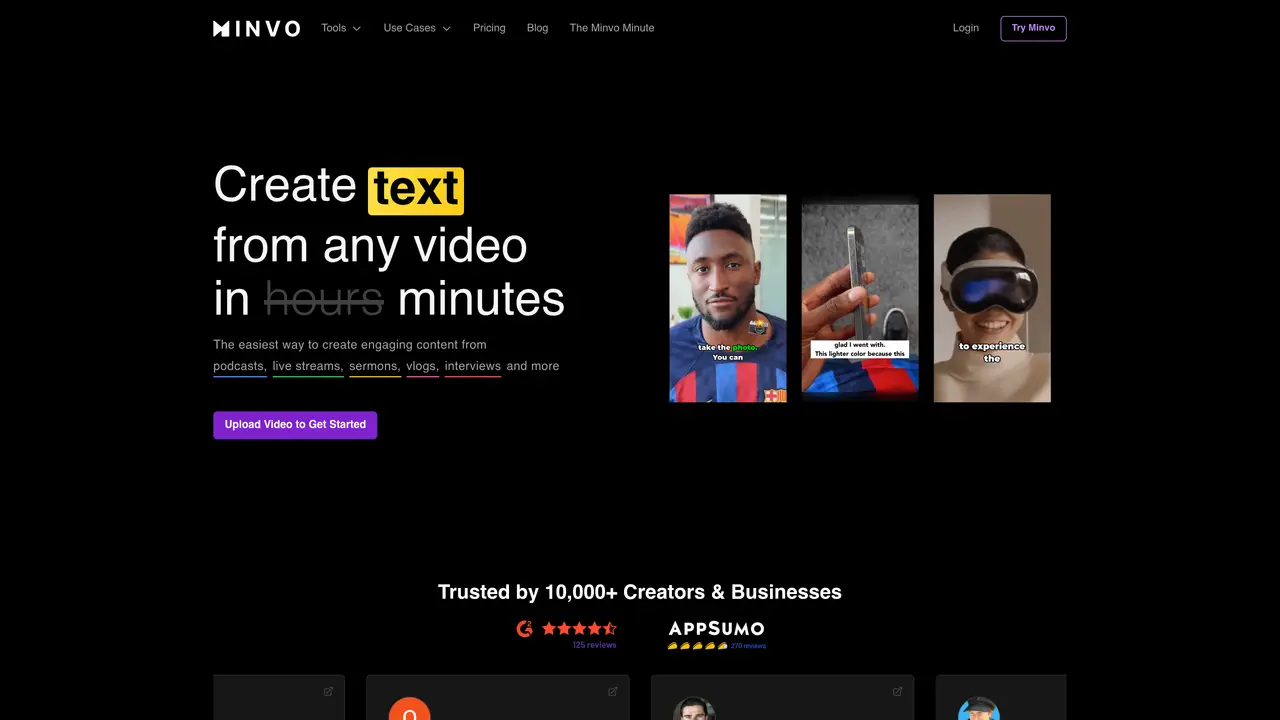
Minvo is a web-based AI video editor designed for content creators, podcasters, live streamers, entrepreneurs, agencies, and sermon producers who need to repurpose long-form video into social content. The platform uses AI to identify and extract short, shareable moments from longer videos, applying intelligent edits optimized for platforms like YouTube, Instagram, TikTok, and LinkedIn. It automates cleanup and enhancement tasks such as removing filler words, silences, and unnecessary pauses, while also offering options to auto-frame faces, enhance audio, and insert emojis or AI-generated B-roll footage. Users can edit transcripts and timelines with a word-document-like interface, including highlight-to-cut workflows and precision timeline controls. Minvo supports multi-format repurposing by generating clips alongside video-derived images and written content like articles or blogs. The tool also includes social scheduling, AI-generated captions and hashtags, and analytics reporting to streamline distribution and track performance. It targets high-volume repurposing workflows from long-form sources, combining AI short-form extraction, automated video edits, and publishing workflows into a single workspace.
Minvo is an AI-powered web-based video editor that automates the repurposing of long-form videos into short, shareable clips optimized for social platforms. It extracts engaging moments, enhances audio, removes filler words and silences, and applies intelligent edits to create content for YouTube, Instagram, TikTok, and LinkedIn.
Minvo is designed for content creators, podcasters, live streamers, entrepreneurs, agencies, and sermon producers who need to efficiently repurpose long-form video content into multiple social media formats.
Minvo offers automated edits such as auto-framing faces, removing filler words and silences, enhancing audio, and inserting emojis or AI-generated B-roll footage. Users can also edit transcripts and timelines with a word-document-like interface, including highlight-to-cut workflows and precision timeline controls.
Yes, Minvo generates clips alongside video-derived images and written content like articles or blogs. It also provides AI-generated captions, hashtags, and social scheduling with analytics reporting to streamline distribution.
Minvo can transcribe and translate content into over 50 languages, making it suitable for a global audience.
To get started, users can upload a video to Minvo’s platform, where AI-powered tools automatically process and generate editable clips, images, and text. The platform offers a free trial to explore its features.
minvo.pro · third-party estimates from Similarweb
Last 4 months · grows by one month every month
Share of visits by channel
Share of visits · estimated visits
Other countries: 10.9%
Writing & Content · Sep 2026
Traffic figures are third-party estimates, good for scale and trends; they can differ from a company's own numbers. Updated monthly.
We use essential cookies to run aitoolnavio™, and optional cookies to analyze traffic and measure our marketing. You choose what we use — optional cookies stay off unless you turn them on. See our Privacy Policy.
One short email a week: fresh tools worth trying, honest takes and the updates that actually matter. No spam, unsubscribe any time.
AI video clipping and editing tool that turns long videos into short clips with captions, reframing, and one-click social publishing.
AI-powered video clipping and editing tool that extracts viral moments, adds captions, and schedules shorts for TikTok, YouTube, and Instagram.
Cloud-based video editor with AI-powered clip generation, voiceovers, and auto-subtitles for fast, browser-based editing.
Free online AI video editor for beginners to create videos with text, music, animations, and effects.
Create captivating videos with AI-based captions, edit and customize them, and easily share on social media.
Submagic is an AI tool that helps content creators create viral reels and shorts 10 times faster than any other video editing tool.
AI-powered tool for accurate captions, video clipping, and impactful face centering.
Web-based AI editor that upscales videos to 4K, removes backgrounds and watermarks, generates subtitles, makes clips, and translates videos.
AI video generator that turns scripts or prompts into faceless TikTok and YouTube Shorts with voiceovers, captions, and music for creators and small businesses.
Web-based drag-and-drop video editor for adding animated text, templates, and AI captions to social and marketing videos.
Turn long videos or text into viral short-form clips with AI avatars, captions, and auto-scheduling for TikTok, Reels, and YouTube Shorts.
AI-powered video editor for clips, captions, supercuts and web animations
Matched on what this tool does — grouped by the job you would be replacing.
matches MagicEdit (GPT-4o powered) for identifying and extracting shareable moments · Multi-format repurposing into clips, images, and written content · Social scheduling with AI-generated captions and hashtags
AI-powered video clipping and editing tool that extracts viral moments, adds captions, and schedules shorts for TikTok, YouTube, and Instagram.
An AI video editor that turns long videos into short-form clips with captions, dubbing, and translation for creators and social teams.
AI-powered platform that turns raw video and audio into shareable clips with auto-editing, captions, and platform-ready exports.
AI video editor that edits videos by text transcript
matches Automated cleanup including filler word removal, silence trimming, and audio enhancement · Auto-framing for faces and AI-generated B-roll insertion · Transcript and timeline editing with word-document-like workflows
matches Social scheduling with AI-generated captions and hashtags · Analytics reporting for performance tracking
Web-based AI editor that upscales videos to 4K, removes backgrounds and watermarks, generates subtitles, makes clips, and translates videos.
Online screen recorder and AI editor for creators and teams to capture screen plus camera, auto-remove silences, add captions, and share links.
AI-powered panel for Adobe Premiere Pro that automates rough-cut editing, removes silences, and generates captions in a single pass.
AI video editor that automatically removes silences, adds background music, and generates subtitles from transcripts.
AI-powered social media management platform for generating content, repurposing video, and scheduling posts across multiple channels.
Effortlessly create, manage, and analyze engaging social media content.
AI platform that repurposes one upload into platform-ready social posts and tracks performance with analytics.