AI-powered video messaging tool that records, shares, and manages video messages with AI-generated titles, summaries, and tasks.
16M visits/mo-3.4%#5 Chatbots & Assistants

AI video editor that automatically removes silences, adds background music, and generates subtitles from transcripts.
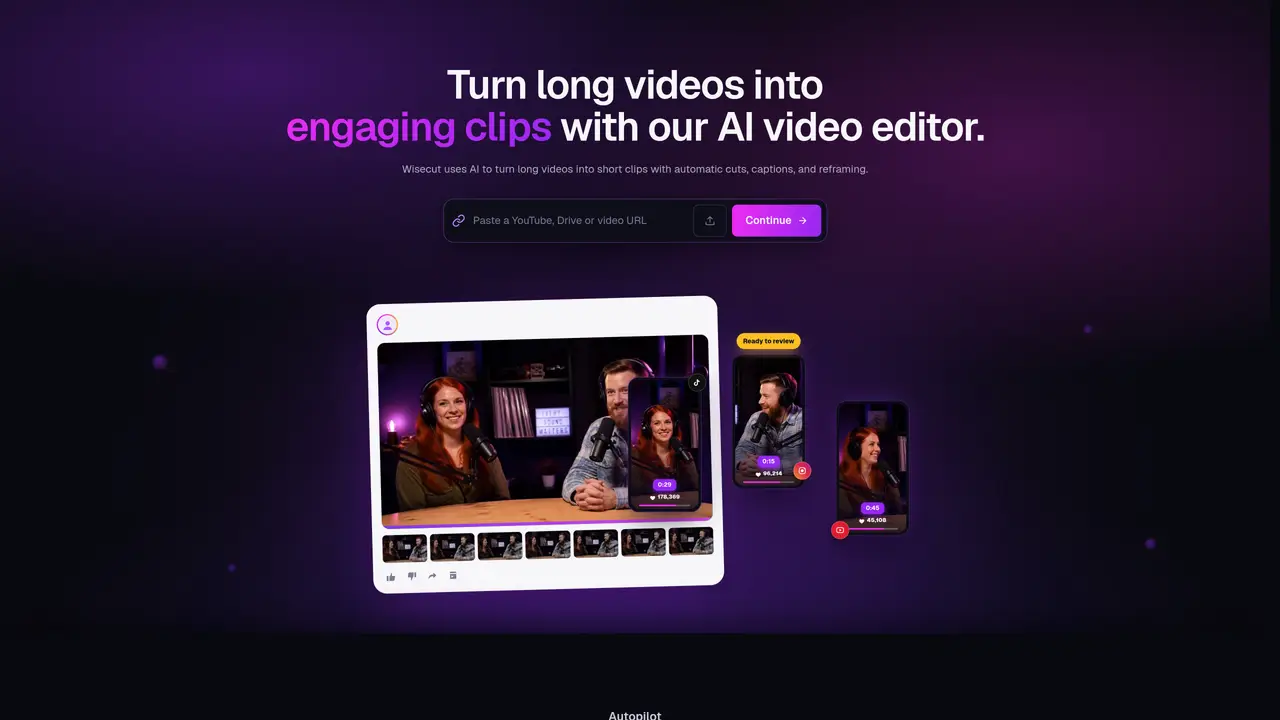
Wisecut is an AI-powered video editing tool designed to streamline the creation of short-form videos by automating repetitive tasks. It analyzes video content to detect silent moments and removes them, reducing editing time significantly. The tool also generates transcripts for automatic subtitles, adds background music, and allows users to edit captions by simply deleting unwanted text from the transcript. Wisecut supports auto-zooming during cuts, helping maintain visual engagement in the final video. It is particularly useful for creators who need to produce polished videos quickly without advanced editing skills. The platform is accessible via a web interface, making it convenient for remote or on-the-go editing workflows. Target users include vloggers, content creators, and YouTube creators who prioritize efficiency and consistency in their video output. The tool emphasizes performance by combining multiple editing functions into a single automated process, reducing manual effort while maintaining quality.
Wisecut Video is an AI-powered video editor that automates the creation of short-form videos from long footage. It detects silences, generates captions, reframes videos for different aspect ratios, and adds smart background music to produce polished clips ready for publishing.
The tool is designed for content creators, podcasters, YouTube channels, and media teams who need to efficiently turn long videos into engaging short clips without advanced editing skills. It is particularly useful for those prioritizing speed and consistency in video production.
Wisecut uses AI to analyze video content, detect silent moments, highlight engaging sections, and automatically apply cuts, captions, reframing, and background music. Users can describe edits in plain language, and the tool generates a storyboard for easy fine-tuning.
Yes, the Autopilot feature allows users to connect a YouTube channel or other platforms, automatically converting new videos into short clips, scheduling, and publishing them without manual intervention.
Yes, Wisecut automatically generates captions and supports translation into multiple languages to expand reach and accessibility for global audiences.
Key features include automatic silence removal, AI highlight detection, auto-reframing for different aspect ratios, smart background music with audio ducking, background noise cancellation, and storyboard-based editing without complex timelines.
We use essential cookies to run aitoolnavio™, and optional cookies to analyze traffic and measure our marketing. You choose what we use — optional cookies stay off unless you turn them on. See our Privacy Policy.
One short email a week: fresh tools worth trying, honest takes and the updates that actually matter. No spam, unsubscribe any time.
AI-powered video messaging tool that records, shares, and manages video messages with AI-generated titles, summaries, and tasks.
Unleash creativity: edit photos, videos, and designs with AI-enhanced tools.
Record lectures, create tutorials, and securely share videos with teams.
Create stunning videos in a few clicks, customize with powerful tools, and automate editing without experience.
Create, convert, and enhance videos effortlessly with professional effects and royalty-free music.
Create marketing videos quickly, customize with templates, music, and photos, optimize for different platforms with AI.
Automate video editing, add text-to-speech voice-overs, and optimize videos for impactful results.
Freemium, uncensored AI video and image creation for individual creators with text-to-video, image effects, and gem-based upgrades for HD and no watermarks.
Create, edit, subtitle, and translate pro-grade videos instantly.
Cloudinary provides APIs and tools to integrate, manage, and optimize images and videos for AI-driven visual experiences.
All-in-one AI suite for creators to automate workflows, edit media, and generate content across video, design, and productivity tools.
Generate cinematic video clips from text or images and refine them with AI-powered editing tools for creators and visual professionals.
Matched on what this tool does — grouped by the job you would be replacing.
matches Automatic removal of silent moments in videos · Background music addition · Automatic subtitle generation from transcripts
Cloud-based video editor with AI-powered clip generation, voiceovers, and auto-subtitles for fast, browser-based editing.
Turn long videos or text into viral short-form clips with AI avatars, captions, and auto-scheduling for TikTok, Reels, and YouTube Shorts.
AI video repurposing tool that converts long-form videos into YouTube Shorts, TikTok, and Instagram Reels with auto clipping, smart cropping, and captions.
AI-powered video editor that writes scripts, edits clips, adds captions and auto-posts to multiple platforms
matches Automatic removal of silent moments in videos · Automatic subtitle generation from transcripts
Automatically detect and cut silences, recognize patterns, and create professional videos with suggested transitions and effects.
An AI video editing assistant that transcribes audio, removes silences, auto-builds rough cuts, and exports timelines to major NLEs.
AI-powered panel for Adobe Premiere Pro that automates rough-cut editing, removes silences, and generates captions in a single pass.