AI-powered video messaging tool that records, shares, and manages video messages with AI-generated titles, summaries, and tasks.
16M visits/mo-3.4%#5 Chatbots & Assistants

AI-powered video editing assistant that creates rough cuts from footage using natural language prompts and integrates with popular editing software.
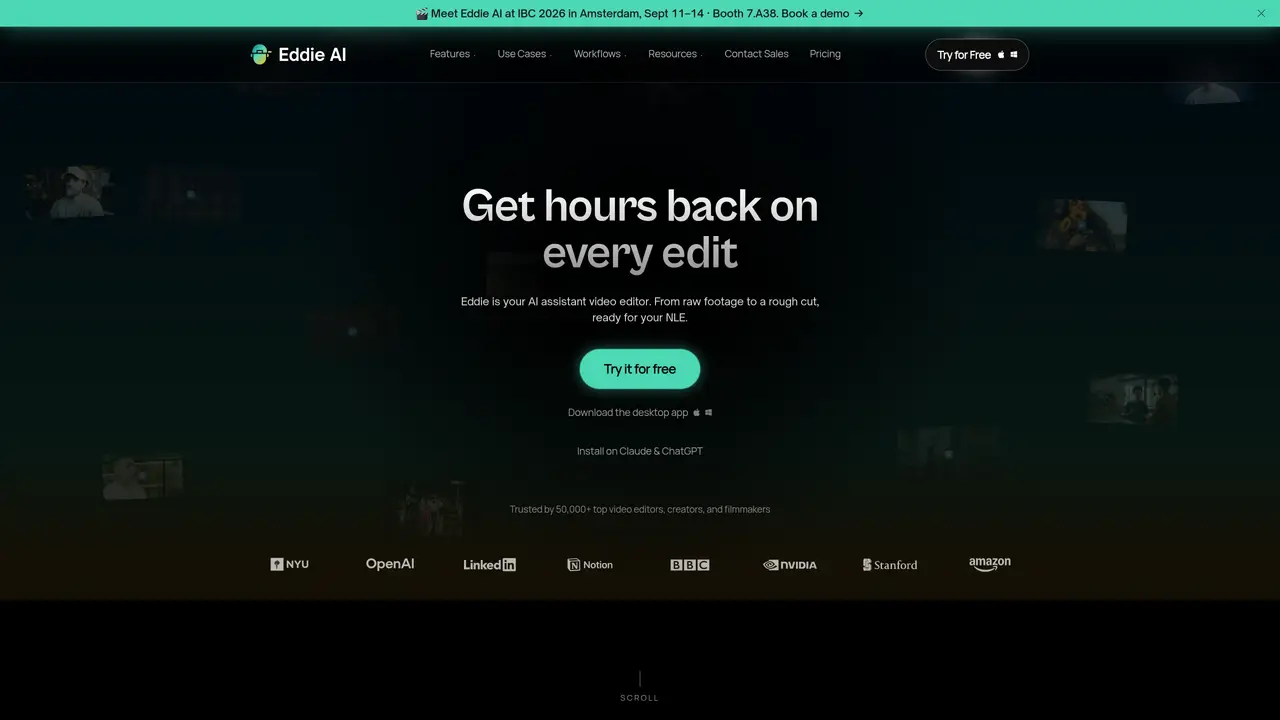
Eddie AI is an AI-powered video editing assistant designed to streamline the editing process for content creators and professionals. It generates rough cuts from raw footage using natural language prompts, helping users organize and structure their content efficiently. The tool integrates seamlessly with existing editing software, allowing users to incorporate its outputs into their preferred workflows without disruption. Eddie AI is particularly useful for handling interviews, documentaries, or long-form content where initial rough cuts are time-consuming to produce manually. By automating repetitive editing tasks, it enables users to focus more on storytelling and creative decisions rather than technical details. The platform is suitable for both experienced editors and beginners, offering an intuitive interface that reduces the learning curve associated with advanced video editing. Its ability to process large volumes of footage quickly makes it a valuable asset for projects with tight deadlines or extensive raw material.
Eddie AI is an AI-powered assistant video editor that converts raw footage into rough cuts using natural language prompts, while also handling tasks like color grading, music scoring, and captioning.
The tool is designed for video editors, content creators, filmmakers, and teams who need to streamline editing workflows, especially for long-form content like interviews or documentaries.
Eddie AI supports round-trip workflows with Premiere Pro, Resolve, and Final Cut Pro, allowing users to relink clips and incorporate AI-generated edits into their preferred NLE.
No, Eddie AI is designed to assist editors by automating repetitive tasks, freeing them to focus on creative storytelling rather than replacing the editorial process.
It excels with projects involving large volumes of raw footage, such as documentaries, interviews, or multi-camera shoots where initial rough cuts are time-consuming to produce manually.
Users can download the desktop app or install it as an extension for Claude and ChatGPT, then upload raw footage and describe the desired edit using natural language prompts.
heyeddie.ai · third-party estimates from Similarweb
Last 4 months · grows by one month every month
Share of visits by channel
No measurable traffic from Paid Referrals.
Share of visits · estimated visits
Other countries: 36.3%
How people reach this site from other AI tools
780 a month · 0.7% of all visits
Video & Animation · Sep 2026
Traffic figures are third-party estimates, good for scale and trends; they can differ from a company's own numbers. Updated monthly.
We use essential cookies to run aitoolnavio™, and optional cookies to analyze traffic and measure our marketing. You choose what we use — optional cookies stay off unless you turn them on. See our Privacy Policy.
One short email a week: fresh tools worth trying, honest takes and the updates that actually matter. No spam, unsubscribe any time.
AI-powered video messaging tool that records, shares, and manages video messages with AI-generated titles, summaries, and tasks.
Unleash creativity: edit photos, videos, and designs with AI-enhanced tools.
Record lectures, create tutorials, and securely share videos with teams.
Create stunning videos in a few clicks, customize with powerful tools, and automate editing without experience.
Create, convert, and enhance videos effortlessly with professional effects and royalty-free music.
Create marketing videos quickly, customize with templates, music, and photos, optimize for different platforms with AI.
Automate video editing, add text-to-speech voice-overs, and optimize videos for impactful results.
Freemium, uncensored AI video and image creation for individual creators with text-to-video, image effects, and gem-based upgrades for HD and no watermarks.
Create, edit, subtitle, and translate pro-grade videos instantly.
Cloudinary provides APIs and tools to integrate, manage, and optimize images and videos for AI-driven visual experiences.
All-in-one AI suite for creators to automate workflows, edit media, and generate content across video, design, and productivity tools.
Generate cinematic video clips from text or images and refine them with AI-powered editing tools for creators and visual professionals.
Matched on what this tool does — grouped by the job you would be replacing.
matches Creates rough cuts from footage using natural language prompts · Organizes and structures video content automatically · Integrates with popular editing software
An AI video editing assistant that transcribes audio, removes silences, auto-builds rough cuts, and exports timelines to major NLEs.
AI-powered assistant that indexes and searches video libraries by natural language to assemble Premiere Pro–ready rough cuts and generate context-aware assets.
AI video editing plugin for Adobe Premiere Pro that automates footage selection and timeline organization.
AI video editing prep tool that automates syncing, organizing, and rough-cutting raw footage for handoff to professional NLEs.