AI-powered video messaging tool that records, shares, and manages video messages with AI-generated titles, summaries, and tasks.
16M visits/mo-3.4%#5 Chatbots & Assistants

Windows screen recorder with automatic zoom, smooth cursor and local AI captions
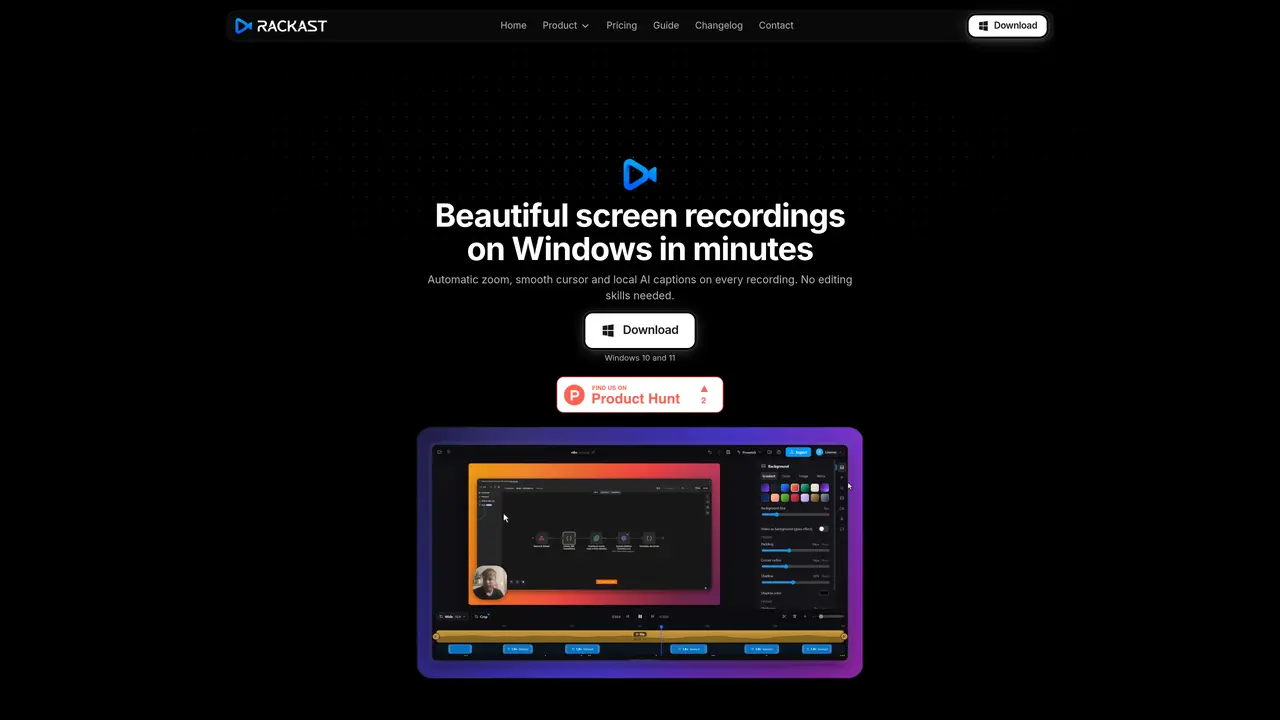
Rackast is a native Windows application designed for recording screen activity with automatic zoom, smooth cursor effects and local AI-generated captions. It captures screen, webcam and audio simultaneously, producing polished recordings without requiring manual editing. The tool targets software tutorials, product demos, social media clips, online courses and bug reports by enhancing clarity through dynamic zoom on clicks and stabilized cursor motion. Recordings are rendered locally in MP4, WebM or GIF formats with adjustable quality presets, supporting resolutions up to 4K at 120 fps. Outputs are ready for sharing on platforms like YouTube, Slack or documentation systems without further processing. All processing, including AI transcription, occurs offline, ensuring privacy and immediate availability of files.
Yes. Rackast is a native Windows application designed specifically for Windows 10 and Windows 11.
No. Rackast is a paid application with no free tier or trial period; all features are included with a Rackast Pro subscription.
Each Rackast Pro license allows for two device activations, which can be managed or deactivated via the Polar customer portal.
Payments, taxes, and invoices are handled by Polar as the Merchant of Record, while Rackast provides the software and support.
Yes. All recording, editing, and AI caption transcription occur locally on your computer, ensuring your data remains private and is not uploaded.
Yes. You can cancel your subscription anytime through the Polar customer portal, and it remains active until the end of the paid period.
We use essential cookies to run aitoolnavio™, and optional cookies to analyze traffic and measure our marketing. You choose what we use — optional cookies stay off unless you turn them on. See our Privacy Policy.
One short email a week: fresh tools worth trying, honest takes and the updates that actually matter. No spam, unsubscribe any time.
AI-powered video messaging tool that records, shares, and manages video messages with AI-generated titles, summaries, and tasks.
Unleash creativity: edit photos, videos, and designs with AI-enhanced tools.
Record lectures, create tutorials, and securely share videos with teams.
Create stunning videos in a few clicks, customize with powerful tools, and automate editing without experience.
Create, convert, and enhance videos effortlessly with professional effects and royalty-free music.
Create marketing videos quickly, customize with templates, music, and photos, optimize for different platforms with AI.
Automate video editing, add text-to-speech voice-overs, and optimize videos for impactful results.
Freemium, uncensored AI video and image creation for individual creators with text-to-video, image effects, and gem-based upgrades for HD and no watermarks.
Create, edit, subtitle, and translate pro-grade videos instantly.
Cloudinary provides APIs and tools to integrate, manage, and optimize images and videos for AI-driven visual experiences.
All-in-one AI suite for creators to automate workflows, edit media, and generate content across video, design, and productivity tools.
Generate cinematic video clips from text or images and refine them with AI-powered editing tools for creators and visual professionals.
Matched on what this tool does — grouped by the job you would be replacing.
matches Webcam and audio recording · Local AI captions (Whisper-based) · MP4, WebM and GIF export
Open-source screen recorder for macOS and Windows with 4K/60fps capture, AI transcripts, and local or cloud storage options.
All-in-one screen recorder that captures videos, screenshots, and GIFs with AI-powered summaries and transcriptions for documentation.
Online screen recorder and AI editor for creators and teams to capture screen plus camera, auto-remove silences, add captions, and share links.
Mac screen recorder that turns raw captures into cinematic product demos with AI polish