AI-powered video messaging tool that records, shares, and manages video messages with AI-generated titles, summaries, and tasks.
16M visits/mo-3.4%#5 Chatbots & Assistants

Automatically enhance videos, create stunning results, and supports multiple file formats, with an intuitive chat-based interface.
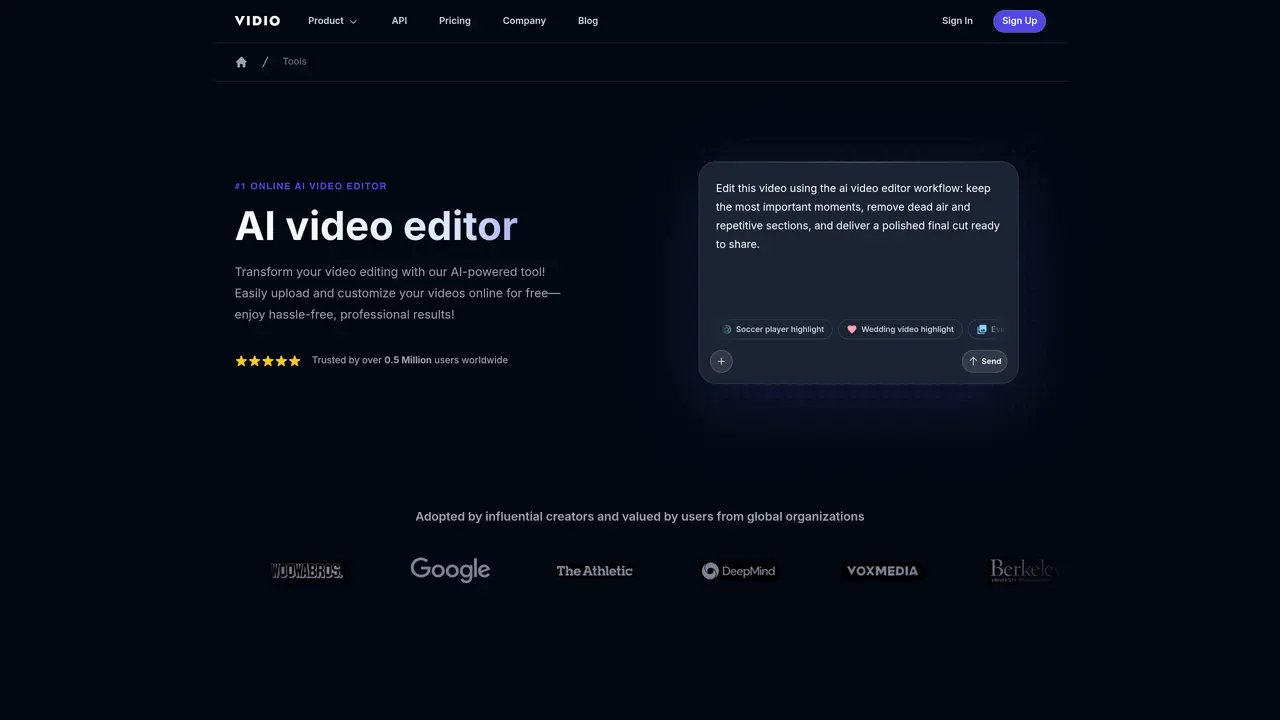
The AI Video Editor from Vidio is the perfect tool for anyone looking to take their video editing to the next level. Our online video editing tool uses cutting-edge AI technology to provide automated guidance and make the process of editing videos effortless. With our intuitive chat-based interface, users can maximize their productivity and reduce editing time, allowing them to focus on creating stunning results.The AI Video Editor supports a wide variety of file formats, including GIF, AVI, MP4, MOV, MPG, WEBM, and MPEG. Plus, our file size limit of 150MB ensures that even large videos can be edited with ease. Whether you’re a professional filmmaker or just starting out, the AI Video Editor can help you bring your vision to life. So why wait? Try our AI Video Editor today and start creating amazing videos with minimal effort.
The tool employs advanced AI algorithms to analyze and edit videos based on user inputs. Users provide requirements via a prompt box, and the AI processes the video to generate a polished final cut automatically.
The tool supports a variety of formats, including GIF, MP4, MOV, MPG, WEBM, MPEG, JPG, and PNG, ensuring compatibility with a wide range of media files.
Yes, there is a maximum file size limit of 3GB for videos that can be processed. Specific duration limits are not mentioned on the website.
The tool offers a free option for users, though additional features or usage may be subject to a pricing structure detailed on the pricing page.
The process begins with user inputs for customization, such as summarization mode and output length. While the initial setup is user-guided, the remaining editing steps are fully automated.
Yes, the tool accepts both image and video uploads, supporting formats like JPG, PNG, GIF, MP4, MOV, MPG, WEBM, and MPEG.
vidio.ai · third-party estimates from Similarweb
Last 4 months · grows by one month every month
Share of visits · estimated visits
Other countries: 75.8%
How people reach this site from other AI tools
1.1K a month · 0.5% of all visits
Video & Animation · Sep 2026
Traffic figures are third-party estimates, good for scale and trends; they can differ from a company's own numbers. Updated monthly.
We use essential cookies to run aitoolnavio™, and optional cookies to analyze traffic and measure our marketing. You choose what we use — optional cookies stay off unless you turn them on. See our Privacy Policy.
One short email a week: fresh tools worth trying, honest takes and the updates that actually matter. No spam, unsubscribe any time.
AI-powered video messaging tool that records, shares, and manages video messages with AI-generated titles, summaries, and tasks.
Unleash creativity: edit photos, videos, and designs with AI-enhanced tools.
Record lectures, create tutorials, and securely share videos with teams.
Create stunning videos in a few clicks, customize with powerful tools, and automate editing without experience.
Create, convert, and enhance videos effortlessly with professional effects and royalty-free music.
Create marketing videos quickly, customize with templates, music, and photos, optimize for different platforms with AI.
Automate video editing, add text-to-speech voice-overs, and optimize videos for impactful results.
Freemium, uncensored AI video and image creation for individual creators with text-to-video, image effects, and gem-based upgrades for HD and no watermarks.
Create, edit, subtitle, and translate pro-grade videos instantly.
Cloudinary provides APIs and tools to integrate, manage, and optimize images and videos for AI-driven visual experiences.
All-in-one AI suite for creators to automate workflows, edit media, and generate content across video, design, and productivity tools.
Generate cinematic video clips from text or images and refine them with AI-powered editing tools for creators and visual professionals.
Matched on what this tool does — grouped by the job you would be replacing.
matches Automatically enhance videos · Create stunning results · Support multiple file formats
AI video editor that adds B-roll visuals, captions, and edits to videos automatically.
AI-powered video editor that turns raw footage into viral reels with one click, adding auto captions, b-roll, and animated effects.
Transform raw footage into polished videos with Levio's AI-powered video editing agent.
Collaborate on video projects, edit and enhance videos, and add music, text, and visuals.