AI-powered video messaging tool that records, shares, and manages video messages with AI-generated titles, summaries, and tasks.
16M visits/mo-3.4%#5 Chatbots & Assistants

AI-powered video converter that transforms, compresses, and enhances videos with high-speed processing across 1000+ formats.
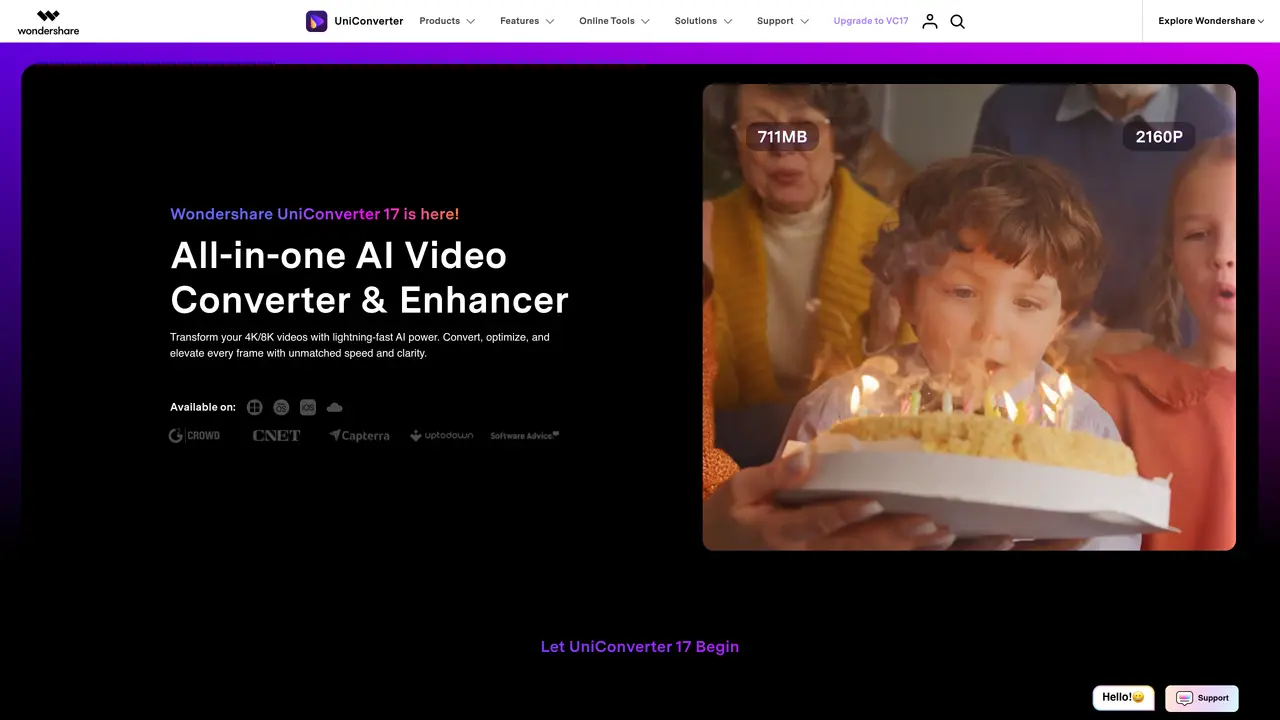
Wondershare UniConverter is a comprehensive video processing tool designed for converting, compressing, editing, and enhancing videos with AI-powered features. It serves both personal and professional users by offering a wide range of functionalities, including high-speed conversion, format support, and quality retention. The tool leverages hardware acceleration and advanced frameworks to optimize performance while minimizing power consumption. UniConverter supports over 1000 media formats, including 4K/8K/HDR videos, and provides lossless compression with minimal quality loss. Its AI-driven enhancements, such as video enhancement and vocal removal, add professional polish to projects. The platform also includes additional tools like DVD burning and screen recording, making it a versatile solution for multimedia creation and editing. While the extensive feature set may present a learning curve for new users, it delivers robust capabilities for content creators, videographers, educators, and marketing professionals seeking efficient and high-quality video processing.
Wondershare UniConverter is an all-in-one AI-powered video converter, enhancer, and editor that supports over 1,000 formats, including 4K/8K/HDR, and offers features like compression, recording, and AI-driven enhancements.
The tool is designed for content creators, videographers, educators, marketing professionals, and personal users who need efficient video processing, enhancement, and conversion capabilities.
Yes, it includes AI-driven tools for video enhancement, compression, subtitle generation, noise removal, and vocal removal, among others.
It is available for Windows 11/10/8/7 and macOS 10.13 or later, including macOS Tahoe.
Yes, it offers smart compression that preserves quality while significantly reducing file size.
Users can download the software from the official website, explore step-by-step guides, or access video tutorials for assistance.
We use essential cookies to run aitoolnavio™, and optional cookies to analyze traffic and measure our marketing. You choose what we use — optional cookies stay off unless you turn them on. See our Privacy Policy.
One short email a week: fresh tools worth trying, honest takes and the updates that actually matter. No spam, unsubscribe any time.
AI-powered video messaging tool that records, shares, and manages video messages with AI-generated titles, summaries, and tasks.
Unleash creativity: edit photos, videos, and designs with AI-enhanced tools.
Record lectures, create tutorials, and securely share videos with teams.
Create stunning videos in a few clicks, customize with powerful tools, and automate editing without experience.
Create, convert, and enhance videos effortlessly with professional effects and royalty-free music.
Create marketing videos quickly, customize with templates, music, and photos, optimize for different platforms with AI.
Automate video editing, add text-to-speech voice-overs, and optimize videos for impactful results.
Freemium, uncensored AI video and image creation for individual creators with text-to-video, image effects, and gem-based upgrades for HD and no watermarks.
Create, edit, subtitle, and translate pro-grade videos instantly.
Cloudinary provides APIs and tools to integrate, manage, and optimize images and videos for AI-driven visual experiences.
All-in-one AI suite for creators to automate workflows, edit media, and generate content across video, design, and productivity tools.
Generate cinematic video clips from text or images and refine them with AI-powered editing tools for creators and visual professionals.
Matched on what this tool does — grouped by the job you would be replacing.
matches Ultra-fast file conversion with AV1 hardware acceleration and Metal Framework support · Supports over 1000 formats including MP4, MOV, MKV, and MP3 · High-definition lossless conversion for 4K/8K/HDR videos
Cloud-based video editor with AI-powered clip generation, voiceovers, and auto-subtitles for fast, browser-based editing.
Efficiently convert, burn, and customize videos for optimal results.
AI-powered tool upscales videos to stunning 8K quality.
Revolutionize video editing with AI-driven tools and multi-platform exports.