AI-powered video messaging tool that records, shares, and manages video messages with AI-generated titles, summaries, and tasks.
16M visits/mo-3.4%#5 Chatbots & Assistants
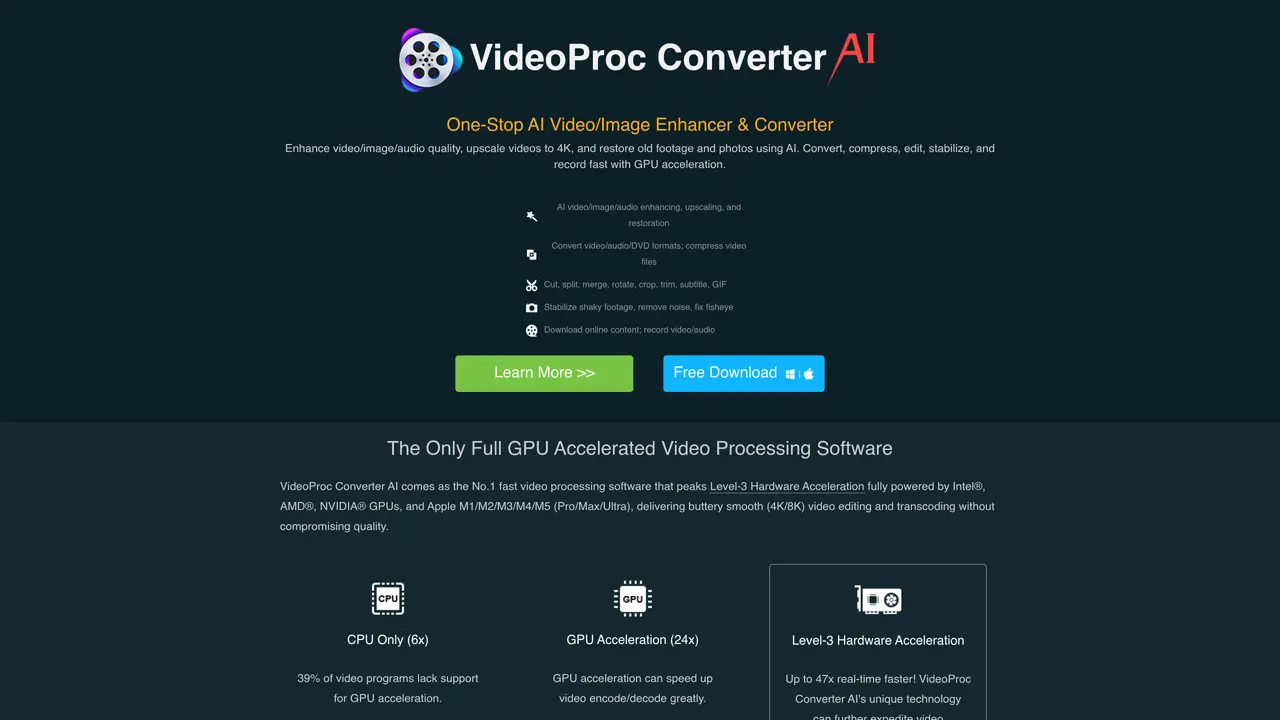
Videoproc is a comprehensive video processing software that provides users with a powerful set of tools and features to help them create, edit, and share high-quality videos. With Videoproc, anyone can create stunning videos, no matter their experience level. The software offers a range of powerful features, including 4K video conversion, DVD backup and burning, video recording and screen capture, video editing, and video optimization. Plus, it has a user-friendly interface that makes it easy to use and customize, allowing users to make their videos look exactly how they want. Videoproc also allows users to save and share their creations with ease, making it a great choice for anyone wanting to create and share videos with friends, family, and the world. With Videoproc, you can make beautiful videos that you’ll be proud to show off.
VideoProc is an all-in-one media solution that enhances, converts, compresses, edits, downloads, and records videos, images, and audio files using AI-powered tools and hardware acceleration.
VideoProc suits creators, editors, and users who need to process high-resolution footage from devices like GoPro, DJI, iPhones, or DSLRs, as well as those restoring old photos or cleaning up audio.
Yes, VideoProc leverages Level-3 hardware acceleration powered by Intel, AMD, NVIDIA GPUs, and Apple silicon to deliver fast video processing without compromising quality.
VideoProc includes AI tools for upscaling videos to 4K, restoring old footage, enhancing images, and improving color consistency, sharpness, and detail.
VideoProc supports a wide range of formats including MKV, MP4 (HEVC), MP3, WAV, WMA, M4A, OGG, and DVD formats, enabling conversion and processing across multiple media types.
Download the software from the official website, choose between 32-bit or 64-bit versions based on your system, and use the built-in guides or tutorials to begin processing your media.
videoproc.com · third-party estimates from Similarweb
Last 4 months · grows by one month every month
Share of visits · estimated visits
Other countries: 38%
How people reach this site from other AI tools
2.3K a month · 0.2% of all visits
Video & Animation · Sep 2026
Traffic figures are third-party estimates, good for scale and trends; they can differ from a company's own numbers. Updated monthly.
We use essential cookies to run aitoolnavio™, and optional cookies to analyze traffic and measure our marketing. You choose what we use — optional cookies stay off unless you turn them on. See our Privacy Policy.
One short email a week: fresh tools worth trying, honest takes and the updates that actually matter. No spam, unsubscribe any time.
AI-powered video messaging tool that records, shares, and manages video messages with AI-generated titles, summaries, and tasks.
Unleash creativity: edit photos, videos, and designs with AI-enhanced tools.
Record lectures, create tutorials, and securely share videos with teams.
Create stunning videos in a few clicks, customize with powerful tools, and automate editing without experience.
Create, convert, and enhance videos effortlessly with professional effects and royalty-free music.
Create marketing videos quickly, customize with templates, music, and photos, optimize for different platforms with AI.
Automate video editing, add text-to-speech voice-overs, and optimize videos for impactful results.
Freemium, uncensored AI video and image creation for individual creators with text-to-video, image effects, and gem-based upgrades for HD and no watermarks.
Create, edit, subtitle, and translate pro-grade videos instantly.
Cloudinary provides APIs and tools to integrate, manage, and optimize images and videos for AI-driven visual experiences.
All-in-one AI suite for creators to automate workflows, edit media, and generate content across video, design, and productivity tools.
Generate cinematic video clips from text or images and refine them with AI-powered editing tools for creators and visual professionals.
Matched on what this tool does — grouped by the job you would be replacing.
matches Convert 4K videos quickly · Burn DVDs and backup media · Supports over 1000 formats including MP4, MOV, MKV, and MP3
Colorize black and white videos, increase resolution up to 8K, and work on multiple videos simultaneously in batch mode.
AI-powered video converter that transforms, compresses, and enhances videos with high-speed processing across 1000+ formats.
AI-powered tool to upscale, stabilize, convert, edit, and record videos and images with advanced enhancement features.
matches Easily edit and customize videos · Video editing and optimization · Create stunning videos with just a few clicks
matches Video recording and screen capture
Create, convert, and enhance videos effortlessly with professional effects and royalty-free music.
Create stunning videos effortlessly with HitPaw's intuitive interface and advanced editing features.
Create stunning videos with one-click editing, collaborate in real-time, store all content in one place.
Enhance and restore video quality up to 8K with HitPaw VikPea.
AI-enhanced photo and video editing software with local, secure processing.
Create stunning videos with transitions, effects, soundtracks and more, customize speed and volume, and export in various formats.