Generate lifelike human videos with AI, making professional video creation fast and accessible for any user.
41M visits/mo+26.2%#1 Video & Animation

Beatwave is a music and audio visualization tool that lets you turn music into engaging videos with 1 click AI powered lyric visualization.
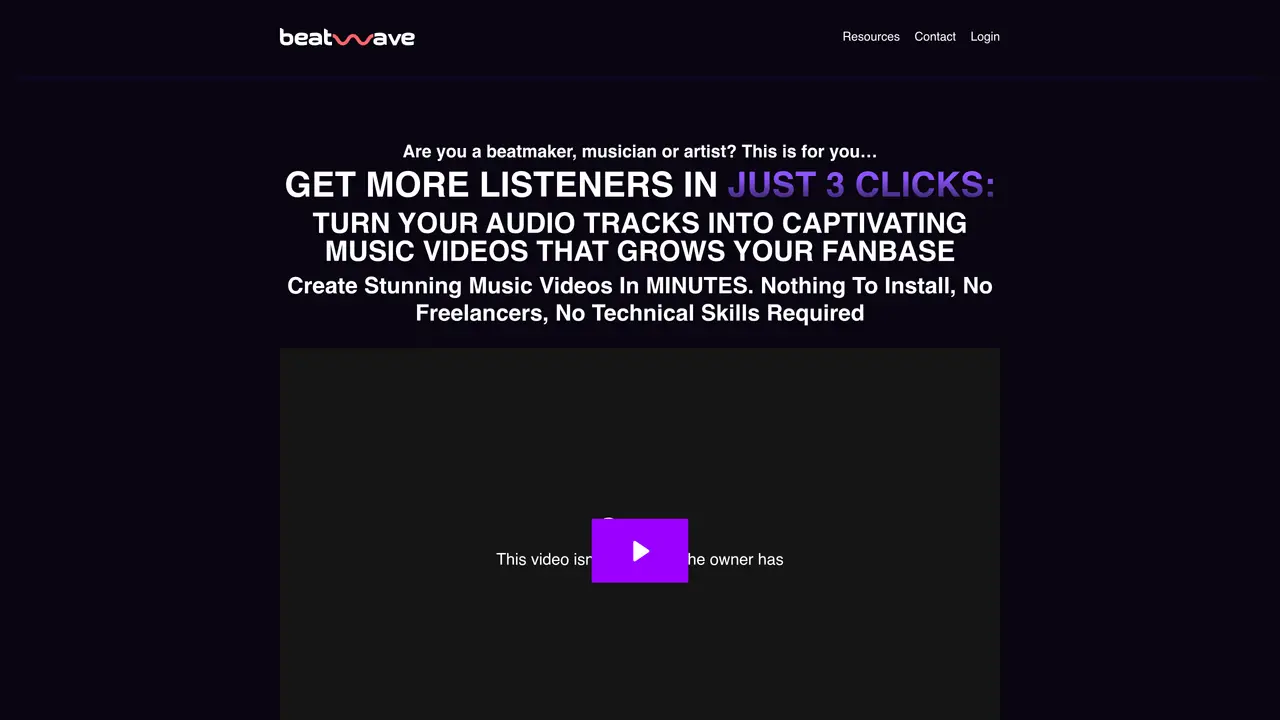
Beatwave is an audio visualizer app designed to transform any audio file into visually engaging videos. The platform specializes in creating dynamic visual representations of music and spoken content, making it ideal for creators, musicians, and podcasters looking to enhance their social media presence. With its built-in AI-powered lyric visualization tool, Beatwave allows users to automatically generate lyric overlays on videos with a single click, adding an extra layer of engagement for music-related content. The app supports a wide range of audio formats and enables users to customize visual styles to match their brand or aesthetic preferences. Whether for promotional clips, social media posts, or creative projects, Beatwave simplifies the process of turning audio into shareable, visually compelling videos. It is particularly useful for those who want to repurpose music tracks, podcast segments, or voiceovers into eye-catching content without requiring advanced video editing skills. The tool is accessible via a web application, making it convenient for users to create and download videos directly from their browsers.
Beatwave is a web-based tool that transforms audio tracks into dynamic music videos with animated visualizers. It allows users to create professional-looking videos quickly without requiring technical skills, film crews, or complex software.
Beatwave is designed for beatmakers, musicians, artists, and creators looking to grow their fanbase by producing engaging visual content for social media. It suits those who want to stand out in a competitive music industry with minimal effort.
Users select a template, upload their audio track, and customize the visualizer using built-in tools. The platform’s automatic beat-tracking engine syncs the visuals to the music, and videos can be published directly to social media platforms.
Yes, Beatwave offers intuitive design tools to personalize videos, including adjusting colors, adding artwork, modifying equalizer styles, and incorporating text. Users can also brand their videos with their own imagery and colors.
No, Beatwave is 100% web-based and mobile-optimized, meaning users can create and publish videos directly from their browser or mobile device without installing any software.
To get started, visit the Beatwave website, choose a template, upload your audio track, customize the visuals, and publish your video directly to social media. The process is designed to be completed in under 60 seconds.
beatwaveapp.com · third-party estimates from Similarweb
Last 4 months · grows by one month every month
Share of visits · estimated visits
Video & Animation · Sep 2026
Traffic figures are third-party estimates, good for scale and trends; they can differ from a company's own numbers. Updated monthly.
We use essential cookies to run aitoolnavio™, and optional cookies to analyze traffic and measure our marketing. You choose what we use — optional cookies stay off unless you turn them on. See our Privacy Policy.
One short email a week: fresh tools worth trying, honest takes and the updates that actually matter. No spam, unsubscribe any time.
Generate lifelike human videos with AI, making professional video creation fast and accessible for any user.
xAI builds Grok frontier AI models for reasoning, coding, voice, images, video, enterprise workflows, and developer APIs.
AI-powered video messaging tool that records, shares, and manages video messages with AI-generated titles, summaries, and tasks.
Explore and test Google’s experimental AI tools and prototypes before they become products.
Creates licensed videos, images, music.
Web and mobile AI platform for generating, editing, and training custom visuals from prompts with community models and face-swap tools.
Create stunning videos in a few clicks, customize with powerful tools, and automate editing without experience.
Create, convert, and enhance videos effortlessly with professional effects and royalty-free music.
Create engaging videos with voiceovers, music, and customizations using a library of royalty-free assets.
Create auto-resized campaign images and videos with DaVinci AI's generative media suite.
Freemium, uncensored AI video and image creation for individual creators with text-to-video, image effects, and gem-based upgrades for HD and no watermarks.
Generate cinematic video clips from text or images and refine them with AI-powered editing tools for creators and visual professionals.
Matched on what this tool does — grouped by the job you would be replacing.
matches Turns music into engaging videos · AI-powered lyric visualization · Visualizes audio and music
Generate full songs with vocals, lyrics, and instrumentals from text prompts in minutes.
LyricEdits allows musicians to create lyric videos with AI in minutes.
Turn your lyrics into full songs in minutes.
AI music generator that creates custom, copyright-free tracks for video games, streams, videos, and podcasts with genre selection and editing tools.
matches Creates engaging videos from podcast clips · Easy to use with 1-click functionality
matches Turns music into engaging videos · Easy to use with 1-click functionality
AI tool that converts long videos or podcasts into short, engaging clips with voiceovers, captions, and music for faceless content creation.
Create promotional videos, engaging event highlights, and shareable content from long-form videos.
Turn podcast episodes into short-form videos optimized for TikTok, YouTube Shorts, and Reels to grow your audience.
Turn text prompts into polished marketing videos quickly with AI, no editing skills required.
AIReel lets creators make AI-generated videos from text or image in minutes.
Drag-and-drop video maker for creating professional product demos, explainer videos, and ads without coding skills.
Turn text or images into professional videos quickly with AI-generated scripts, voices, and visuals.
Easily create stunning videos with visuals for web and social media, effortlessly adding images, video clips, and optimizing them.