Generate lifelike human videos with AI, making professional video creation fast and accessible for any user.

CursorFlow
$9Starting price
0Popularity
About CursorFlow
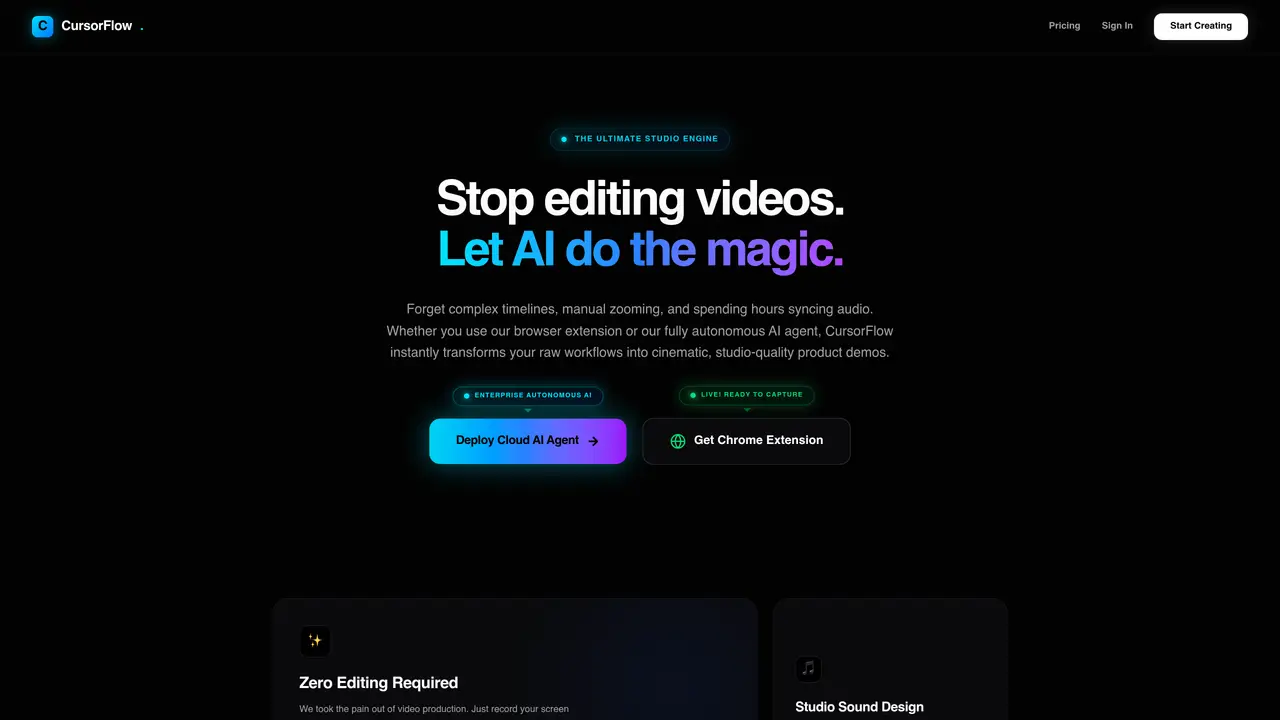
CursorFlow is an AI-driven video production engine designed to automate the creation of product demos from screen recordings. It eliminates manual editing tasks such as timeline adjustments, zooming, and audio syncing by using AI to detect user actions, apply camera movements, and generate callouts. The tool offers two creation methods: a Chrome extension for manual recording and an autonomous AI agent that navigates websites to build demos without user input. Audio is enhanced with studio sound effects and background music, while animated text boxes highlight key actions. Rendering is credit-based, allowing users to purchase credits as needed without subscription commitments. The output is delivered in 4K resolution with support for both 16:9 and 9:16 aspect ratios.
Key features
- AI-powered automatic camera zooms and motion tracking
- Studio sound effects and background music integration
- Animated text callouts for explanations
- Chrome extension for manual recording
- Autonomous AI agent for automated demo creation
- 4K resolution video exports
- 16:9 and 9:16 aspect ratio support
- Commercial usage rights included in higher-tier plans
Use cases
- Creating polished product demos from screen recordings
- Generating marketing content for GTM strategies
- Building documentation or tutorials with minimal effort
Pros
- Automates video editing tasks like zooming, audio syncing, and callout generation
- Offers both manual recording via Chrome extension and fully autonomous AI agent
- Includes studio-quality sound design and animated text callouts
- Credit-based pricing model with no mandatory subscriptions
- Supports 4K resolution and multiple aspect ratios
Cons
- No free tier available
- Requires purchase of rendering credits for use
- Limited to screen recording and demo generation
Frequently asked questions about CursorFlow
What is CursorFlow and what does it do?
CursorFlow is an AI-powered video production engine that automates the creation of product demos from screen recordings. It uses AI to detect user actions, apply camera movements, and generate callouts, eliminating manual editing tasks like timeline adjustments, zooming, and audio syncing.
Who is CursorFlow designed for?
CursorFlow is designed for professionals who need to create product demos efficiently, such as product managers, marketers, and content creators. It suits users who want to automate repetitive video editing tasks while maintaining high-quality output.
How does CursorFlow work?
CursorFlow offers two creation methods: a Chrome extension for manual recording and an autonomous AI agent that navigates websites to build demos without user input. It detects user actions, applies camera movements, and generates callouts, while also enhancing audio with studio sound effects and background music.
What are the output formats and quality options?
The output is delivered in 4K resolution with support for both 16:9 and 9:16 aspect ratios. Users can choose the format that best fits their needs for sharing or publishing.
Does CursorFlow require a subscription?
No, CursorFlow uses a credit-based rendering system. Users purchase credits as needed without being tied to a subscription commitment, allowing for flexible usage based on their needs.
How do I get started with CursorFlow?
Users can start by installing the Chrome extension for manual recording or using the autonomous AI agent to generate demos. After recording or inputting the desired actions, the AI processes the content and delivers the final video.