AI-powered video messaging tool that records, shares, and manages video messages with AI-generated titles, summaries, and tasks.
16M visits/mo-3.4%#5 Chatbots & Assistants

MacOS software that turns screen recordings into polished demos and tutorials with auto-zoom, captions, and AI voiceovers.
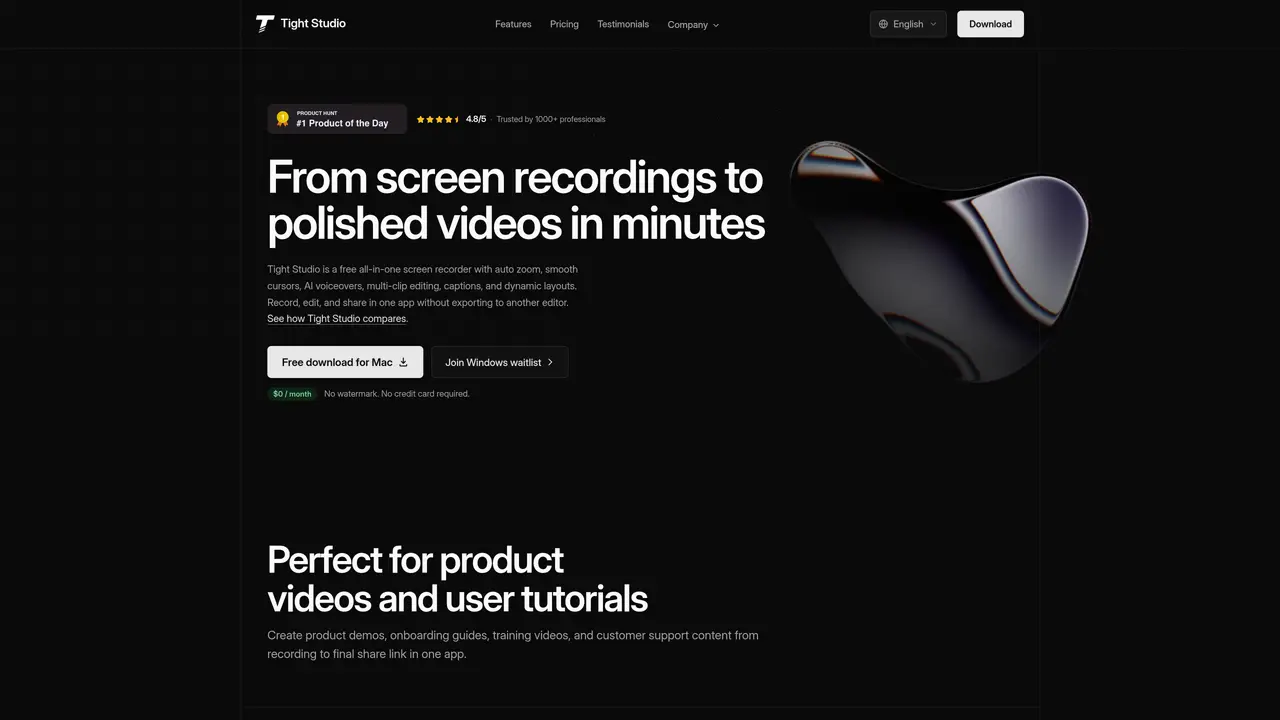
Tight Studio is an AI-powered MacOS application designed to simplify the creation of professional product demos, screen recordings, and tutorial videos. Users can record their screens, and the tool automatically highlights key actions using an auto-zoom feature that follows cursor movements. It adds polished captions with pre-designed styles and incorporates AI-generated voice narration, along with options to include media and music. The AI features automate complex tasks such as voiceovers and motion tracking, making the process fast and accessible even for users with little or no video editing experience. This streamlines workflows for teams and individuals who need to produce high-quality demo videos quickly, ensuring content is engaging, clear, and accessible without the complexity of traditional manual editing. Tight Studio is particularly well-suited for product teams, marketers, educators, and developers who require efficient, professional video content creation.
Tight Studio is a free Mac screen recorder designed for creating professional product demos, tutorials, and screen recordings with AI-powered features like auto zoom, smooth cursors, and AI voiceovers.
It suits product teams, marketers, educators, developers, and creators who need to produce polished video content quickly without advanced editing skills.
A free plan is available with core features, while paid plans unlock unlimited multi-clip recording, shareable links, AI voiceovers, and team collaboration tools.
Yes, the Pro plan includes a shared team workspace and collaborative editing features for teams working on brand-aligned video content.
Yes, it allows capturing iPhone or iPad screens alongside Mac recordings for mobile app demos or dual-screen walkthroughs.
Download the free Mac app, record your screen or import clips, and use built-in AI tools to add voiceovers, captions, and polished effects before sharing directly from the app.
We use essential cookies to run aitoolnavio™, and optional cookies to analyze traffic and measure our marketing. You choose what we use — optional cookies stay off unless you turn them on. See our Privacy Policy.
One short email a week: fresh tools worth trying, honest takes and the updates that actually matter. No spam, unsubscribe any time.
AI-powered video messaging tool that records, shares, and manages video messages with AI-generated titles, summaries, and tasks.
Unleash creativity: edit photos, videos, and designs with AI-enhanced tools.
Record lectures, create tutorials, and securely share videos with teams.
Create stunning videos in a few clicks, customize with powerful tools, and automate editing without experience.
Create, convert, and enhance videos effortlessly with professional effects and royalty-free music.
Create marketing videos quickly, customize with templates, music, and photos, optimize for different platforms with AI.
Automate video editing, add text-to-speech voice-overs, and optimize videos for impactful results.
Freemium, uncensored AI video and image creation for individual creators with text-to-video, image effects, and gem-based upgrades for HD and no watermarks.
Create, edit, subtitle, and translate pro-grade videos instantly.
Cloudinary provides APIs and tools to integrate, manage, and optimize images and videos for AI-driven visual experiences.
All-in-one AI suite for creators to automate workflows, edit media, and generate content across video, design, and productivity tools.
Generate cinematic video clips from text or images and refine them with AI-powered editing tools for creators and visual professionals.
Matched on what this tool does — grouped by the job you would be replacing.
matches Screen recording capture with minimal setup · Polished demo and tutorial video creation · Auto-zoom that follows cursor movements to highlight key actions
AI platform that turns screen recordings into interactive demos, videos, and visuals with AI voiceovers and editing—no designers required.
Turns silent screen recordings into polished, narrated tutorials with AI voiceovers and auto-syncing in minutes.
Converts screen recordings into polished product demos with AI editing
Records and edits product demo videos using an AI agent on macOS
matches Pre-designed caption styles for professional text overlays · Media and music integration options · AI-generated voiceovers for narration
Cloud-based video editor with AI-powered clip generation, voiceovers, and auto-subtitles for fast, browser-based editing.
Free online AI video editor for beginners to create videos with text, music, animations, and effects.
AI-powered video editor and screen recorder for Mac
Create captions, make fast edits, and repurpose content with automated transcription and intuitive editing tools.