

AI-powered video messaging tool that records, shares, and manages video messages with AI-generated titles, summaries, and tasks.
16M visits/mo-3.4%#5 Chatbots & Assistants
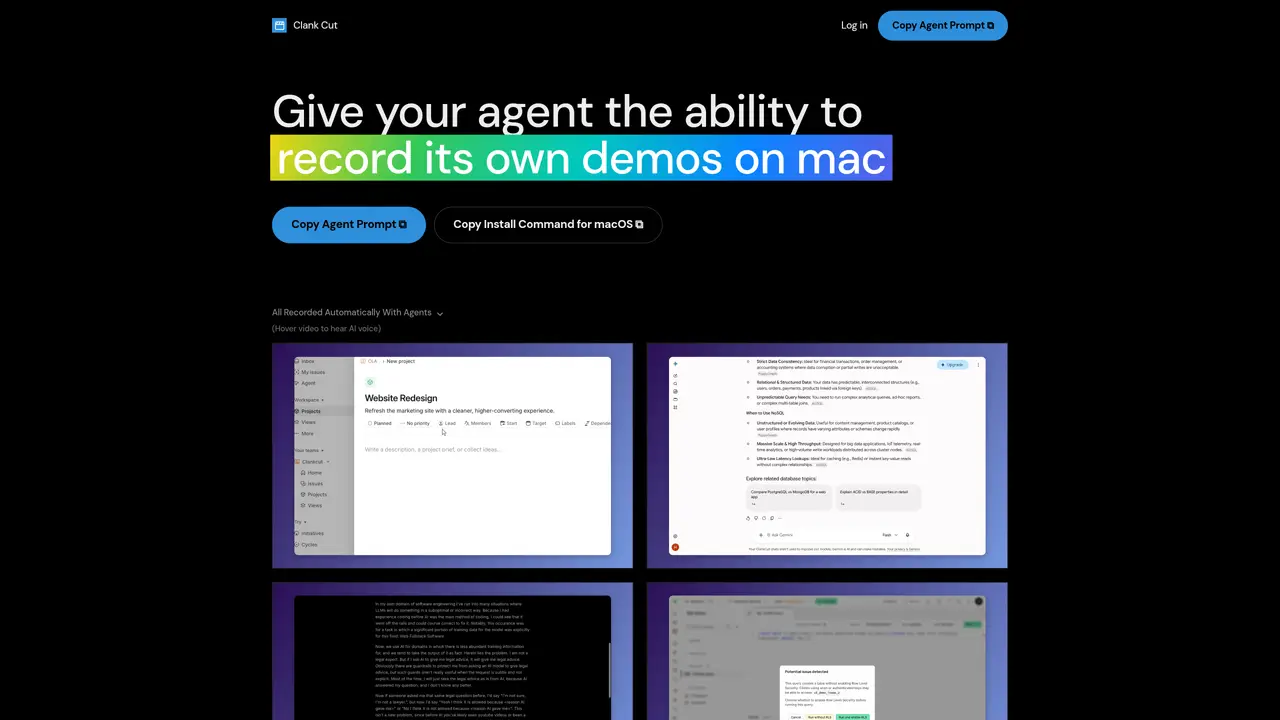
Clank Cut is a macOS application that records and edits product demo videos using an AI agent. Users queue recording jobs by providing a target URL and a flow description. The AI agent then drives a browser bundled with the app to perform the described actions, recording the process automatically. The resulting capture is processed into a polished demo video with features like auto-zoom on cursor movements, smoothed motion, and wallpaper framing. The built-in editor allows further refinements such as trimming, splitting, adjusting zoom regions, regenerating narration, and restyling cursor effects. AI narration is generated from the recorded actions and remains synchronized with the video. Background music is also added and automatically adjusted to fit the timeline. Recordings are exported as crisp MP4 files suitable for sharing on platforms like Slack, Notion, or YouTube. The application operates within an isolated browser environment, ensuring no access to the user’s files, other apps, or personal browser sessions.
Clank Cut is a macOS application, so a Mac running macOS is required. The AI demo agent operates within an isolated browser bundled with the app, so no separate browser installation is needed.
Users provide a target URL and a flow description, then the agent drives the browser to perform the described actions, recording the process automatically. The agent clicks real buttons and stops if it encounters issues.
The agent can only interact with the isolated browser inside the app, pointed at the specified URL. It cannot read files, open other apps, or access the user’s personal browser or logged-in sessions.
Screen Recording permission is needed to capture the demo’s pixels, and Accessibility permission captures timestamped clicks and keys for features like auto-zoom. These must be granted manually in System Settings.
Auto-zoom tracks where clicks occur and smoothly adjusts the camera to those regions. The previewed zoom regions are exactly what is exported in the final video.
Yes. The built-in editor allows trimming, splitting, adjusting zoom regions, regenerating narration, restyling cursor effects, and modifying wallpaper framing. AI narration remains synchronized with the video.
We use essential cookies to run aitoolnavio™, and optional cookies to analyze traffic and measure our marketing. You choose what we use — optional cookies stay off unless you turn them on. See our Privacy Policy.
One short email a week: fresh tools worth trying, honest takes and the updates that actually matter. No spam, unsubscribe any time.
AI-powered video messaging tool that records, shares, and manages video messages with AI-generated titles, summaries, and tasks.
Unleash creativity: edit photos, videos, and designs with AI-enhanced tools.
Record lectures, create tutorials, and securely share videos with teams.
Create stunning videos in a few clicks, customize with powerful tools, and automate editing without experience.
Create, convert, and enhance videos effortlessly with professional effects and royalty-free music.
Create marketing videos quickly, customize with templates, music, and photos, optimize for different platforms with AI.
Automate video editing, add text-to-speech voice-overs, and optimize videos for impactful results.
Freemium, uncensored AI video and image creation for individual creators with text-to-video, image effects, and gem-based upgrades for HD and no watermarks.
Create, edit, subtitle, and translate pro-grade videos instantly.
Cloudinary provides APIs and tools to integrate, manage, and optimize images and videos for AI-driven visual experiences.
All-in-one AI suite for creators to automate workflows, edit media, and generate content across video, design, and productivity tools.
Generate cinematic video clips from text or images and refine them with AI-powered editing tools for creators and visual professionals.
Matched on what this tool does — grouped by the job you would be replacing.
matches AI-driven demo recording in isolated browser · Auto-zoom on cursor movements with smoothed transitions · AI-generated narration synchronized with video steps
Turn messy screen recordings into polished, personalized walkthroughs.
Converts screen recordings into polished product demos with AI editing
MacOS software that turns screen recordings into polished demos and tutorials with auto-zoom, captions, and AI voiceovers.
AI tool that turns website demos into narrated videos with captions and zooms