

Generate lifelike human videos with AI, making professional video creation fast and accessible for any user.
41M visits/mo+26.2%#1 Video & Animation
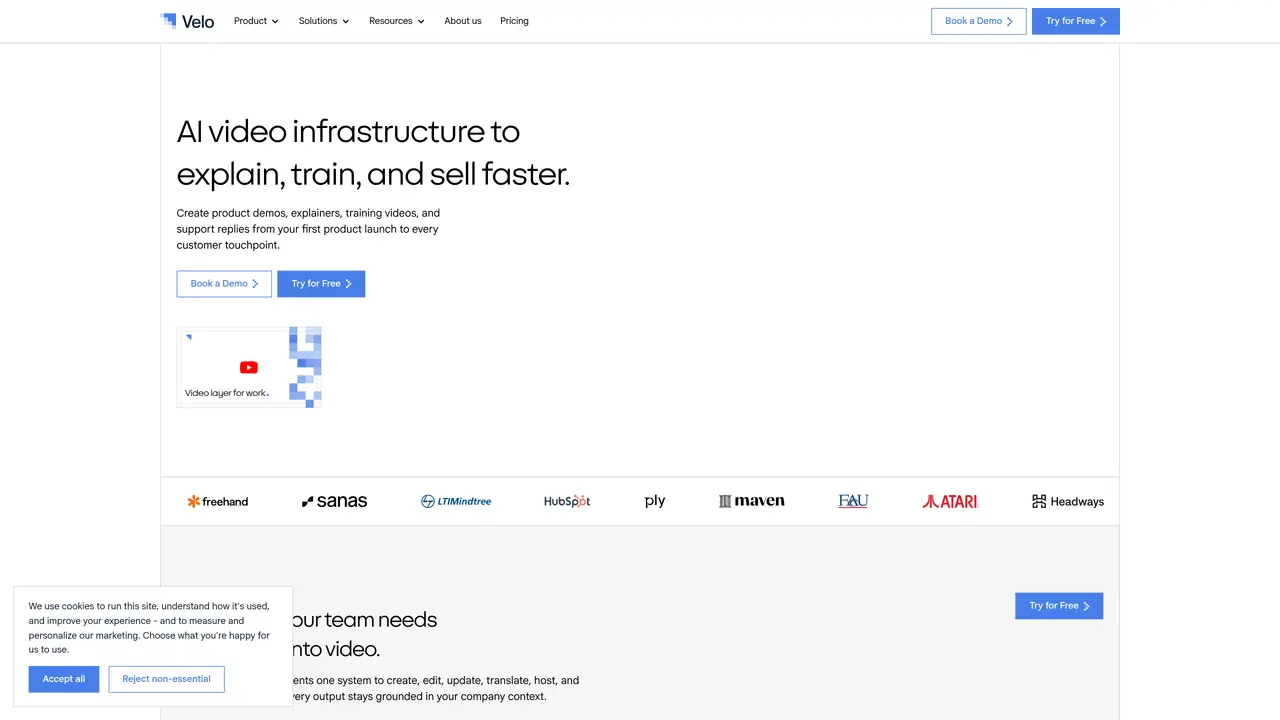
Velo focuses on turning raw screen recordings and product walkthroughs into polished video messages using AI. It combines an in‑browser “agentic” recorder, automated script writing, and an AI avatar that can present in the user’s own face and voice. Teams use it to replace multi‑take manual recordings with AI‑assisted demos, explainers, and training clips that look studio‑ready without a studio. Key Features: Agentic Browser Recorder: A browser agent watches clicks, follows instructions, and records flows automatically so users can work normally while Velo builds the demo in the background. Automated AI Script Generation: From a raw capture or uploaded mp4/meeting recording, Velo writes a fresh script, aligns narration timing, and restructures the story into a clear product demo or walkthrough. AI Avatar With Face And Voice: Velo generates a hyper‑realistic presenter that mirrors the user’s likeness, lip sync, eye blinks, and gestures, so videos feel personal without needing to appear on camera each time. Chrome Extension Screen Capture: One‑click capture across the desktop makes it simple to record complex user journeys across multiple tabs and apps. Brand‑Aware Video Editor: Users can apply a brand kit, pick personas, tweak cursor style and size, rewrite AI scripts with context, and fine‑tune scenes through an approachable web editor. Shareable Links And Viewer Insights: Finished videos are hosted with shareable links, plus analytics that highlight what viewers watch or drop off from, helping teams refine future content.
Velo is an AI-powered video platform designed to turn company context, documents, and workflows into structured videos for demos, support, onboarding, training, and sales. It automates video creation, updates, translations, hosting, and analytics from existing knowledge and artifacts.
Velo is built for teams across departments such as product marketing, customer support, learning and development, sales enablement, and human resources. It serves industries like SaaS, healthcare, manufacturing, and enterprise software.
Velo uses an agentic screen recorder to capture workflows, automated script generation to structure narratives, and AI avatars that mirror the user’s likeness and voice. It can also transform documents, screenshots, and product pages into polished videos with narration and visuals.
Yes, Velo supports workflow-triggered videos, auto-updating demos, and knowledge base integrations. It also offers an API and SDK for embedding video creation and hosting into existing systems and workflows.
Yes, Velo provides one-click translation capabilities, allowing teams to create videos in multiple languages while maintaining brand consistency and context.
Velo offers team workspaces, shared libraries, content governance, brand consistency controls, access management, and viewer tracking. It supports features like SSO, RBAC, SCIM, and centralized asset management for enterprise teams.
usevelo.ai · third-party estimates from Similarweb
Last 4 months · grows by one month every month
Share of visits · estimated visits
Other countries: 40.1%
Video & Animation · Sep 2026
Traffic figures are third-party estimates, good for scale and trends; they can differ from a company's own numbers. Updated monthly.
We use essential cookies to run aitoolnavio™, and optional cookies to analyze traffic and measure our marketing. You choose what we use — optional cookies stay off unless you turn them on. See our Privacy Policy.
One short email a week: fresh tools worth trying, honest takes and the updates that actually matter. No spam, unsubscribe any time.
Generate lifelike human videos with AI, making professional video creation fast and accessible for any user.
xAI builds Grok frontier AI models for reasoning, coding, voice, images, video, enterprise workflows, and developer APIs.
AI-powered video messaging tool that records, shares, and manages video messages with AI-generated titles, summaries, and tasks.
Explore and test Google’s experimental AI tools and prototypes before they become products.
Creates licensed videos, images, music.
Web and mobile AI platform for generating, editing, and training custom visuals from prompts with community models and face-swap tools.
Create stunning videos in a few clicks, customize with powerful tools, and automate editing without experience.
Create, convert, and enhance videos effortlessly with professional effects and royalty-free music.
Create engaging videos with voiceovers, music, and customizations using a library of royalty-free assets.
Create auto-resized campaign images and videos with DaVinci AI's generative media suite.
Freemium, uncensored AI video and image creation for individual creators with text-to-video, image effects, and gem-based upgrades for HD and no watermarks.
Generate cinematic video clips from text or images and refine them with AI-powered editing tools for creators and visual professionals.
Matched on what this tool does — grouped by the job you would be replacing.
matches Agentic Browser Recorder · Automated AI Script Generation · AI Avatar With Face And Voice
AI platform that turns screen recordings into interactive demos, videos, and visuals with AI voiceovers and editing—no designers required.
Turns silent screen recordings into polished, narrated tutorials with AI voiceovers and auto-syncing in minutes.
Turn a single screen recording into interactive demos, videos, and guides with AI, then brand and embed them anywhere to educate buyers, onboard users, and drive feature adoption.
Converts screen recordings into polished product demos with AI editing