Generate lifelike human videos with AI, making professional video creation fast and accessible for any user.
41M visits/mo+26.2%#1 Video & Animation
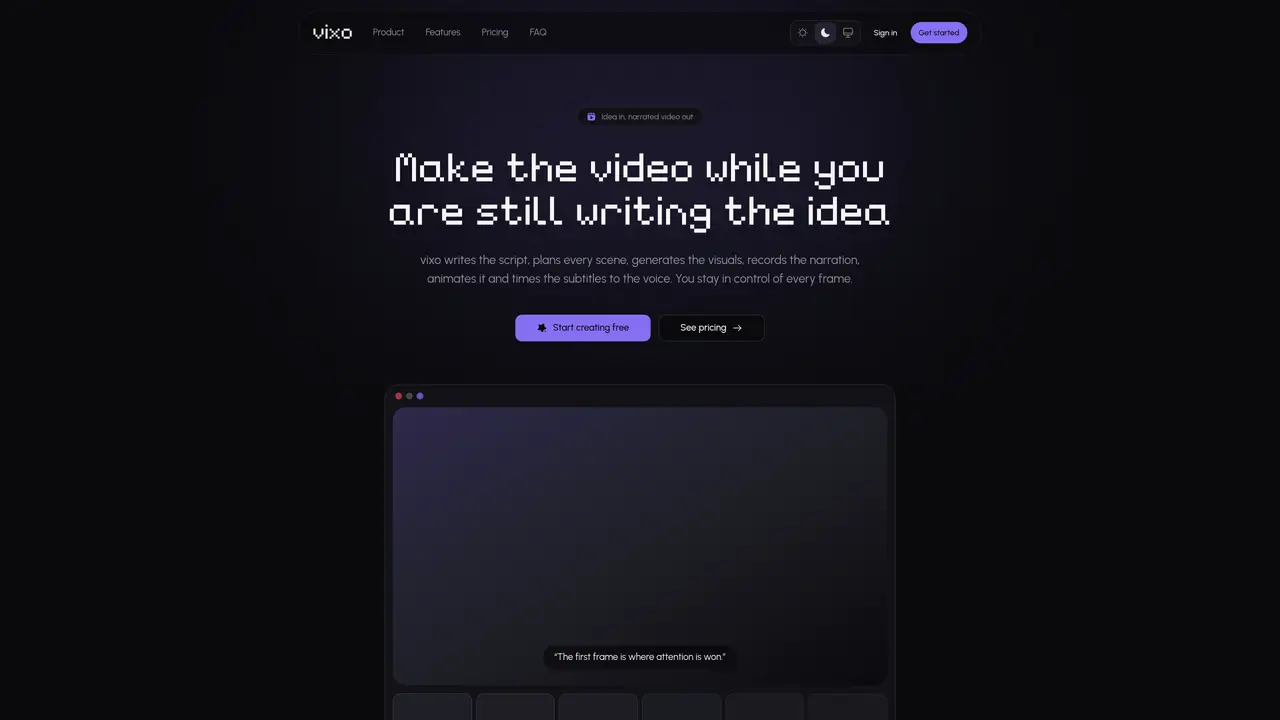
vixo automates the creation of narrated AI videos from a single idea. The tool drafts the script, plans individual scenes, generates visuals, records narration, animates transitions and synchronizes subtitles to the voice. Users retain control over each frame and can edit or regenerate any scene independently. The process runs in a single studio without requiring external stitching tools. Visuals are generated per scene in the chosen aspect ratio, with cinematic motion effects like Ken Burns zooms and crossfades. Narration is provided by hundreds of voices across multiple languages, timed to the millisecond for precise pacing. Subtitles are rendered word-level and synchronized with the audio. Videos are previewed and edited in-browser before exporting as MP4 files without installing software.
vixo automates the creation of narrated AI videos from a single idea. It drafts the script, plans scenes, generates visuals, records narration, animates transitions, and synchronizes subtitles to the voice, all within a single studio.
No, you can start with just a single idea or paste a finished script if you already have one. vixo will handle the rest of the process.
The time to create a video depends on its length and complexity, but vixo generates visuals, voiceover, motion, and subtitles automatically, scene by scene, in a single workflow.
Yes, you retain control over each frame and can edit or regenerate any scene independently before finalizing the video.
vixo offers hundreds of voices across multiple languages, allowing you to write and narrate in the language your audience speaks.
If a scene fails, you can regenerate it independently without affecting the rest of the video, as the process allows for individual scene adjustments.
We use essential cookies to run aitoolnavio™, and optional cookies to analyze traffic and measure our marketing. You choose what we use — optional cookies stay off unless you turn them on. See our Privacy Policy.
One short email a week: fresh tools worth trying, honest takes and the updates that actually matter. No spam, unsubscribe any time.
Generate lifelike human videos with AI, making professional video creation fast and accessible for any user.
xAI builds Grok frontier AI models for reasoning, coding, voice, images, video, enterprise workflows, and developer APIs.
AI-powered video messaging tool that records, shares, and manages video messages with AI-generated titles, summaries, and tasks.
Explore and test Google’s experimental AI tools and prototypes before they become products.
Creates licensed videos, images, music.
Web and mobile AI platform for generating, editing, and training custom visuals from prompts with community models and face-swap tools.
Create stunning videos in a few clicks, customize with powerful tools, and automate editing without experience.
Create, convert, and enhance videos effortlessly with professional effects and royalty-free music.
Create engaging videos with voiceovers, music, and customizations using a library of royalty-free assets.
Create auto-resized campaign images and videos with DaVinci AI's generative media suite.
Freemium, uncensored AI video and image creation for individual creators with text-to-video, image effects, and gem-based upgrades for HD and no watermarks.
Generate cinematic video clips from text or images and refine them with AI-powered editing tools for creators and visual professionals.
Matched on what this tool does — grouped by the job you would be replacing.
matches AI script drafting from a single idea · Scene planning with beat-based visual directions · Per-scene AI-generated visuals in user aspect ratio
Turn scripts into illustrated narrated videos with AI-generated visuals and voice-over in minutes.
AI tool that converts written scripts into fully voiced, subtitled videos without requiring camera footage or
Turns scripts into editable short videos with AI visuals, voiceover and captions
AI tool that generates faceless videos from scripts with narration and captions
matches AI script drafting from a single idea · Per-scene AI-generated visuals in user aspect ratio · Real-time voiceover generation with precise timing
matches AI-generated step-by-step scripts from screen recordings · Auto-syncing of audio, subtitles, and visuals in a multi-track editor · Direct text edit
AI-powered creative studio to generate professional videos with AI scriptwriting, asset creation, motion graphics, and multilingual voiceovers in minutes.
Turn prompts and creative ideas into cinematic AI videos for social media, marketing, and storytelling with Sparkv.
AI video generator that creates short cinematic videos from text or still images
AI studio converting text prompts or images into short videos with audio
Turns silent screen recordings into polished, narrated tutorials with AI voiceovers and auto-syncing in minutes.
Turns browser click-throughs into polished, branded how-to videos automatically with AI scripting, voiceovers, and editing.