AI video clipping and editing tool that turns long videos into short clips with captions, reframing, and one-click social publishing.
5.1M visits/mo-0.4%#9 Video & Animation

AI-powered tool that transcribes audio in 50+ languages and hard-burns styled captions into videos for creators and businesses.
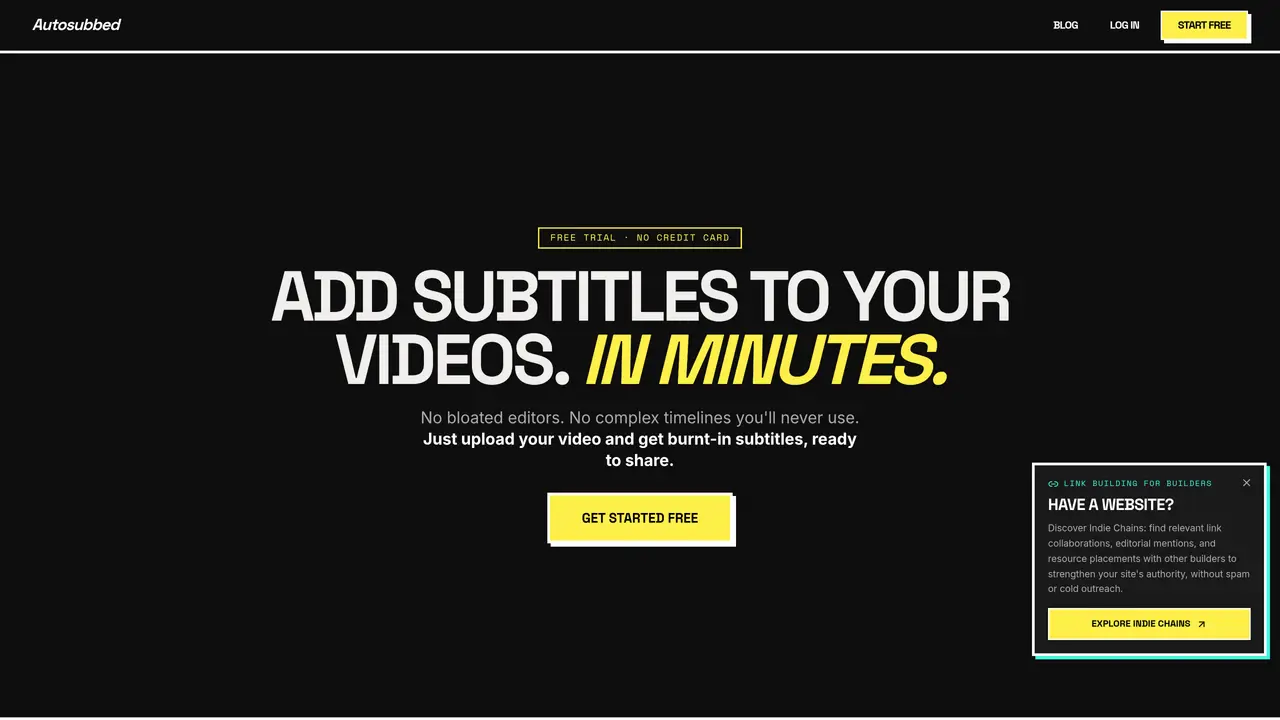
Autosubbed is an online AI-powered subtitle service designed to automatically transcribe and burn captions into videos without requiring manual editing. The tool leverages OpenAI Whisper for multi-pass neural transcription, supporting over 50 languages with automatic language detection and context-aware jargon handling. It processes MP4 or MOV files through a GPU-accelerated cloud pipeline, delivering a subtitle-burned video in under a minute for a typical 10-minute clip. Subtitles are permanently hardcoded into the video pixels, ensuring compatibility across social platforms like Instagram, TikTok, and LinkedIn where auto-play dominates. Users can customize fonts, colors, weights, and positioning to align with branding needs before processing. The service eliminates the complexity of timeline editors, making it ideal for creators, educators, marketers, and businesses seeking to enhance accessibility and engagement for global audiences. Autosubbed also offers downloadable SRT files on paid plans for additional flexibility in content distribution or manual review.
Autosubbed accepts MP4 and MOV files, which cover most video content from phones, cameras, and screen recorders. Files can be up to 500 MB per upload. For unsupported formats, users can convert files to MP4 using free tools like HandBrake before uploading.
Processing time scales with video length, but the GPU-accelerated pipeline typically completes a 10-minute video—including transcription, SRT generation, and subtitle burning—in under 60 seconds. Users can close the browser tab and return later; the processed file will be available for download.
Autosubbed uses OpenAI Whisper, a state-of-the-art speech recognition model trained on extensive multilingual audio. Accuracy exceeds 95% for clear, single-language recordings, but may drop with background noise, heavy accents, or overlapping speakers. Paid plans allow downloading the SRT file for review or edits before burning.
Yes. Before processing, users can select font families, adjust font weight and size, set text color, and configure positioning to match brand identity. The chosen style is permanently burned into every frame of the video.
Yes. New accounts include a free trial that allows processing one video up to 2 minutes long without requiring a credit card. The trial provides the burned-in video but does not include SRT file downloads.
On all paid plans, users can download both the final video with burned-in subtitles and the raw SRT file. The SRT file is useful for uploading captions separately to platforms like YouTube or making manual corrections before a second burn.
We use essential cookies to run aitoolnavio™, and optional cookies to analyze traffic and measure our marketing. You choose what we use — optional cookies stay off unless you turn them on. See our Privacy Policy.
One short email a week: fresh tools worth trying, honest takes and the updates that actually matter. No spam, unsubscribe any time.
AI video clipping and editing tool that turns long videos into short clips with captions, reframing, and one-click social publishing.
AI-powered video clipping and editing tool that extracts viral moments, adds captions, and schedules shorts for TikTok, YouTube, and Instagram.
Cloud-based video editor with AI-powered clip generation, voiceovers, and auto-subtitles for fast, browser-based editing.
Free online AI video editor for beginners to create videos with text, music, animations, and effects.
Create captivating videos with AI-based captions, edit and customize them, and easily share on social media.
Submagic is an AI tool that helps content creators create viral reels and shorts 10 times faster than any other video editing tool.
AI-powered tool for accurate captions, video clipping, and impactful face centering.
Web-based AI editor that upscales videos to 4K, removes backgrounds and watermarks, generates subtitles, makes clips, and translates videos.
AI video generator that turns scripts or prompts into faceless TikTok and YouTube Shorts with voiceovers, captions, and music for creators and small businesses.
Web-based drag-and-drop video editor for adding animated text, templates, and AI captions to social and marketing videos.
Turn long videos or text into viral short-form clips with AI avatars, captions, and auto-scheduling for TikTok, Reels, and YouTube Shorts.
AI-powered video editor for clips, captions, supercuts and web animations
Matched on what this tool does — grouped by the job you would be replacing.
matches Hard-burns styled captions directly into MP4/MOV videos · Brand-styled subtitle customization options · Handles audio with background noise and varying clarity
Cloud-based video editor with AI-powered clip generation, voiceovers, and auto-subtitles for fast, browser-based editing.
AI-powered service to transcribe audio and video files with customizable styles, subtitles, and multilingual support.
On-device subtitle and caption generator for videos with animated styles
AI captioning and transcription web app that generates, edits, and exports subtitles and 4K videos with viral templates for creators and marketers.
matches AI transcription in 50+ languages with auto-detection · Multi-pass neural transcription for accuracy with jargon and slang
AI video localization platform for creators and teams to generate subtitles, translate into 200+ languages, and produce AI dubbing with voice cloning and lip-sync.
AI-powered transcription tool that converts audio and video files into text with support for 98+ languages and auto-generated summaries.
Converts audio and video files to text using AI
Browser-based tool for local audio and video transcription and subtitle editing