
Design, automate, and analyze email campaigns with drag-and-drop builders, AI editing, and real-time analytics.
5.2M visits/mo+4.7%#21 Business & Marketing

Automatically scan inbox, create effective responses, and provide spellcheck for professional emails.
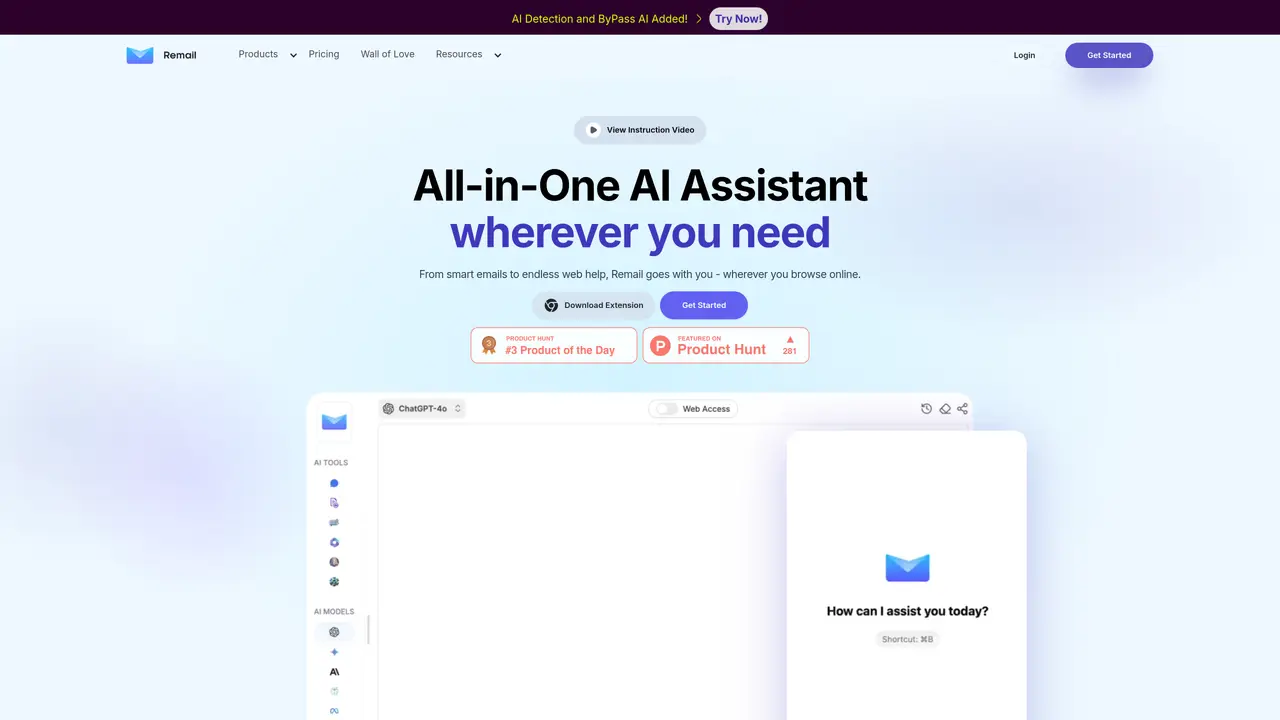
Remail is an AI-powered Chrome extension designed to streamline email communication for Gmail users by helping them compose professional replies quickly and efficiently. The tool analyzes incoming emails to understand the context of ongoing conversations, enabling users to generate contextually appropriate and personalized responses with minimal effort. By automating the drafting process, Remail reduces the time spent on email composition while maintaining a high standard of professionalism. The extension also includes built-in spellcheck and grammar correction features to ensure emails are polished and error-free before sending. Users can customize the tone, style, and formatting of their replies to align with their personal or brand voice, ensuring consistency across all communications. Remail is particularly useful for busy professionals, entrepreneurs, and students who need to manage high volumes of email without sacrificing quality. The tool integrates seamlessly with Gmail, operating directly within the inbox to provide real-time assistance. Its focus on efficiency and professionalism makes it a valuable asset for anyone looking to improve their email productivity.
Remail is an all-in-one AI assistant available as a Chrome extension and web app that helps users write and reply to emails up to 10 times faster. It analyzes email context to generate appropriate responses, offers grammar and spellcheck, and integrates with multiple AI models for enhanced productivity.
Remail is designed for professionals across various fields, including entrepreneurs, analysts, developers, marketers, customer service representatives, researchers, and students. It caters to anyone who needs to compose professional emails or analyze large volumes of text efficiently.
Remail functions as a browser extension for Chrome and can be accessed via a web app. It provides an AI sidebar for quick access to features and works alongside search engines to summarize or explain selected text directly within web pages.
Yes, Remail allows users to customize responses to align with their personal style or brand voice. The AI can be tailored to generate replies that reflect the user's unique tone and preferences.
Beyond email assistance, Remail includes tools for chatting with websites, summarizing YouTube videos, translating web pages, generating images, creating mind maps, and assisting with content creation, research, and data analysis.
To get started, users can download the Remail Chrome extension from the Chrome Web Store or access the web app directly. The platform provides an instruction video and onboarding resources to guide new users through setup and usage.
remail.ai · third-party estimates from Similarweb
Last 4 months · grows by one month every month
Share of visits · estimated visits
Writing & Content · Sep 2026
Traffic figures are third-party estimates, good for scale and trends; they can differ from a company's own numbers. Updated monthly.
We use essential cookies to run aitoolnavio™, and optional cookies to analyze traffic and measure our marketing. You choose what we use — optional cookies stay off unless you turn them on. See our Privacy Policy.
One short email a week: fresh tools worth trying, honest takes and the updates that actually matter. No spam, unsubscribe any time.
Design, automate, and analyze email campaigns with drag-and-drop builders, AI editing, and real-time analytics.
Identify contacts, generate emails, track prospects and accounts based on key signals.
AI assistant that automates routine work across email, calendar, Slack, files and other tools with human oversight.
Schedule events, streamline projects, and draft emails efficiently with its features.
AI-powered email assistant that organizes inboxes, drafts replies, and automates routine tasks for professionals.
Generate SEO-friendly YouTube video scripts and descriptions for blog posts.
Create personalized emails, follow up automatically, and analyze for optimization and insights.
AI-powered email management for Gmail and Google Workspace teams with shared inboxes, AI drafting, automation, and analytics.
Cross-platform email client with unified inbox, calendar, and optional AI assistance for students, professionals, and small teams.
AI executive assistant that organizes Gmail and Outlook inboxes, drafts replies in your voice, schedules meetings, and tracks follow-ups for busy professionals.
Create interactive email campaigns with automated personalization.
Automate responses, personalize emails, and enjoy an intuitive interface for efficient email management.
Matched on what this tool does — grouped by the job you would be replacing.
matches Automatically scans inbox to identify context of conversation · Creates personalized, effective responses with minimal effort · Provides spellcheck and grammar corrections for professional emails
Auto-respond to emails, detect context, and access as a browser extension.
Automate email responses, customize emails, and set up scheduling and reminders effortlessly.
Automate email drafts, optimize communication, enhance productivity with advanced AI-powered features.
Automatically generate tailored emails, create emails quickly with AI-powered technologies, and save time and energy.