AI chatbot for conversation, work, research, coding, and content creation.
5.9B visits/mo+5%#1 Chatbots & Assistants

AI-powered Google Docs writing assistant that generates native suggestions, explains edits, and preserves formatting for faster editing.
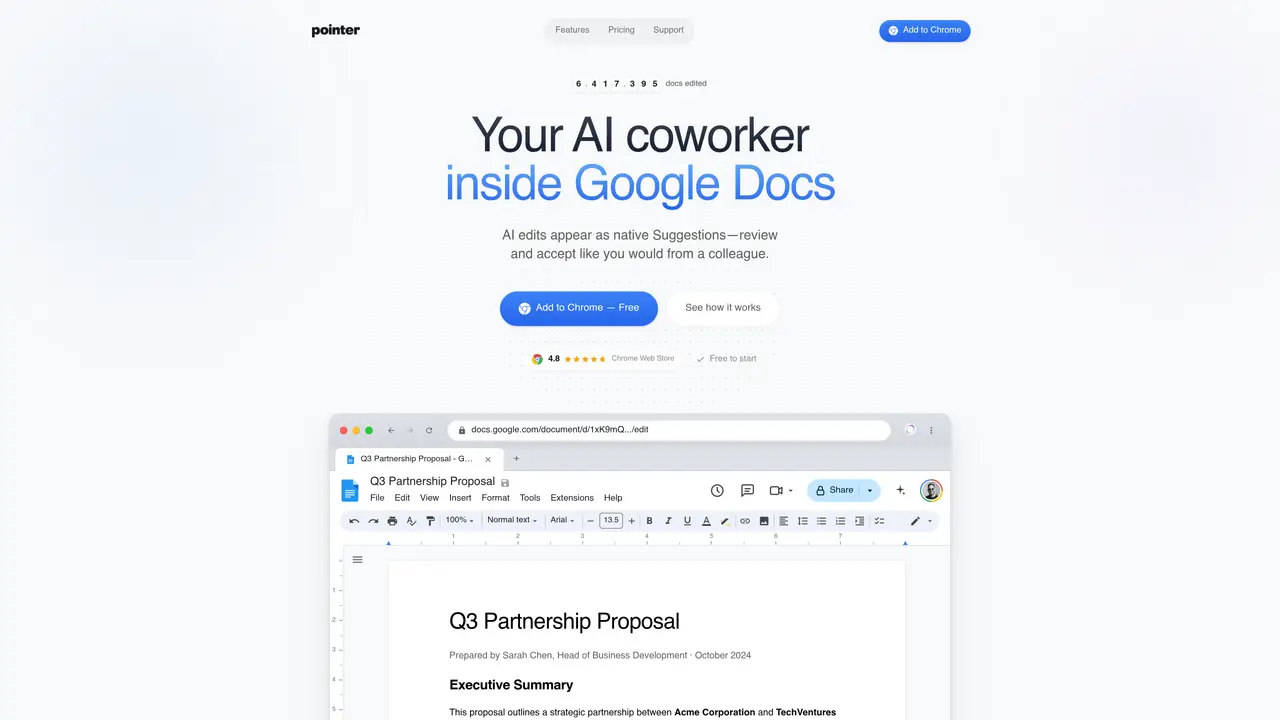
Pointer is a Chrome extension AI writing assistant designed for professionals and power users who write and edit in Google Docs. It integrates directly into the document, generating in-document suggestions that can be accepted or rejected like reviewing a human collaborator. The tool is powered by Claude, providing explanations for each edit to help users understand the reasoning behind changes. Pointer preserves formatting, including headings, lists, tables, and styles, ensuring edits are applied seamlessly without disrupting the document structure. It also supports voice typing, enabling speech-to-text editing workflows through voice commands. The extension is available as a freemium model, offering a free trial and both monthly and yearly paid plans, with a Pro plan priced at $19.95 per month. Its in-document workflow eliminates the need to draft changes in external chat tools and copy them back, streamlining the editing process for faster productivity.
Pointer is a Chrome extension that integrates directly into Google Docs as an AI writing assistant. It generates in-document suggestions that appear as native Google Docs Suggestions, allowing users to review, accept, or reject edits with explanations, similar to collaborating with a colleague.
Pointer is designed for professionals and power users who frequently write and edit in Google Docs, including business developers, researchers, and content creators seeking efficient, context-aware editing assistance.
Yes, Pointer supports over 35 languages, including full support for non-Latin scripts, enabling users to write and edit in their native language.
Yes, Pointer preserves formatting such as headings, lists, tables, and styles, ensuring edits are applied seamlessly without disrupting the document structure.
Install the Pointer Chrome extension from the Chrome Web Store, then open a Google Doc and use the Pointer bar at the bottom to describe your editing needs in plain English. The tool will generate suggestions directly in the document.
Pointer offers a freemium model with a free trial, allowing users to start using the tool at no cost before upgrading to a paid plan for additional features.
getpointer.ai · third-party estimates from Similarweb
Last 4 months · grows by one month every month
Share of visits · estimated visits
Writing & Content · Sep 2026
Traffic figures are third-party estimates, good for scale and trends; they can differ from a company's own numbers. Updated monthly.
We use essential cookies to run aitoolnavio™, and optional cookies to analyze traffic and measure our marketing. You choose what we use — optional cookies stay off unless you turn them on. See our Privacy Policy.
One short email a week: fresh tools worth trying, honest takes and the updates that actually matter. No spam, unsubscribe any time.
AI chatbot for conversation, work, research, coding, and content creation.
Generate content, correct spelling, suggest synonyms to enhance writing.
Summarizes, extracts, and rewrites content from files.
Automate research, make corrections, and integrate easily into text editors for convenient content generation and error detection.
AI-powered writing assistant for grammar, style, and tone improvements across documents and emails.
Instantly detect AI-generated text, identify plagiarism, and customize the detection process.
A free web-based AI chatbot and agent for writing, coding, research, and content creation with multilingual support.
AI research assistant that finds trusted sources, summarizes documents and videos, and generates cited answers with a browser extension for capturing findings.
AI-powered proofreading, editing, plagiarism checking, and citation generation for academic papers.
AI-powered web design suite inside Webflow that generates sites, code components, and SEO improvements from prompts.
Get quick copywriting help, generate marketing copy, and easily translate, explain, and rephrase web page text.
Craft captivating stories effortlessly using AI-powered GPT technology and an intuitive interface.
Matched on what this tool does — grouped by the job you would be replacing.
matches Native Google Docs suggestions with revision history · Claude-powered editing with contextual explanations · Preserves formatting and document structure
Instantly generate polished documents, presentations, and reports from a single prompt with AI-native formatting and design.
Generate multilingual team reports, collaborate in real-time, and automate research for quick blog post generation.
AI-powered writing studio for polishing drafts while preserving original voice
matches Voice typing support for speech-to-text editing
Dictate and edit documents three times faster with AI.
AI speech-to-text dictation app for fast voice typing across Mac, Windows, and iPhone with system-wide hotkeys and auto formatting.
A macOS voice AI assistant that writes, edits, and automates text tasks directly in any app using natural speech.
A voice-native text editor that lets users create and edit documents entirely through natural language voice commands.