Generate content, correct spelling, suggest synonyms to enhance writing.
173M visits/mo+0.1%#1 Productivity & Office

A voice-native text editor that lets users create and edit documents entirely through natural language voice commands.
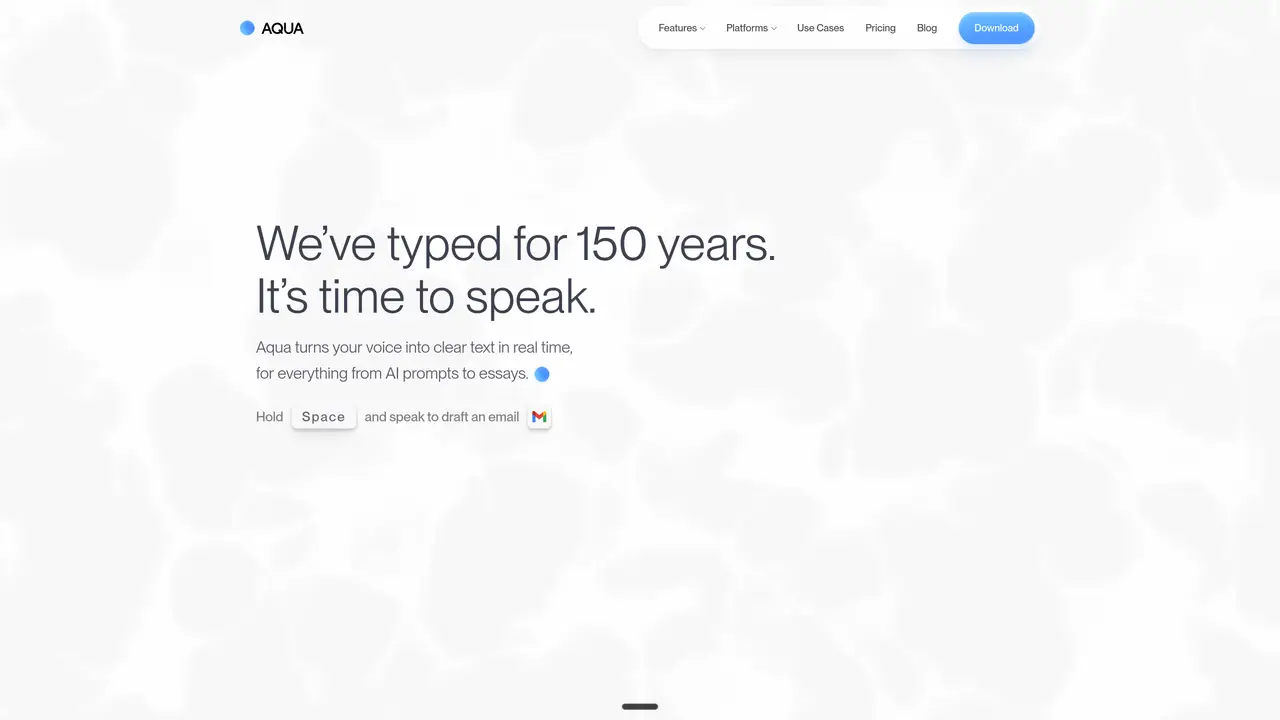
Aqua Voice transforms spoken language into clear, structured text in real time, serving as a voice-native text editor for drafting, editing, and refining documents entirely through voice commands. The tool is built for users who seek to streamline writing workflows by eliminating manual typing, whether for composing emails, outlining documents, or writing code. Aqua Voice understands technical syntax, frameworks, and libraries, making it particularly useful for developers who need to dictate code, prompts, or technical documentation with precision. It adapts to natural speech patterns, refining ideas on the fly and converting rambling thoughts into polished, ready-to-use text. By fitting naturally into existing applications, Aqua Voice allows users to draft updates, refactor code, or create content without switching tools or interrupting their flow. The platform emphasizes speed and accuracy, enabling users to write up to five times faster than traditional typing while maintaining clarity and technical correctness. It caters to professionals, multitaskers, and individuals with accessibility needs who prioritize efficiency and hands-free operation in their writing processes.
Aqua Voice converts spoken language into clear, structured text in real time, enabling hands-free document creation, editing, and coding through voice commands.
It is designed for professionals, developers, multitaskers, and users with accessibility needs who prefer or require voice-based interaction for writing and editing tasks.
Aqua Voice works seamlessly across applications without requiring setup, allowing users to dictate text directly into any tool they use daily.
Yes, Aqua Voice is designed to recognize technical syntax, frameworks, and libraries, making it suitable for coding and technical writing.
Yes, Aqua Voice relies on an internet connection for real-time transcription and processing.
Download the iOS app and start transcribing by holding the spacebar to speak, then releasing to convert your speech into text instantly.
We use essential cookies to run aitoolnavio™, and optional cookies to analyze traffic and measure our marketing. You choose what we use — optional cookies stay off unless you turn them on. See our Privacy Policy.
One short email a week: fresh tools worth trying, honest takes and the updates that actually matter. No spam, unsubscribe any time.
Generate content, correct spelling, suggest synonyms to enhance writing.
Turn messy team ideas into actionable plans with Miro's visual workspace.
Leverage analytics, automate tasks, share documents, and coordinate projects.
Integrates AI into Airtable to analyze data, summarize insights, draft content, and automate workflows without prior AI experience.
Cloud accounting software that automates bookkeeping, invoicing, and financial reporting for small and growing businesses.
Streamline teamwork, manage projects, automate tasks efficiently.
Automate code, research, and documents using agents.
AI assistant for safe, reliable productivity with code, collaboration, and integrations.
Create customizable tables, databases, and spreadsheets, share data securely with team members.
Easy-to-use CRM platform that automates lead capturing, prioritizes tasks, and provides sales pipeline analytics for businesses of all sizes.
Transforms thoughts into actions, enhancing productivity and efficiency.
Write & run code in 50+ languages, auto-complete with AI, and code faster with an intuitive interface.
Matched on what this tool does — grouped by the job you would be replacing.
Paid placement · similar tools from listings that support aitoolnavio™
Instant lead response for home-service pros: your phone rings on every new lead, plus 14 days of follow-up
matches Dictate text directly into documents · Perform corrections using voice commands · Apply formatting through voice instructions
Dictate and edit documents three times faster with AI.
Dictate messages with real-time transcription.
A macOS AI assistant that lets users control their computer with natural language commands across applications.
A MacOS app that lets users control their computer with voice commands, dictate text, and automate workflows using GPT-4.